Latest posts
RSS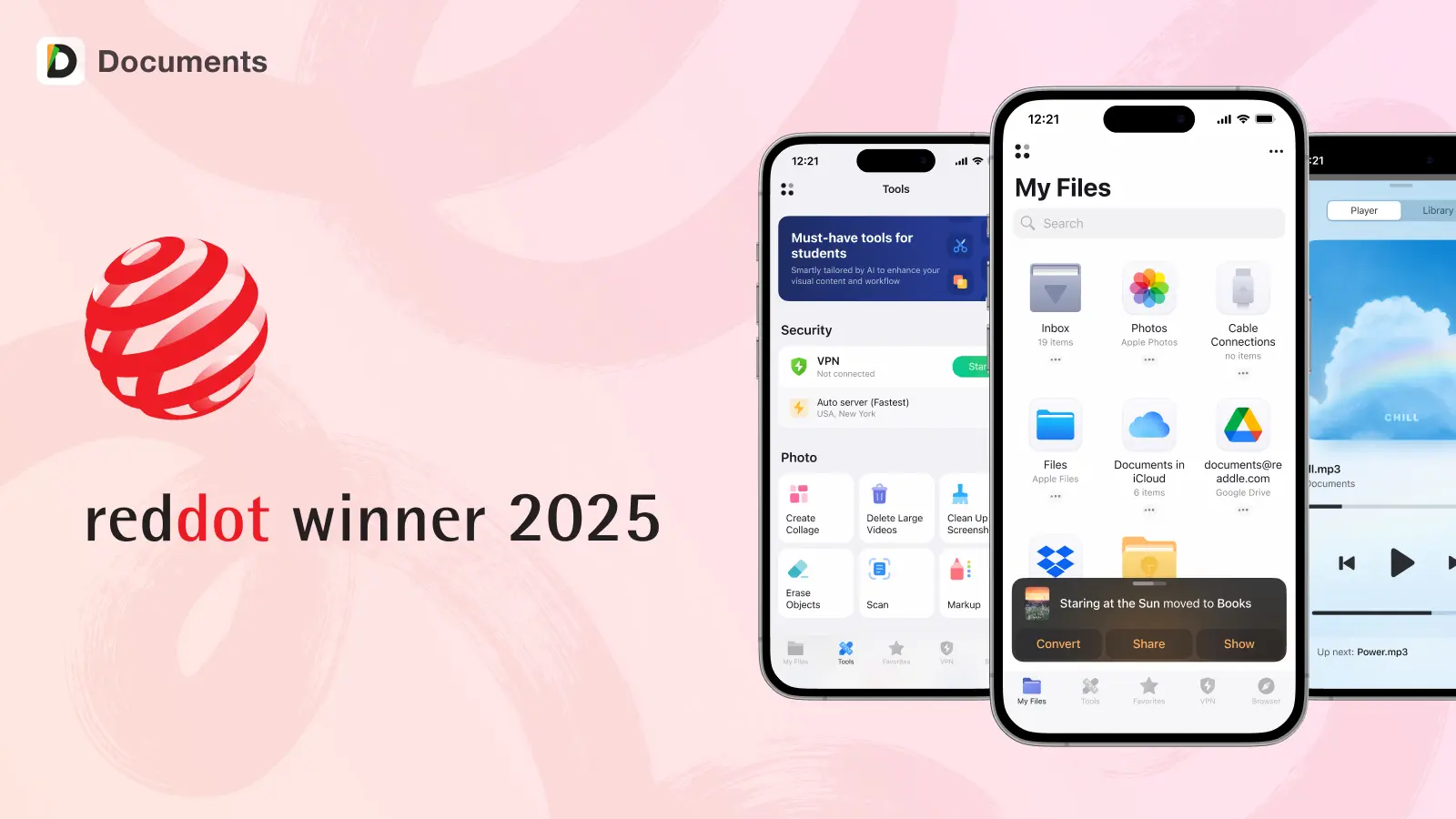
Documents by Readdle wins a Red Dot Design Award 2025
Great design often goes unnoticed. That’s the point, and why Documents just earned a Red Dot Award for user experience.
Jul 17, 2025
306

Never lose an important link again with Documents
Drowning in open tabs and lost links? Documents now lets you save and organize links just like files. Keep your must-reads, work references, and favorite videos all in one place, where they belong.
Jun 3, 2025
176170
.jpg)
Introducing Calendars Planner: a new easy way to manage your daily tasks on iPhone
Discover Calendars Planner for iPhone — the simple and seamless way to organize tasks, manage your time, and plan your day with ease. Perfect for staying on top of what matters.
Mar 25, 2025
4433

Let your files do the remembering: Discover File Reminders in Documents
Never lose track of an important file. Set reminders in Documents and get notified when you need to take action, keeping your workflow organized and stress-free.
Mar 11, 2025
534086

Drag and Drop: a smarter way to manage files
File management made easy. With drag and drop in Documents, you can move, organize, and take action on your files effortlessly—anytime, anywhere.
Jan 30, 2025
47116

Mythbusting time management: fact or fiction?
People have been thinking about the secret to maximizing productivity for centuries, yet many of the strategies we've embraced are rooted in myths. This article reveals the truth about common misconceptions about productivity and explains how Calendars can help you break free of patterned systems.
Dec 26, 2024
3727

Inside ScannerPro: The Tech Behind Perfect Scans
Scanner Pro was launched in 2009, introducing groundbreaking technology that replaced bulky, outdated scanning machines. It revolutionized the market by making document scanning easy and accessible for everyone. Scanner Pro quickly became the number one app in the business category across 25 countries. However, developing such an innovative app was a long and complex process, requiring cutting-edge technology. So, what’s the tech behind Scanner Pro’s success? Take a deep dive into our first article, exploring the intricacies of our border detection features.
Dec 18, 2024
1795

Happy Holidays from Documents: reflecting on 2024
From launching Smart Eraser to introducing new icons, 2024 was an exciting year for Documents. Discover the highlights and biggest updates of the year below!
Dec 12, 2024
5597

Why these two apps made learning French easy
The desire to master a new language and pursue a new hobby led me to discover organizational tools that not only streamlined my online classes but also enriched my learning experience. With Scanner Pro and PDF Expert in my toolkit, language acquisition became a journey marked by efficiency, collaboration, and a deeper engagement with the cultural nuances embedded in the French language.
Nov 28, 2024
3280

Protect your precious memories: 4 ways you can back up photos from your iPhone and iPad
There are several different ways to back up and safeguard the photos stored on your iPhone and iPad. From cloud-based solutions that offer seamless syncing across devices to physical storage options that provide tangible peace of mind and from backup-everything solutions to choose-what-you-want-to-backup methods, the choices can seem overwhelming. Here are four ways you can back up your photos from iPhone and iPad.
Nov 18, 2024
16477


