





Power operational efficiency across multiple teams and locations
Discover Fluix for Enterprise
English
Go paperless. Automate tasks. Remove bottlenecks. Improve your operational efficiency with Fluix.
Based on 


Full-cycle document management

Control over critical operations

Accurate data for actionable insights
Transforming slow paper process into a smooth digital journey
From Paper Chaos to Full-Cycle Management Learn More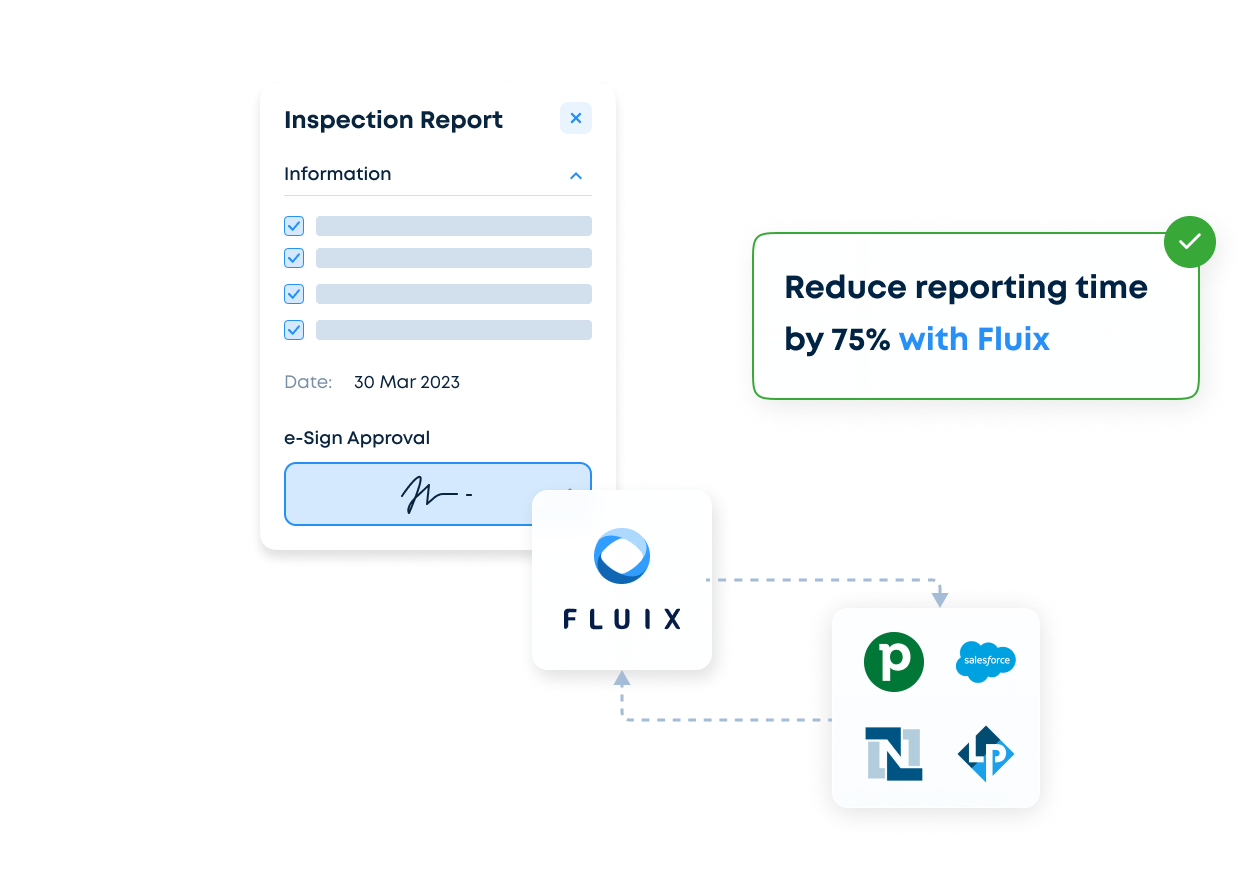
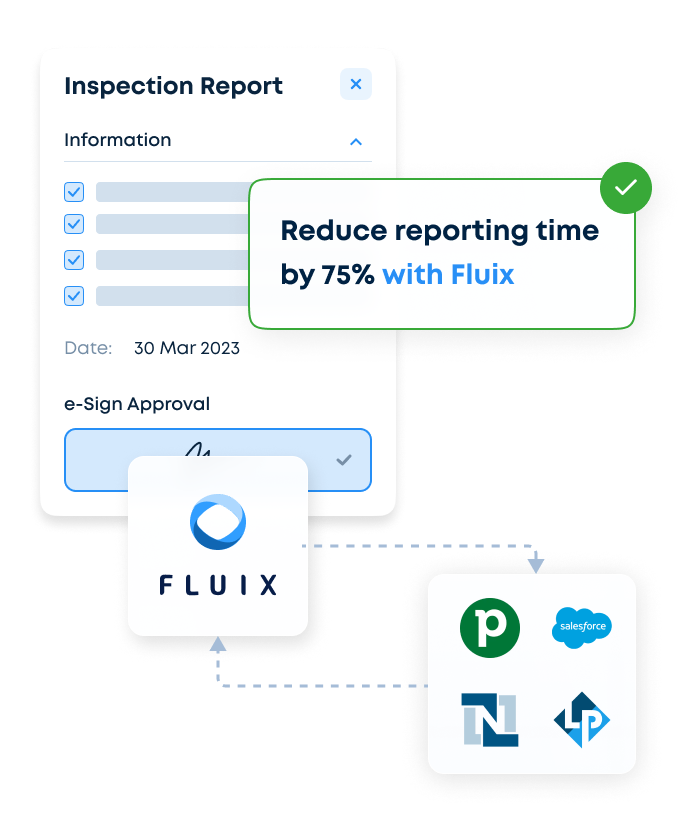
Swift approval cycles, enhanced safety and compliance, efficient training
Bringing Your Critical Processes Under Control Learn More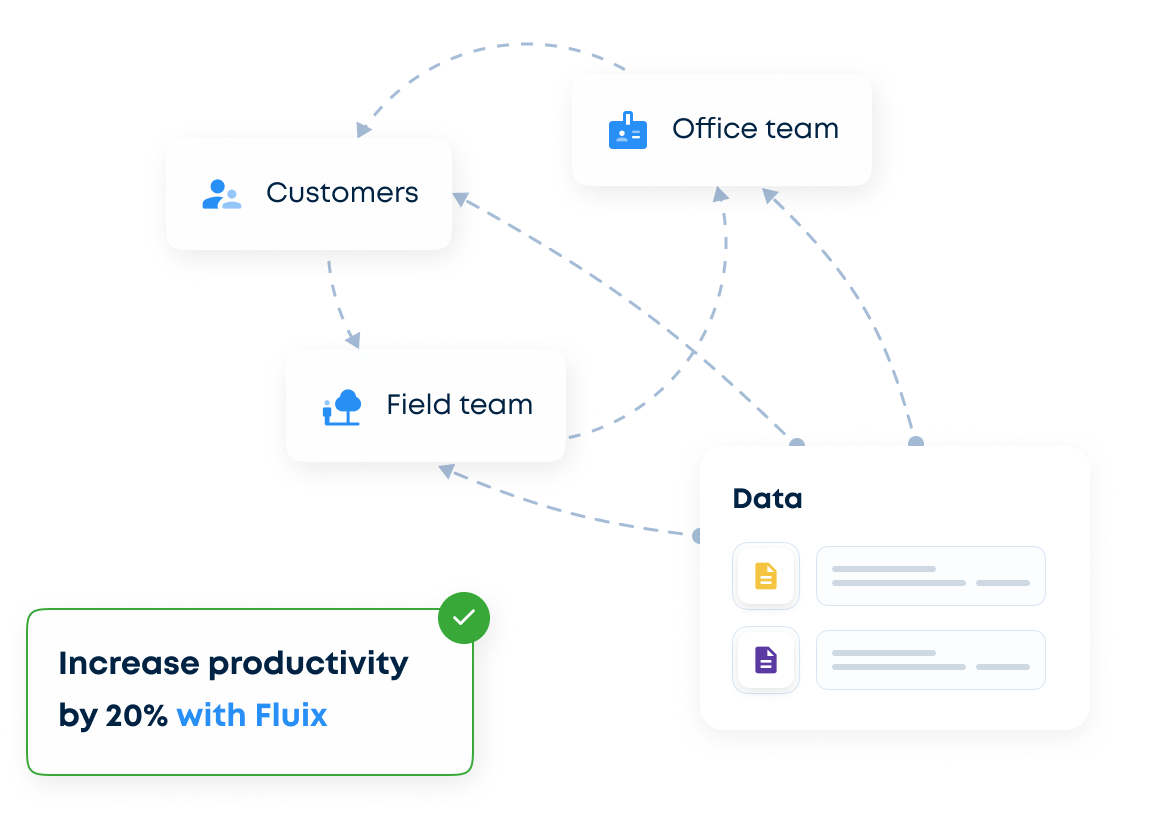
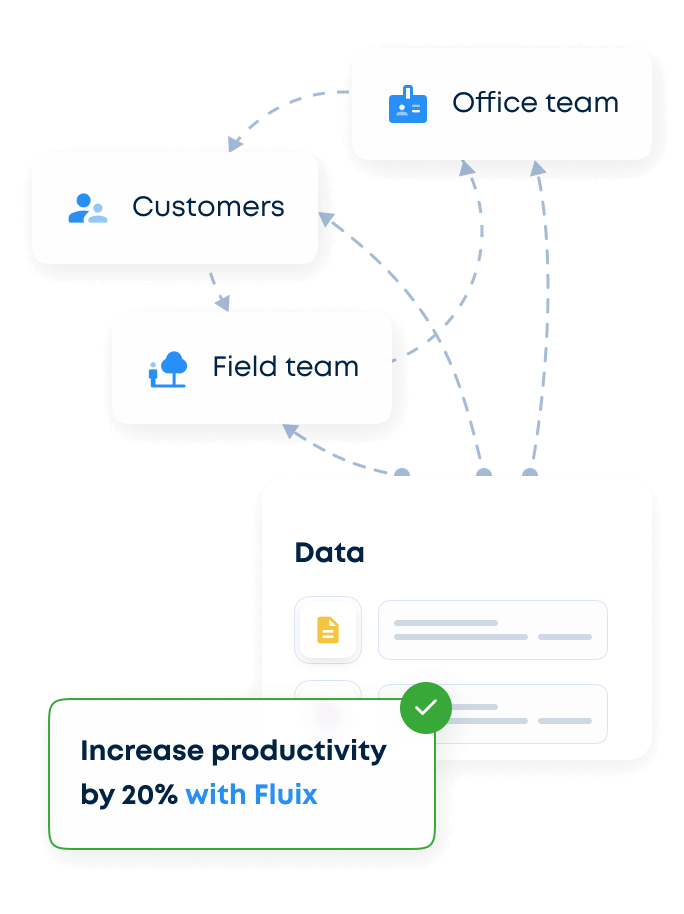
Data-driven insights that save time and money across your organization
Converting Data into Strategic Business Advantage Learn More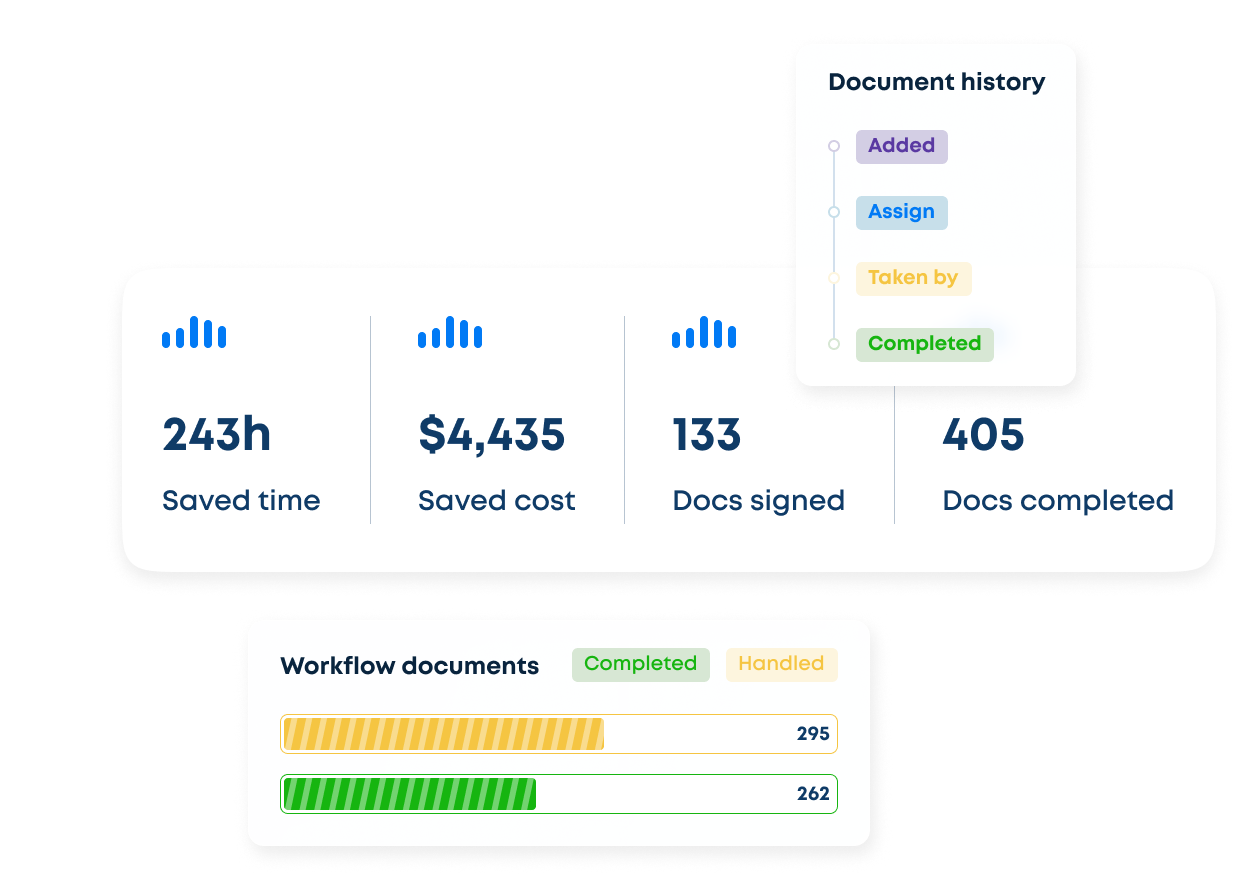



When we have a last minute charter, our Flight Operations department can upload important airfield briefs into Fluix, so pilots receive critical safety information immediately.
Andrew Taggart, Line Training Captain



With automated workflows for remote teams, our quality documentation is being received instantly and overall quality and consistency has risen dramatically.
Lachlan Jamieson, Project Manager



We are proud to have Fluix as a partner, as it allowed us to automate our mobile processes without the need to write apps ourselves.
Timo Göbel, Head of IT Department



Fluix allowed us to reduce the training time and made it easier for technicians to upskill on multiple projects.
Susanne Svenningsen, Training Program Manager



We use Fluix to create safety documents. This way, auditors can look at the records in one system which are vital to cultivating and maintaining a proactive safety culture.
Leanne Lawrence, Administration Manager


















Fluix Integrates with Tools Your Team Already Uses
