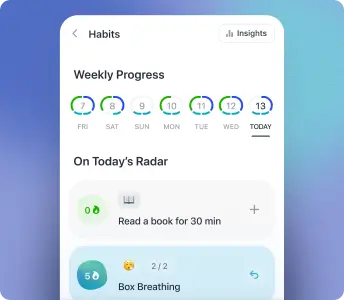
Habit tracker
Build lasting habits with gentle reminders and Apple Watch check-ins.
For iPhone, iPad & Mac. Sync Google Calendar, Outlook & iCloud. Manage events, todos, and to-do lists in one clear view without overwhelm.


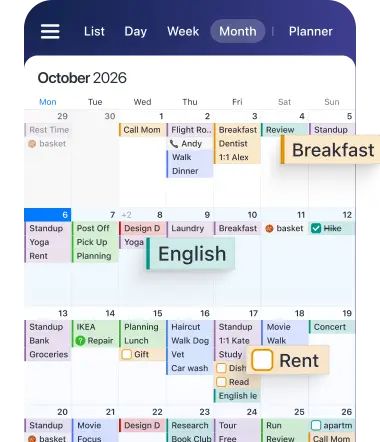
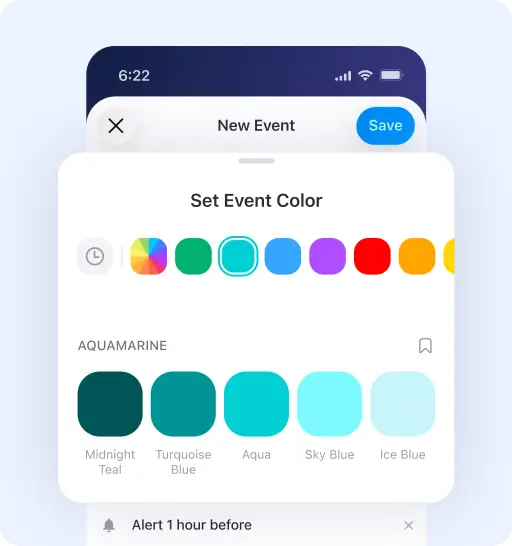
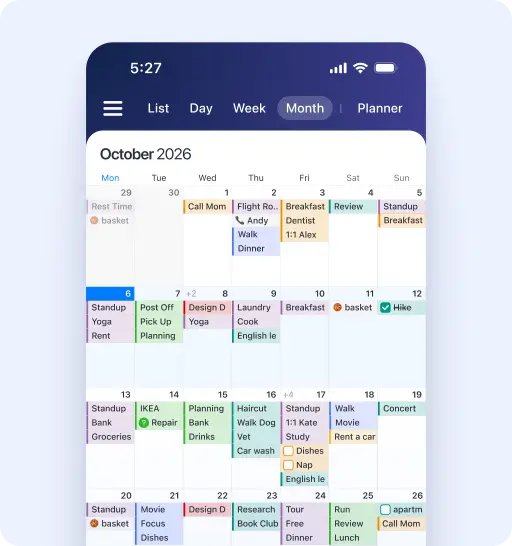
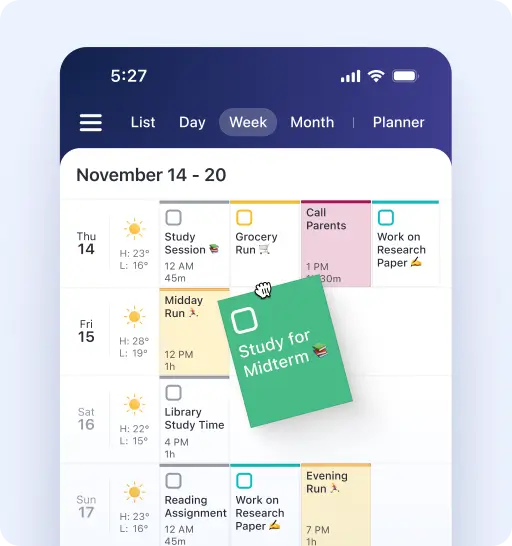
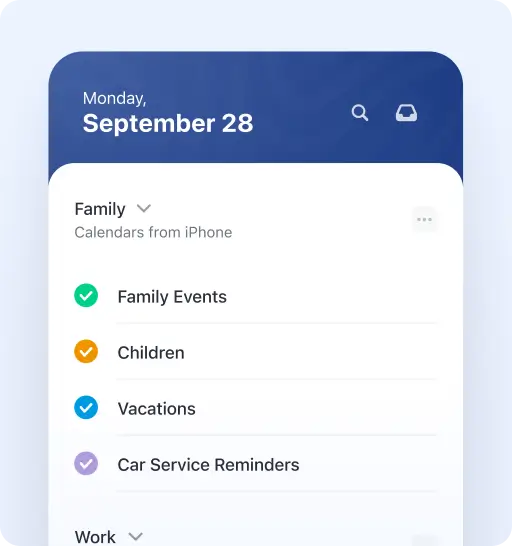
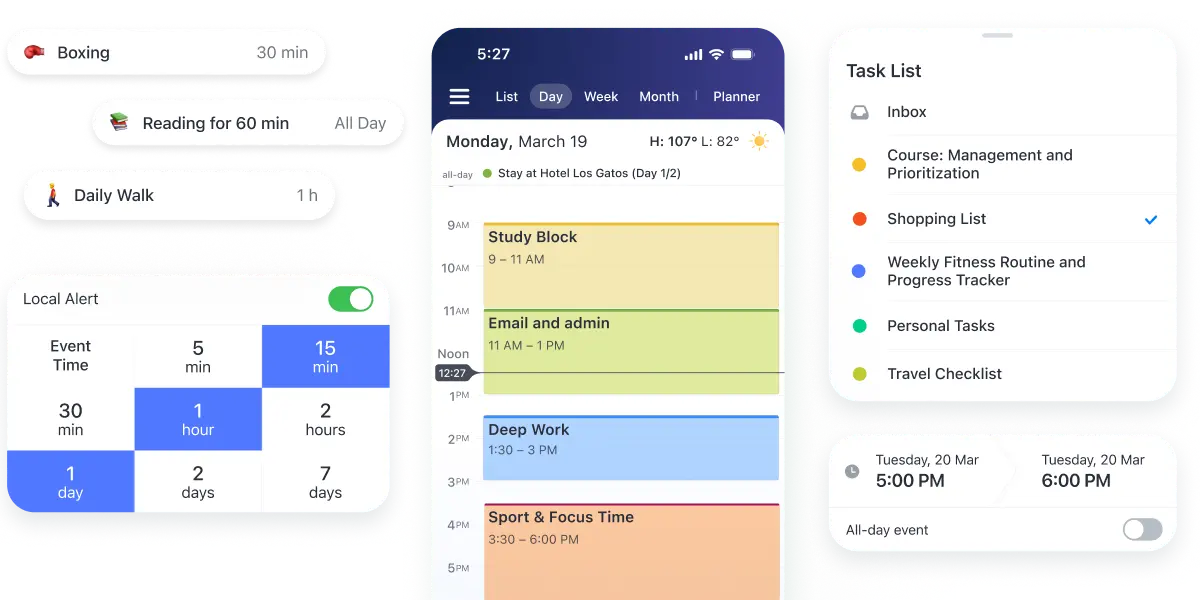
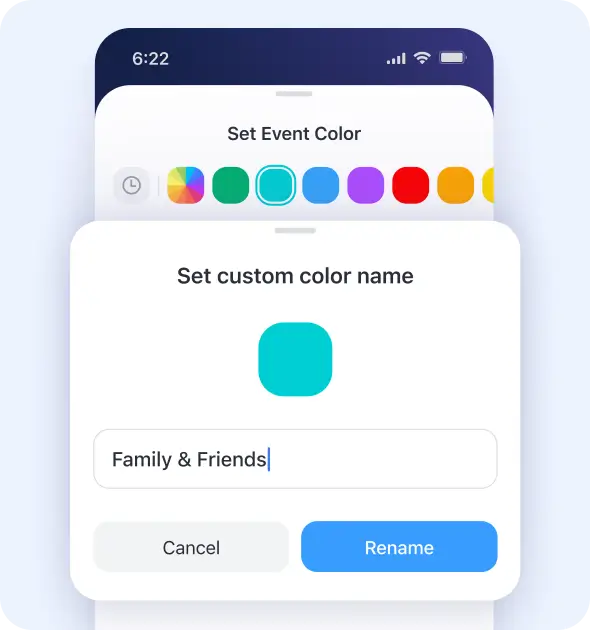
Assign colors to calendars or individual types so your week is easy to read at a glance. See what's ahead today, this week, or month — and reschedule plans with a simple drag and drop.
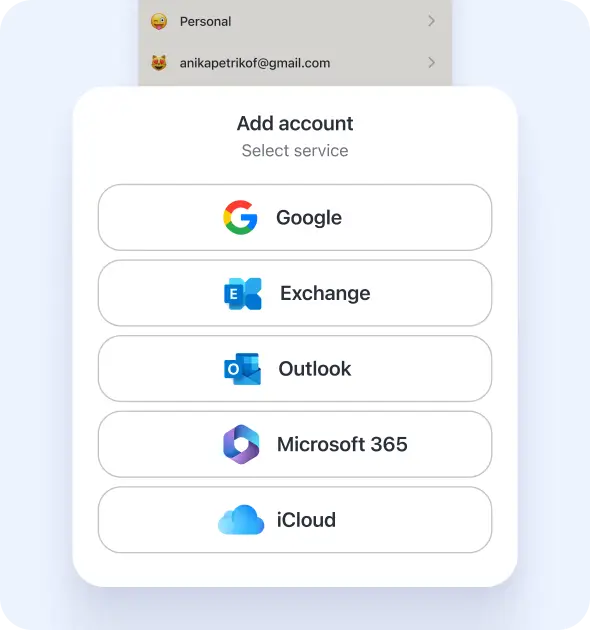
Already using Google Calendar? Calendars syncs your Google events, Outlook meetings, iCloud reminders, and tasks into one clear view. Switch in minutes and keep everything together, without plans getting scattered across apps.
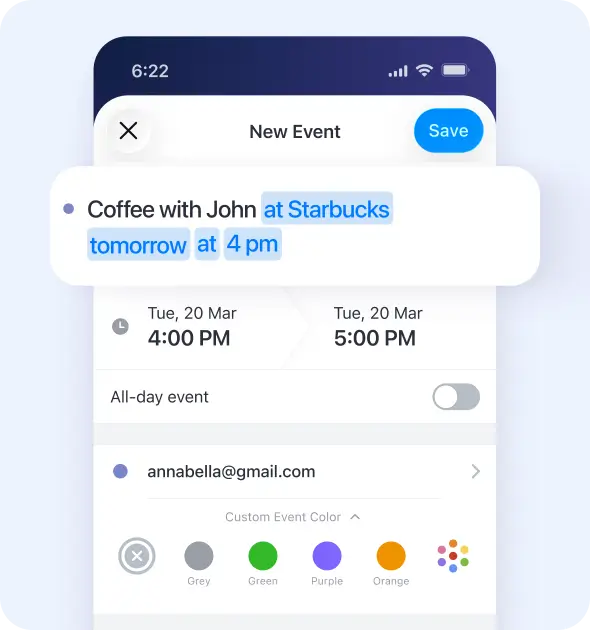
Meeting John at Starbucks at 4 p.m.? Just type it. Type the way you talk. Calendars instantly turns plain text into an event with the right time, location, and contact. Daily planning stays as simple as sending a quick message.
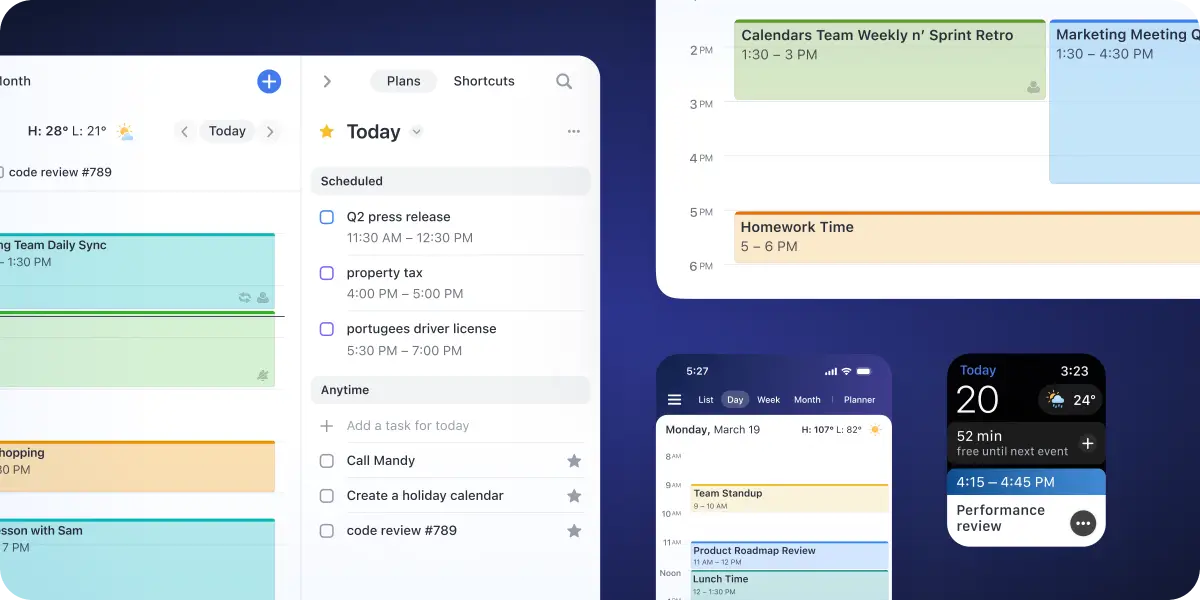
Calendars keeps your schedule, tasks, and plans in sync across Mac, iPhone, iPad, and Apple Watch. Everything stays connected, wherever your day goes.
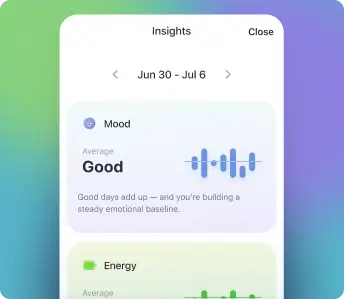
Calendars gives you space to plan your day without letting your schedule take over. Track habits, check in with your mood, and build routines that support your wellbeing — bringing more calm and clarity to your day. Explore the Mindful Productivity Masterclass to discover ways to use your time and energy with more intention.
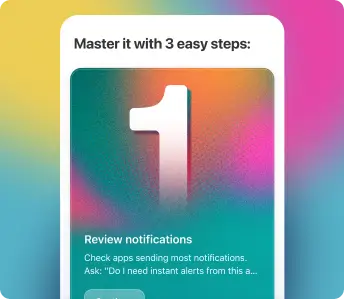
Build lasting habits with gentle reminders and Apple Watch check-ins.
Log how you feel to spot energy patterns over time and plan realistic days around your natural rhythm.
A course to build mindful habits, find focus, and create routines that support your wellbeing.
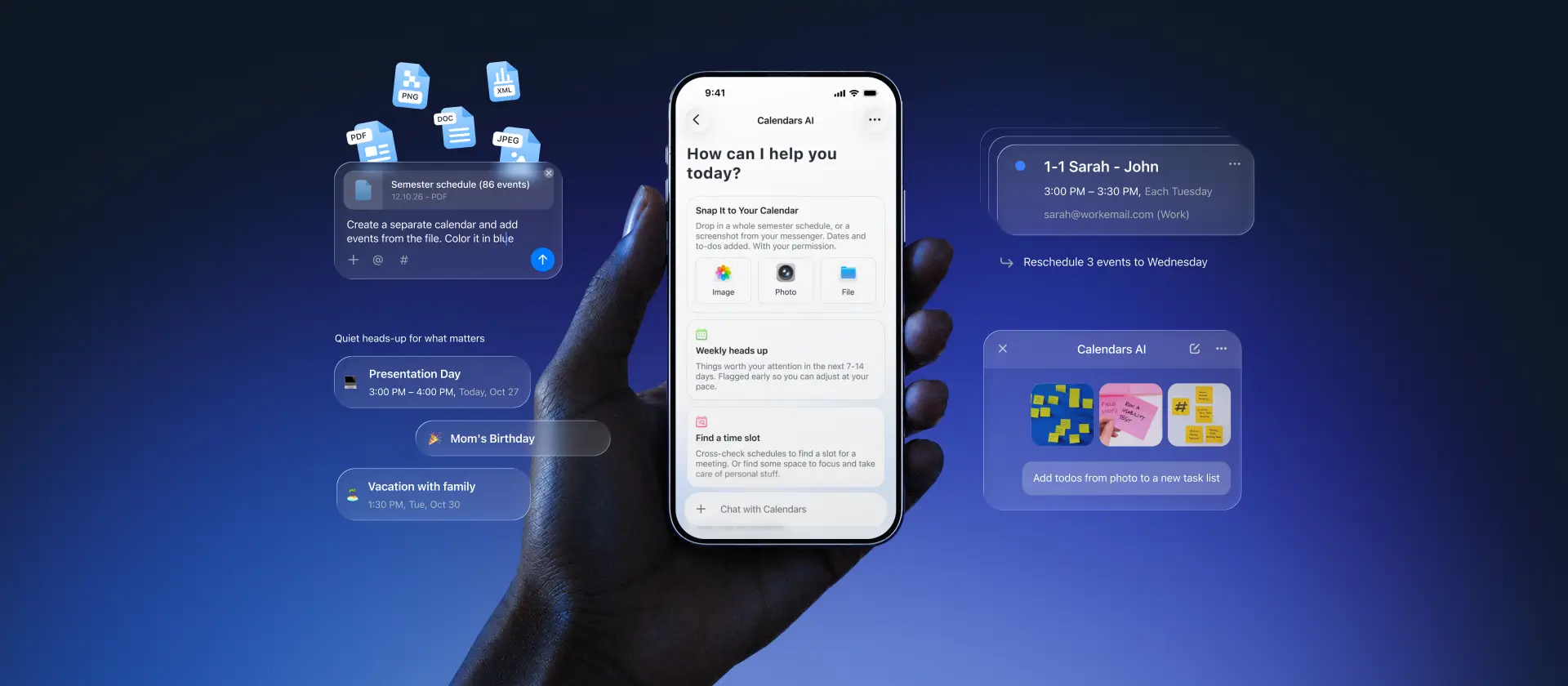
Ready wherever you are. Use Magic Input to add events and tasks from screenshots, photos, and files. Ask AI to help you make sense of your week, move multiple items around, and bring up what's important. It gets more familiar the longer you use it, learning how your days actually work.
Six features that turn a calendar into the centerpiece of your day.
Color-Coded calendar: Assign colors to each calendar or event type so everything is easy to read at a glance. See what's ahead today, this week, or month.
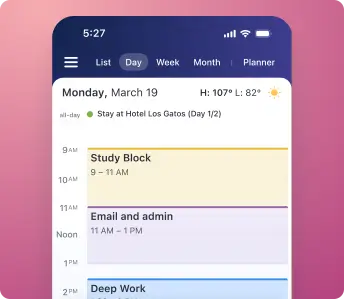
Get full advantage of your iPhone screen and view all important dates without compromise. Zoom-in to dive into a day.
See your week at a glance on your iPhone with with all events and todos clearly arranged, so nothings slips.
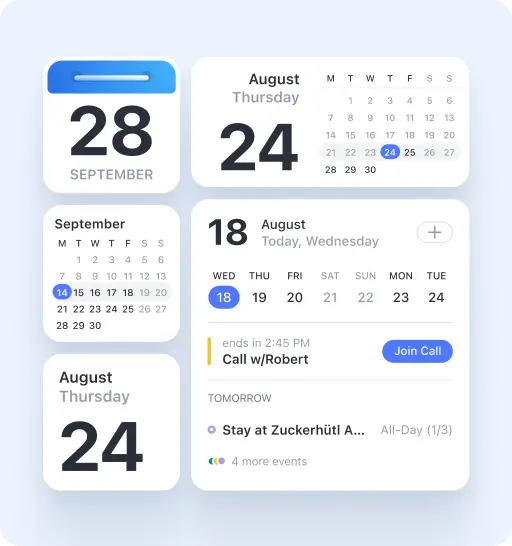
Add widgets on the home screen or lock screen, so you don’t even have to open the app to keep up with your schedule.
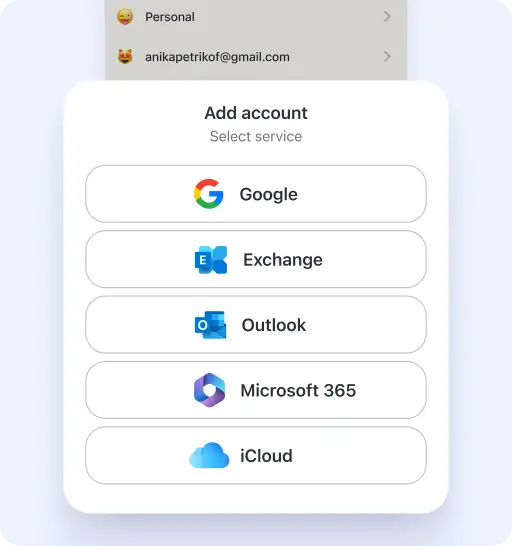
Manage multiple calendars and todos in one view. Connect Google Calendar, Outlook, Exchange, iCloud, Apple Reminders, and Google Tasks. See everything in one place, color-coded and organized in a way that works for you.
Share any calendar with family, friends, or colleagues. They see updates in real time on any device, so it’s easier to stay in sync without the back-and-forth.
Whether you need a to-do list, schedule planner, or time management tool, Calendars adapts to how you plan your day.
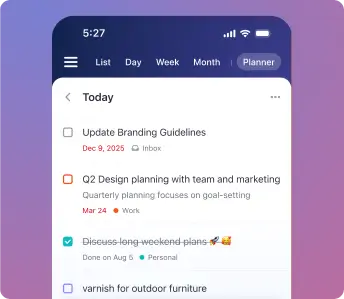
Tasks alongside your calendar — check things off as you go.
Plan your day, week, and month without hustle.
A complete planning solution — calendar, tasks, habits, and goals. Organized your way.
Yes, Calendars is completely free to download with the core features included. You can sync calendars, manage tasks, create events with natural language input, and collaborate with others at no cost. Premium features like advanced AI assistance, unlimited habit tracking, and enhanced customization options are available through an optional subscription.
Yes. Calendars syncs with Google Calendar in both directions, so any event you add or update stays in sync automatically. You can connect multiple Google accounts and see everything together in one place.
Yes, Calendars fully supports Microsoft Outlook, Exchange, and Office 365 calendars. Whether you use Outlook for work or personal email, you can sync all your calendars to Calendars. Changes sync in real-time in both directions.
Absolutely. Calendars integrates natively with iCloud Calendar (Apple Calendar). If you're already using the default iPhone calendar, Calendars will automatically access those calendars and keep everything in sync.
Yes. Calendars lets you connect and view calendars from Google, Outlook, Exchange, and iCloud all in one unified view. You can color-code each calendar source, toggle visibility, and manage everything from a single app. No more switching between apps to see your complete schedule.
Yes. You can view and update your calendar without an internet connection. Add events, manage tasks, and check reminders — everything stays in place and syncs automatically when you’re back online.
Yes. Calendars brings tasks and events together in one place. You can add tasks, set due dates, repeat what matters, and get reminders — so everything stays connected to your day.
Calendars brings everything into one place, so you can see your time more clearly and plan your day in a way that works for you:
- Natural language input: Add events by typing them the way you think
- Built-in task management: Keep tasks and your calendar together
- AI-powered features: Smart scheduling suggestions and insights
- Unified view: See all calendars (Google, Outlook, iCloud) in one place
- Habit & mood tracking: Track how your days feel, not just what’s on them
- Flexible customization: Choose views, layouts, and themes that fit your day
- Better collaboration: Share calendars and stay in sync with others
You keep all the calendars you already use, with a clearer, calmer experience of your day.
Calendars is optimized for iPhone and offers a native iOS experience. You get the full feature set including widgets, Siri integration, and natural language input.
There’s also a native Mac app that syncs with your iPhone and iPad. It includes desktop features like keyboard shortcuts and menu bar access.