Think about your typical workday: you’re drafting a report when a Slack notification pops up, so you reply “real quick.” While you’re there, you notice a new email and jump over to answer it.
Then your phone buzzes with a calendar reminder for a meeting you haven’t prepared for, so you open another tab to review notes.
After the meeting, you try to return to the report, but first you check one more message.
That constant bouncing between writing, messaging, emailing, and meeting is task switching in action.
It feels productive because you’re always doing something, yet each jump forces your brain to reload context:
- What was I saying?
- Where did I stop?
- What was I about to look up?
This mental reset is where time and energy quietly disappear. So how exactly does it work, and how is task switching different from multitasking? Let’s dive deeper to the core of this topic.
Task switching: a closer look at the scientific side of the process
Task switching is the process of shifting attention from one task to another.
Although we often think we are multitasking, research shows that the brain cannot perform multiple complex tasks at once: it rapidly alternates between them. Each shift creates a switch cost, meaning slower responses and sometimes more errors.
Research on task switching theory began in the early 1900s, when scientists noticed that people were slower when alternating between tasks than when repeating the same task.
In the 1990s, this work developed into the task switching paradigm.
In these experiments, participants perform two simple tasks, such as sorting numbers or shapes. They complete several trials of Task A, then switch to Task B, and later switch back as a part of a task switching test. Researchers compare “switch trials” (when the task changes) with “repeat trials” (when it stays the same). Results consistently show slower and less accurate performance right after a switch.
Even when people know a switch is coming and have time to prepare, the cost is not fully removed. Studies suggest that switching includes at least two processes: first, shifting goals (deciding to do the new task), and second, activating the new rules while suppressing the old ones. Although some preparation can happen in advance, leftover mental activation from the previous task continues to interfere, causing delay.
How does it influence our productivity?
Switching between tasks is harder when the tasks are complex or new. Tougher tasks demand more mental effort, so switching takes more time. Brain scans show that the frontal and parietal lobes (responsible for attention, decision-making, and rule-following) work hardest during these switches.
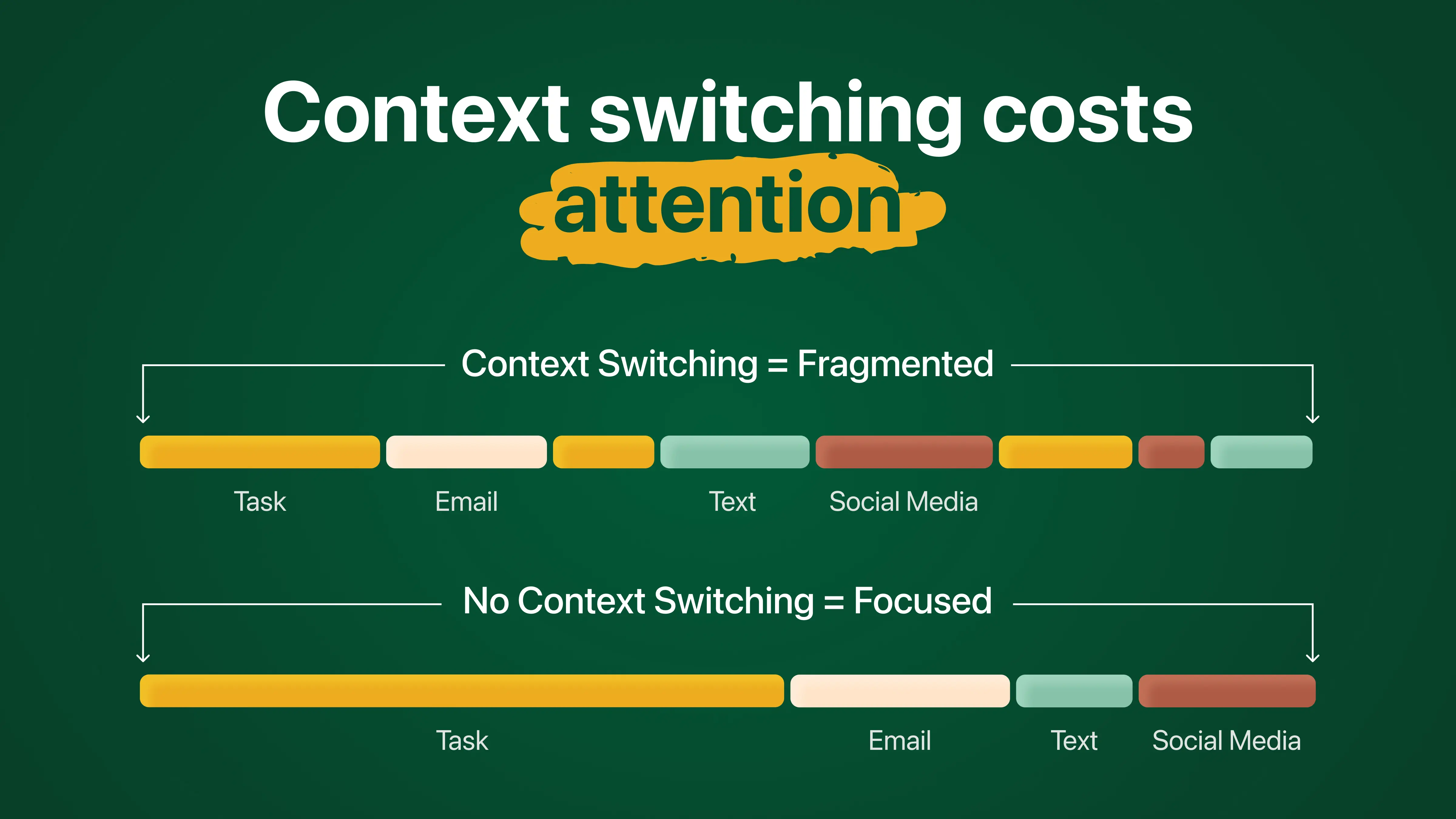
Even tiny delays add up when you switch tasks repeatedly, which is why constant multitasking can drain energy and lower productivity. In risky situations, like driving, these brief lapses can be dangerous.
Individual differences also play a role. Age, experience, and neurological factors influence how easily someone can shift between tasks. For example, conditions like ADHD, may alter how task switching is regulated. However, research suggests that cognitive flexibility can improve with practice, structured routines, and strategies that reduce unnecessary interruptions.
It’s important to remember that task switching isn’t all bad. In creative work, taking a break from one task and returning later can spark new ideas by breaking mental fixation. The key is controlled flexibility: knowing when to switch and when to stay focused.
Task switching vs multitasking: how are they different
Task switching and multitasking are often used as if they mean the same thing, but in psychology they describe different processes.
Task switching happens when you move your attention back and forth between two or more tasks. You are only focusing on one task at a time, but you alternate between them. Each switch requires your brain to disengage from one set of rules and activate another, which creates a small mental delay (the “switch cost”).
Examples of task switching:
- Writing a presentation > answering a Slack message > returning to the presentation
- Studying for an exam > checking your phone > going back to studying
- Cooking dinner > replying to an email > continuing to cook
In each case, you are not doing both tasks simultaneously, you are rapidly shifting between them.
Multitasking, though often used as a task switching synonym, refers to performing two tasks at the same time. True multitasking is rare for complex mental activities. It usually works only when at least one task is automatic or physical and does not require much conscious thought.
Examples of multitasking:
- Walking while talking with a friend.
- Folding laundry while listening to a podcast.
- Driving on an empty road while having a simple conversation (though even this can reduce attention).
If both tasks require deep thinking, like writing an email while actively participating in a meeting, it’s usually task switching, not true multitasking.
In simple terms, the difference between the two is the following:
- Task switching = shifting attention between tasks (one at a time, back and forth)
- Multitasking = doing two things simultaneously (usually only effective if one is automatic)
Most of what we call multitasking in everyday life is actually task switching, and that’s why it often feels more exhausting than we expect.
Practical tips for effective task switching
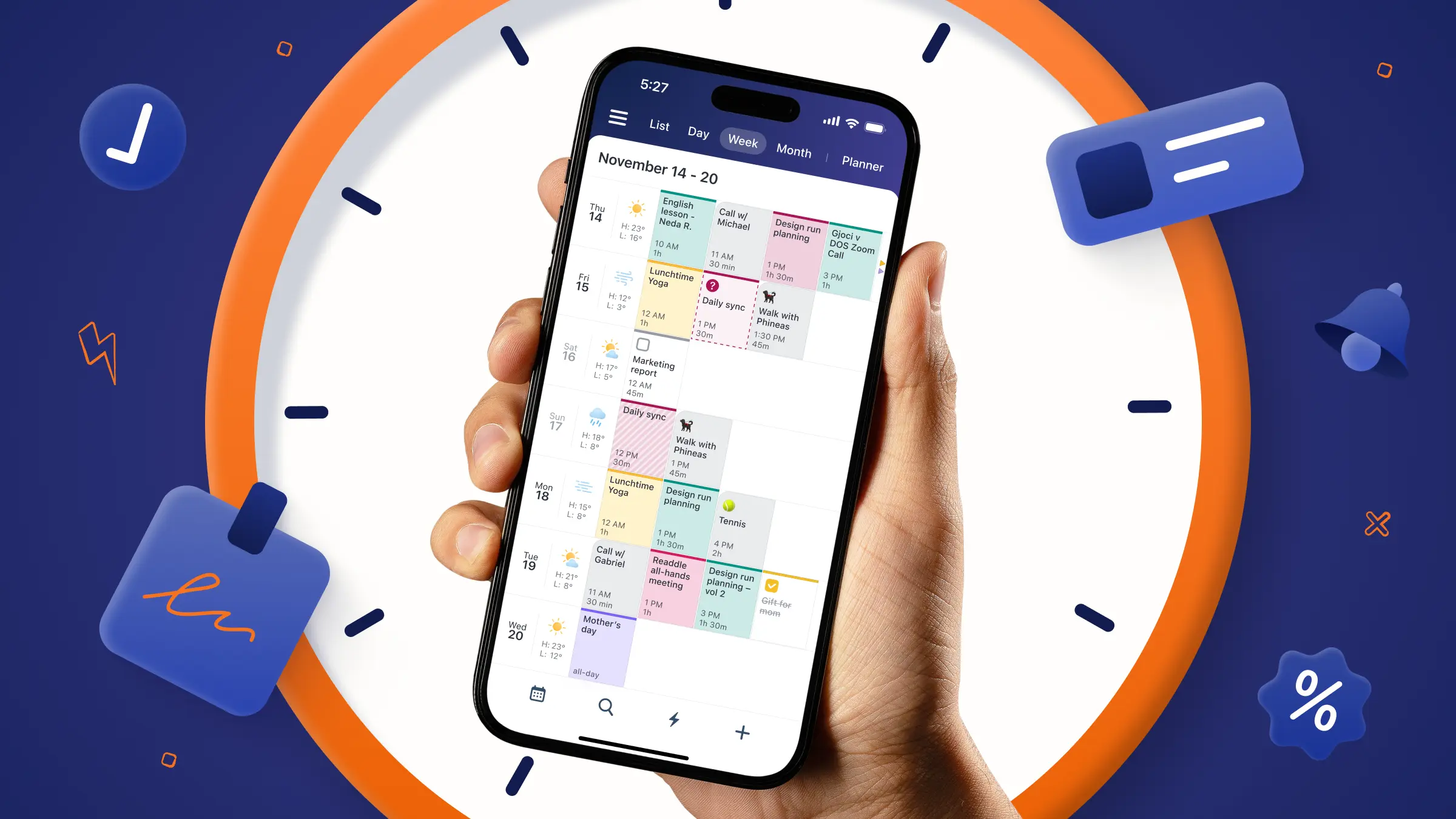
Apps like Calendars by Readdle don’t eliminate distractions on their own, but they help organize your day into clear blocks of focus. By scheduling dedicated time for each task and using timeboxing, you cut down on the small decisions that make your attention jump around. It’s like giving your brain a set of tracks to follow, keeping you on course instead of veering off in every direction.
Here are some practical tips for maintaining focus and managing task switching effectively by having controlled flexibility:
1. Batch similar tasks together
Group emails, messages, or small chores into dedicated time blocks instead of responding to them as they arrive. This keeps your attention on one type of task at a time.
2. Set timers for switches
Decide in advance when you’ll switch tasks. For example, work on one task for 25-50 minutes, then take a short break or move to the next task. This prevents impulsive switching: use time management methods and techniques where applicable.
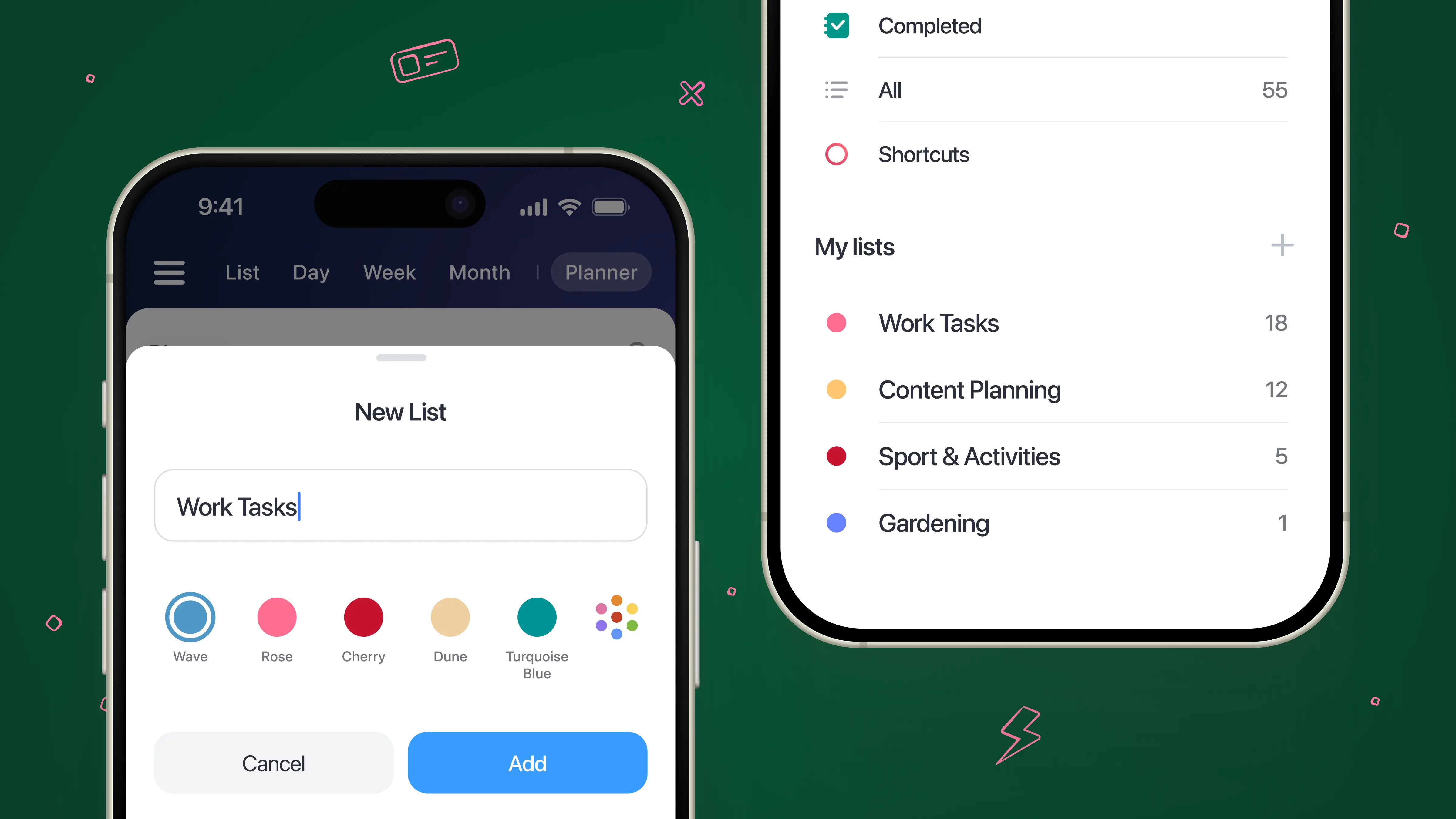
3. Prioritize your most important tasks
Identify the top 1-3 tasks for the day and tackle them first. This ensures your energy is spent on high-impact work rather than getting lost in small distractions.
You can create a separate list for important tasks in Calendars: use Planner to add or manage your task lists.
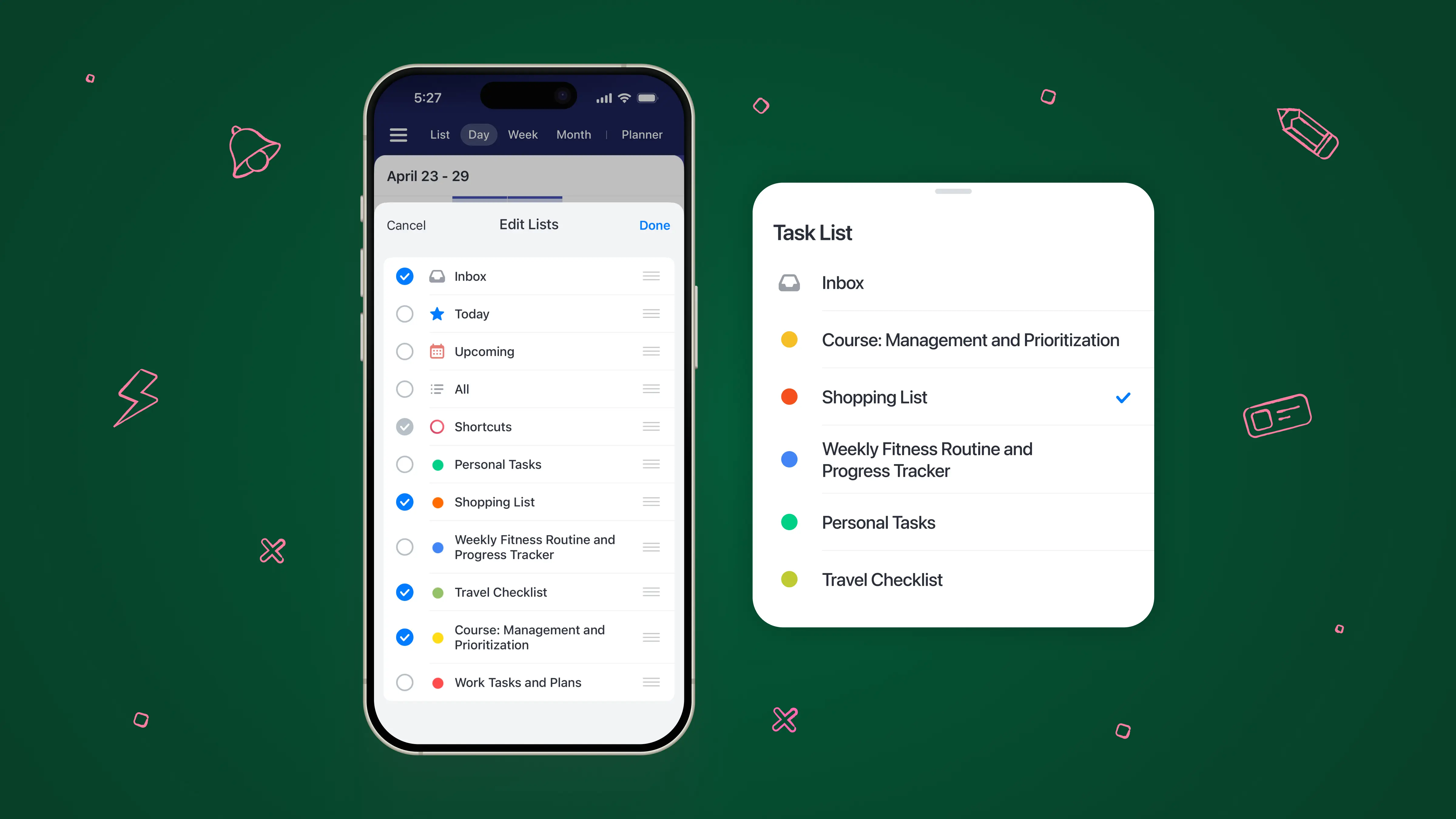
4. Create “attention containers”
Use tools like Calendars and its task lists to visually block time for each activity. Treat each block as a mini focus zone to reduce mental decision-making about what to do next.
5. Minimize interruptions
Turn off notifications, close unused tabs, and silence your phone when focusing on a demanding task. Protecting your attention reduces costly mental resets.
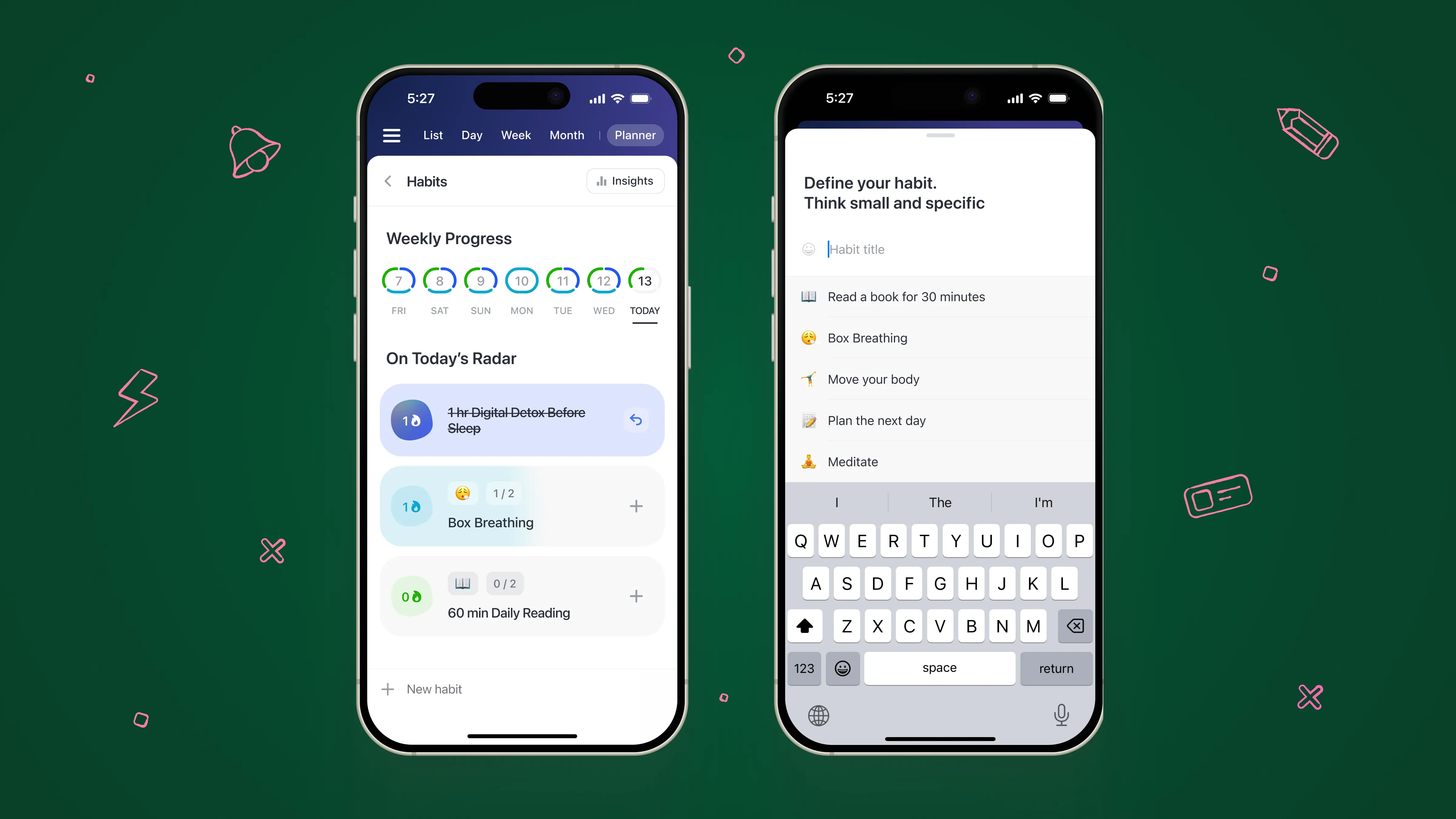
6. Take short breaks between switches
Even 1-2 minutes of stretching, deep breathing, or a quick walk helps your brain reset before starting the next task. You can use small habits and their positive impact on your lifestyle to take off the heavy workload from your brain. Check the dynamics of your progress with Habit Tracker in Calendars: see how effective each habit is for you.
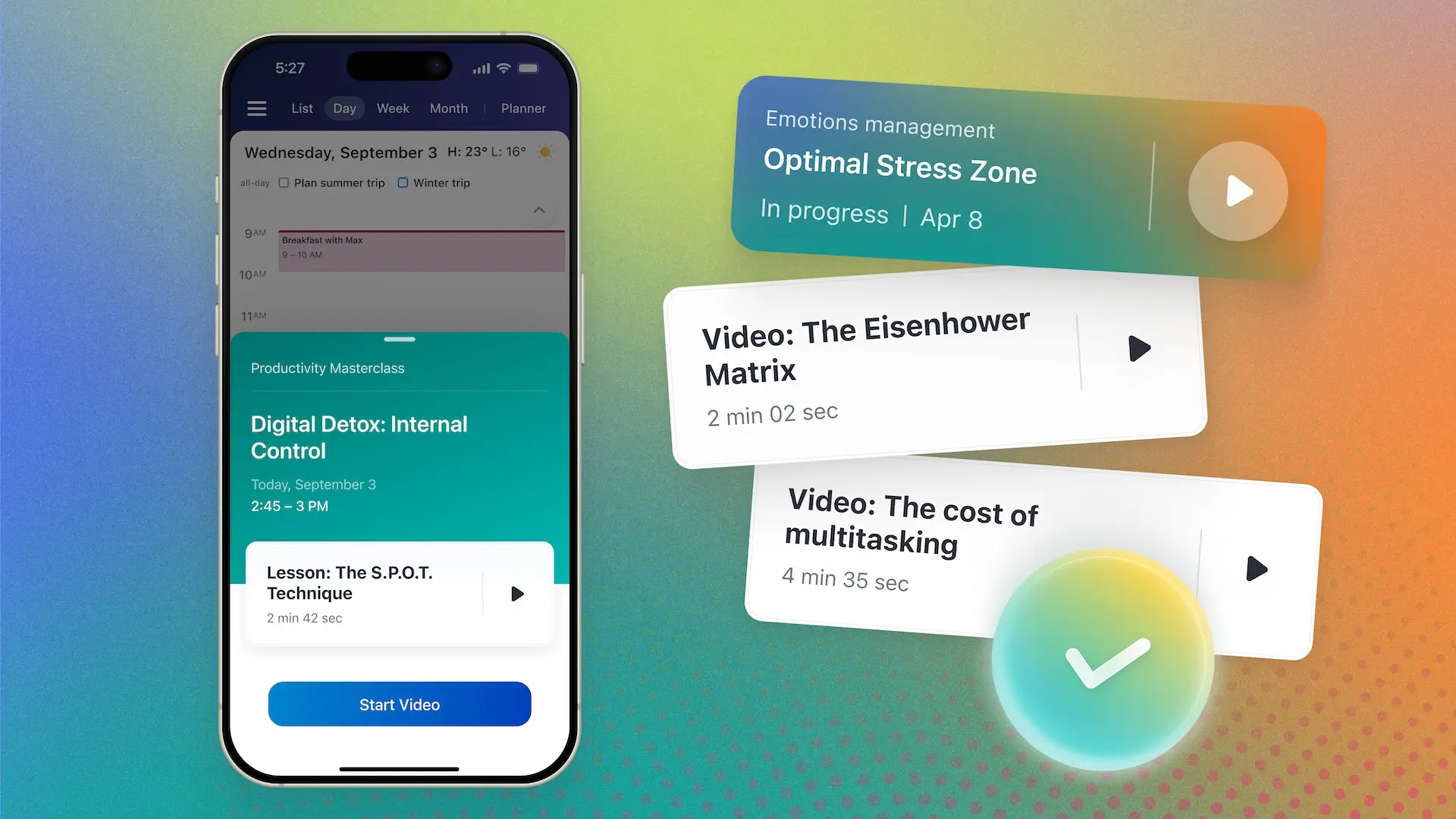
7. Practice mindfulness
Pay attention to when your mind wanders or you feel the urge to switch tasks. Noticing it is the first step to regaining focus. Use Mindful Productivity Masterclass in Calendars to learn more about mindfulness as a phenomenon in a set of bite-sized lessons.
8. Use routines for repetitive tasks
Keep familiar or low-effort tasks on a consistent schedule. This reduces the mental effort required when switching between tasks.
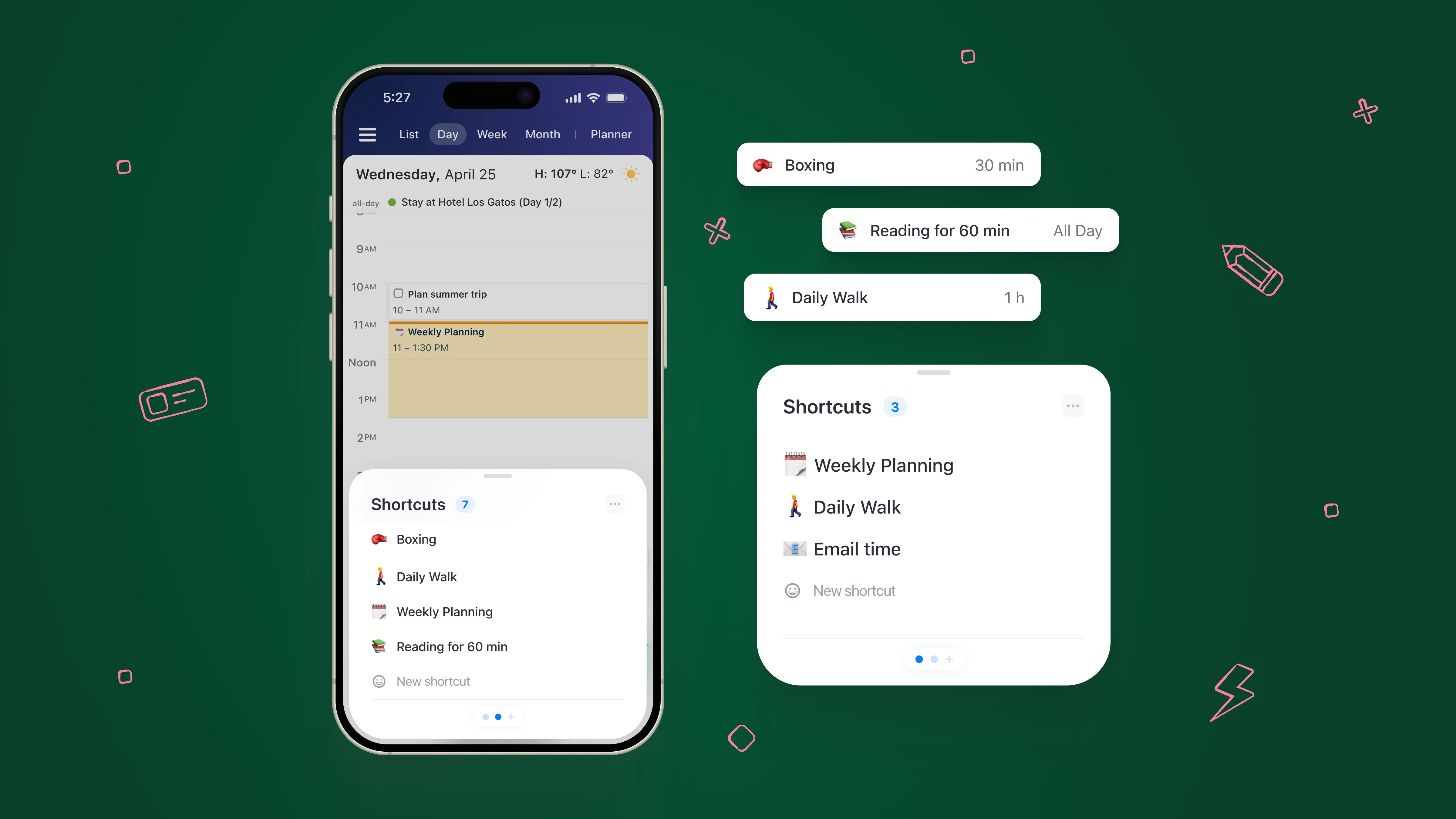
Shortcuts in the Calendars app lets you quickly schedule your regular activities, habits, and hobbies, and it's a simple one-tap setup.
9. Limit multitasking
Reserve true multitasking only for a well-practiced physical task (like walking) combined with a simple mental task. For cognitive work, focus on one thing at a time.
By following these tips, you can switch tasks when necessary without losing focus, energy, or productivity.