
Scanner Pro
The best iPhone and iPad scanner app.


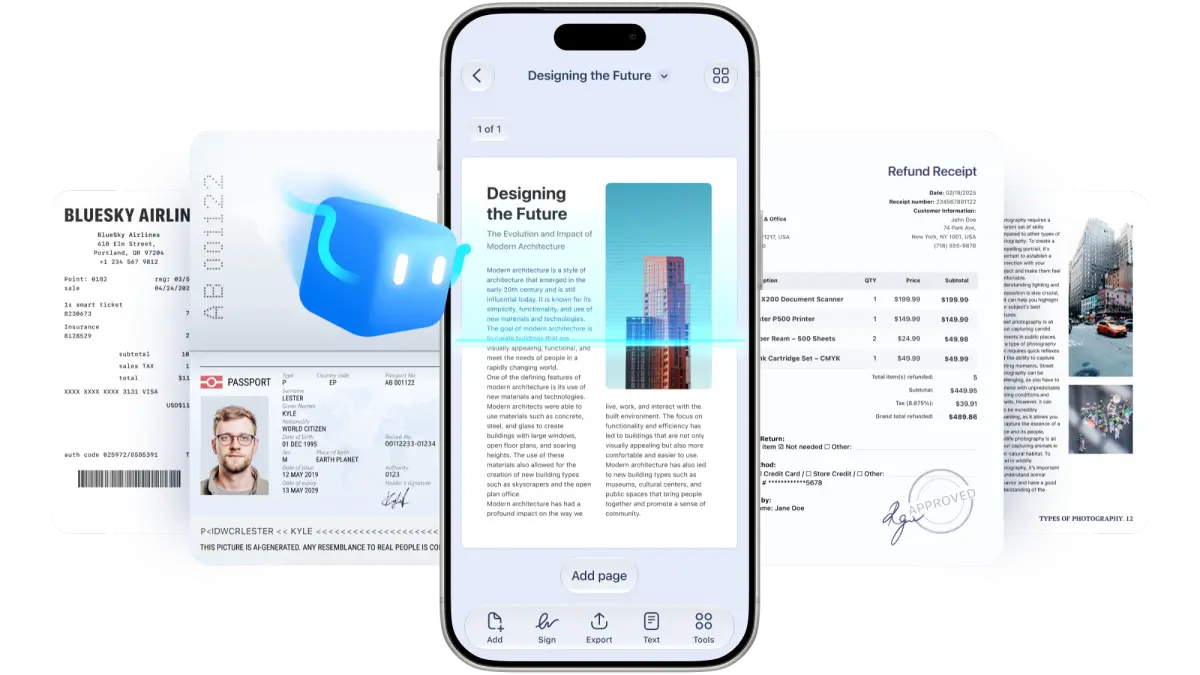
One scanning app. All Apple devices
Scanner Pro works across all your devices – your iPhone, iPad, and Mac. Your scans are always at hand.
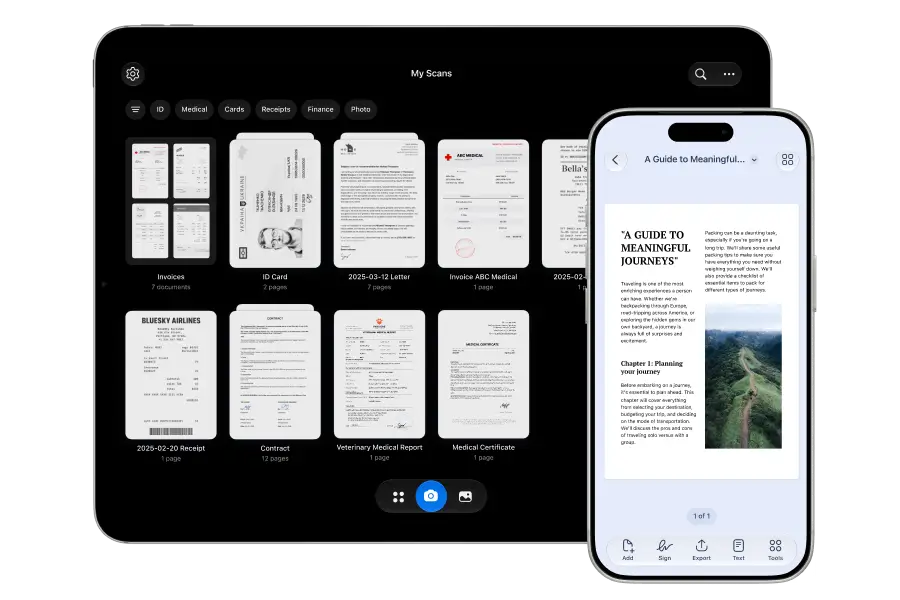
Share anywhere: export, print, fax, sync
Scanner Pro makes sharing simple: export, share, print, fax, and sync across devices. Send scans as PDF or images to any workflow, instantly.
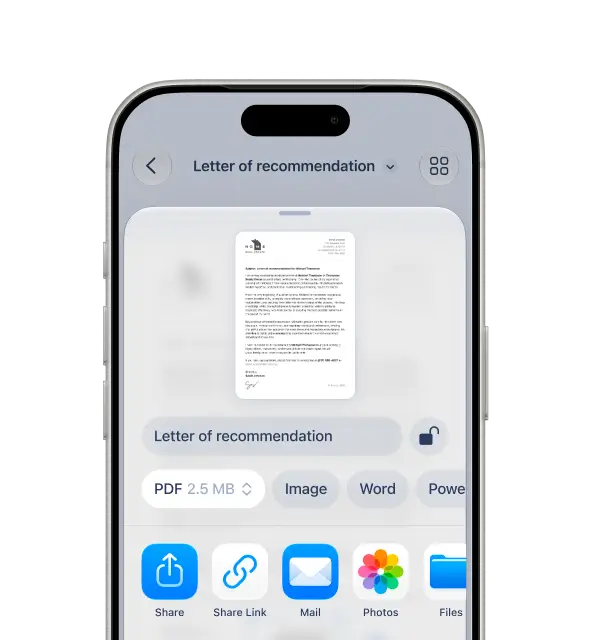
Receipts to records, instantly
Scanner Pro works as a smart receipt scanner for expenses and records. Scan receipts clearly, keep them organised, and export as PDF or images to share in seconds.
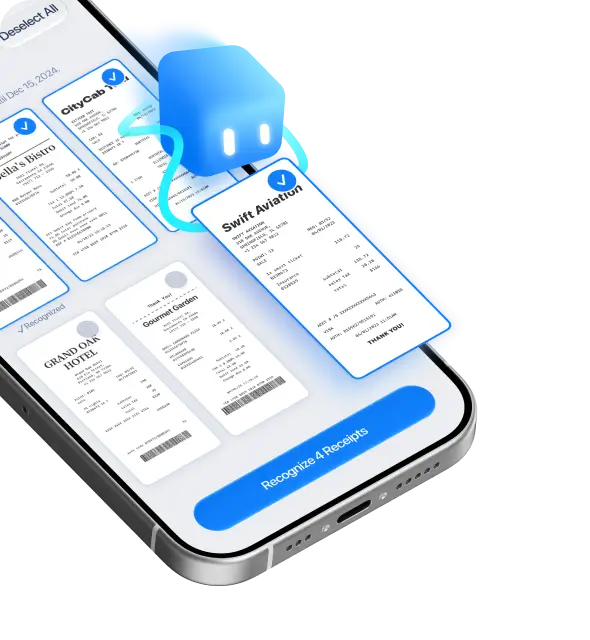
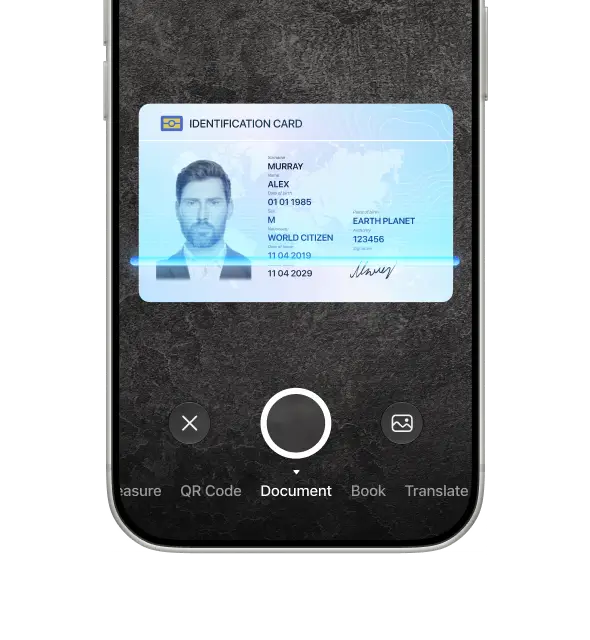
Capture IDs clearly, share them fast
Scanner Pro is a fast ID scanner for passports, driver’s licences, and other IDs. Capture crisp scans, enhance readability, and save as PDF or image for quick sharing.
Edit scans like a pro
Crop
Perfectly crop every document in a single tap

Merge
Combine multiple scans into a single document in just a few simple steps.
Clean up
Get clean documents fast with Eraser to remove unwanted details easily and efficiently.
Your next favorite tool, built in
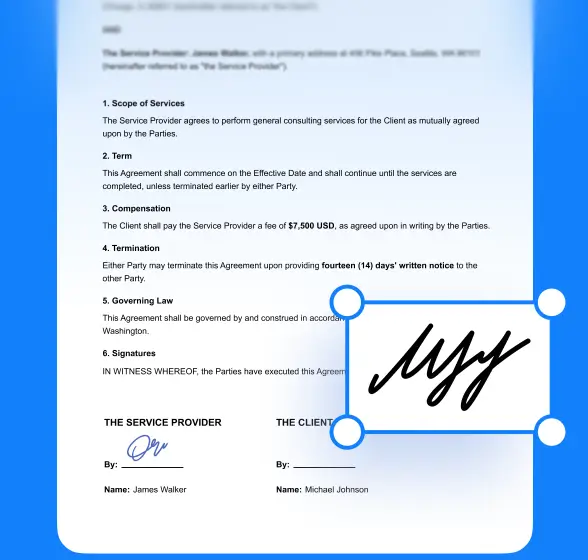
Sign scanned documents with ease, anywhere
Draw your signature once, then sign scanned documents in seconds.
Turn printed photos into shareable digital memories
Use Scanner Pro as a photo scanner to digitize printed photos with better clarity and reduced glare. Save, organise, and share images fast.

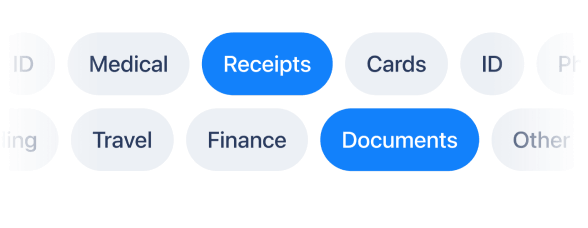
Find any document faster with smart filters
Find documents faster by filtering scans by type and date — all automatically.
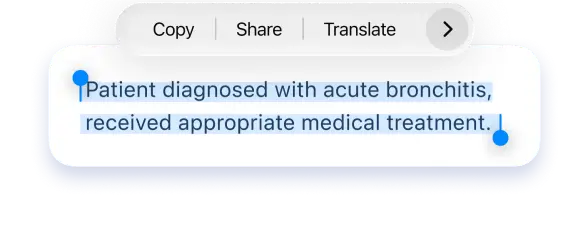
OCR that makes every scan searchable
Use Scanner Pro as an OCR scanner to turn scans into searchable, copyable text. Find documents faster, copy key details, and keep every PDF easy to search.
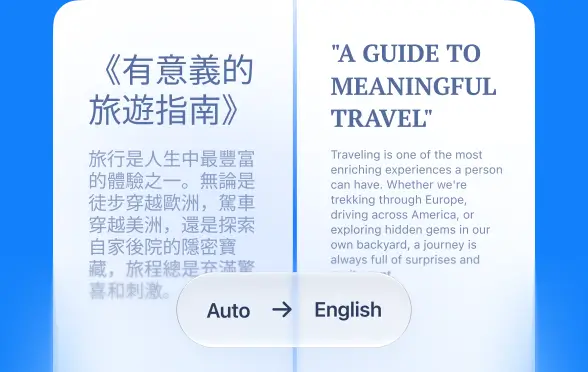
Translate PDFs in seconds
Translate your PDFs into 20+ languages right on your device.
The PDF scanner built for real work
Scanner Pro is an all-in-one PDF scanner for single or multi-page documents. Create clean PDFs, reorder pages, and export for storage or sharing.

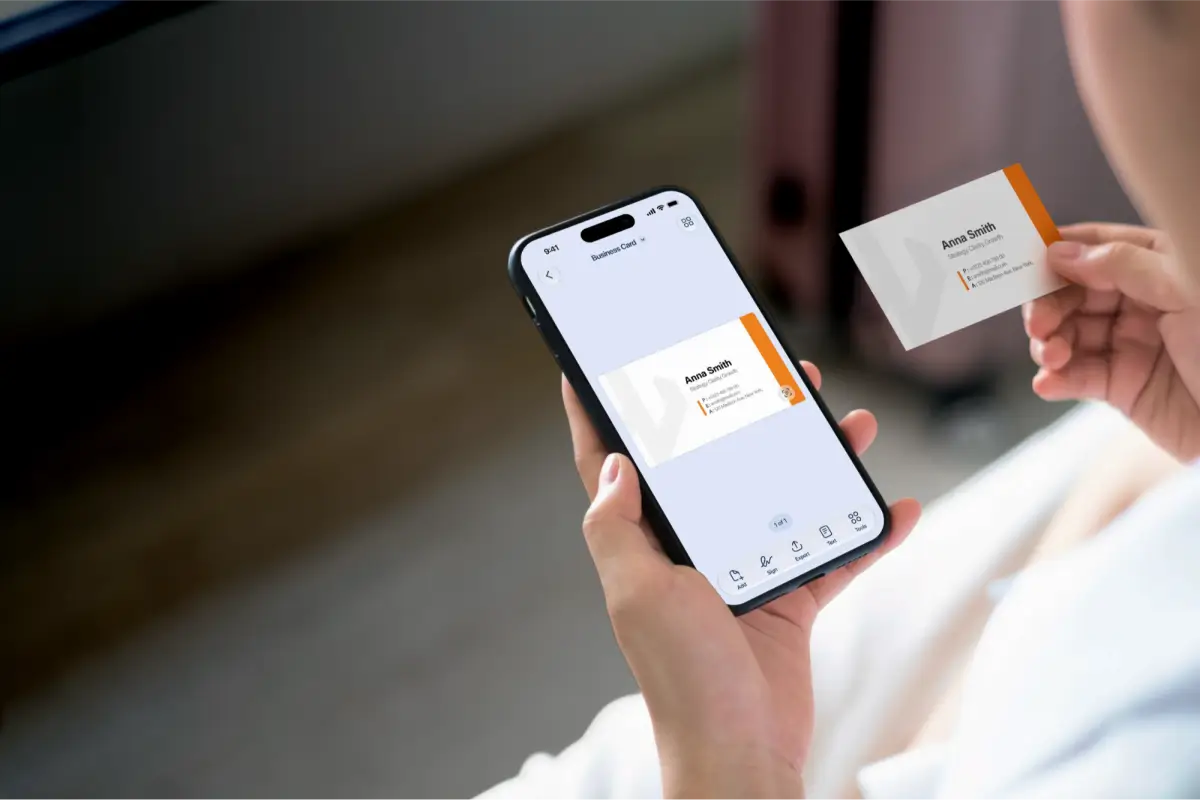
Card scanner for contacts on the move
Scanner Pro is a quick card scanner for business cards and card-sized documents. Capture clean scans and export as PDF or image for easy sharing.
FAQ
Scanner Pro is a mobile scanner app that turns paper into clean digital files, so you can scan, organize, edit, and share documents from your phone.
Everyday paperwork like documents, receipts, IDs, business cards, and photos, then keep everything neatly stored in one place (with automatic organization options).
Yes. You can export scans as PDF, and also choose other formats like JPEG and TXT depending on what you’re sending.
Yes, it supports multi-page scanning so you can keep a whole document together as a single shareable file.
Yes. Built-in OCR recognises text and adds a searchable text layer so you can find, select, and copy text from your scans.
Yes. Once OCR is applied, you can search through recognised text (and choose languages when needed).
You can quickly clean scans up and manage pages, including common actions like combining documents or separating pages for easier sharing.
Use the Export flow to share one or multiple files to other apps (or AirDrop), and choose export options like PDF/JPEG/TXT.
Yes, you can print scans in a few taps and also send faxes from the app when needed.
Scanner Pro can back up scans via iCloud so you don’t lose them if you reinstall or switch devices (you can control this in settings).
Scanner Pro’s app interface supports these languages: English, Ukrainian, Chinese Simplified, French, German, Italian, Japanese, Brazilian Portuguese, Spanish.
Yes, Scanner Pro has a Translator tool (on iOS 26) that can translate text from a scan or PDF into another language using Apple’s system translation. That means it currently supports 20+ languages.
Trusted by millions.
Built for professionals
Active users worldwide
328K App Store rating
Documents scanned

The PDF scanner built for real work
Create, edit, organise, and share documents with the speed and precision professionals demand. Scanner Pro works as hard as you do.