How Calendars Can Help You Stick to a Digital Detox
For many of us, the idea of a digital detox sounds appealing and slightly unrealistic.
We know we spend too much time on our phones. We feel the effects of fragmented focus, restless sleep, and a constant sense of mental noise. But when it comes time to actually unplug, most attempts fall apart within days. Not because we lack discipline, but because vague intentions like “use my phone less” don’t stand up to real life.
A digital detox doesn’t fail because people don’t want it badly enough. It fails for the same reason New Year’s resolutions to quit sugar, cut back on alcohol, or wanting to stop other habits fall apart. Willpower is a fragile strategy. A 2023 research article, Technology and addiction: What drugs can teach us about digital media, found that problematic smartphone use shares many of the same psychological mechanisms as other addictions including cravings, loss of control, and relapse when routines aren’t changed. In other words, asking yourself to “just stop checking your phone” is a bit like asking someone to quit sugar without changing what’s in their kitchen.
Instead of trying to quit your phone or swear off screens entirely, a more sustainable approach is to plan intentional, screen-free time the same way you plan meetings, workouts, or personal commitments. When offline time has a place on your calendar, it becomes protected, not optional. That’s where a calendar-powered digital detox comes in, specifically Calendars by Readdle.
What Is a Digital Detox?
At its core, a digital detox is a deliberate break from screens to support better focus, sleep, and mental wellbeing. Despite how it’s often portrayed, a digital detox doesn’t require going off the grid, deleting every app, or attending a remote digital detox retreat (though those can be helpful for some people). Still, many people experimenting with digital detoxes have tried extreme approaches like leaving phones behind during commutes, designating entire weekends as screen-free, and banning devices from bedrooms. These all-or-nothing experiments often reveal just how deeply screens are woven into our daily routine.
What matters more than total disconnection is intention. A meaningful digital detox creates clear boundaries around when and how you use technology, so your attention isn’t always available on demand. It’s less about eliminating screens and more about deciding when they don’t get access to you.
Why Most Digital Detox Attempts Don’t Stick
Most of us don’t feel overwhelmed by one long stretch of screen time. The real drain comes from constant context switching like checking messages between tasks, scrolling during short breaks, and responding to notifications late at night. These small interruptions fragment attention and make it harder to fully engage with anything, whether it’s focused work or rest.
Over time, that fragmentation adds up. Focus feels harder to access. Evenings meant for winding down turn into hours of scrolling. A quantitative study tracking smartphone use and sleep metrics found that participants spent an average of about 42% of their time in bed using their smartphone, and that this in-bed use was linked to worse sleep latency and restlessness.
And because digital habits are woven into work, social life, and daily logistics, it can feel nearly impossible to step back without disrupting everything else.
That’s why many digital detox attempts fail. They ask us to change behavior without changing structure. The issue isn’t motivation. Its design. Habits don’t stick when they live in your head. They stick when they’re visible, planned, and easy to repeat.
That’s where a calendar app can change the equation. Instead of asking yourself to constantly make better choices, you decide once and let your schedule do the remembering for you.
How to Do a Digital Detox You Can Actually Maintain
Using an app like Calendars by Readdle, you can turn the idea of a digital detox into something concrete. Rather than telling yourself to “use your phone less,” you can see where your time goes, decide where screen-free moments would actually help, and schedule those moments so they don’t get pushed aside. Think of it as designing space for offline time instead of trying to remember to take it.
Notice your patterns of technology use
The first step is simply noticing your patterns. Rather than judging how often you reach for your phone, pay attention to when it happens. You can do this by simply jotting it down on paper or glancing at your phones’ built-in screen time report.
Many people spot the same friction points right away: scrolling first thing in the morning, checking notifications between tasks, or filling quiet evening moments without really meaning to. Seeing these patterns laid out makes it easier to choose where screen-free time would feel supportive rather than forced. The goal isn’t to eliminate technology, but to create breathing room around it.
Create realistic blocks of offline time that work for you
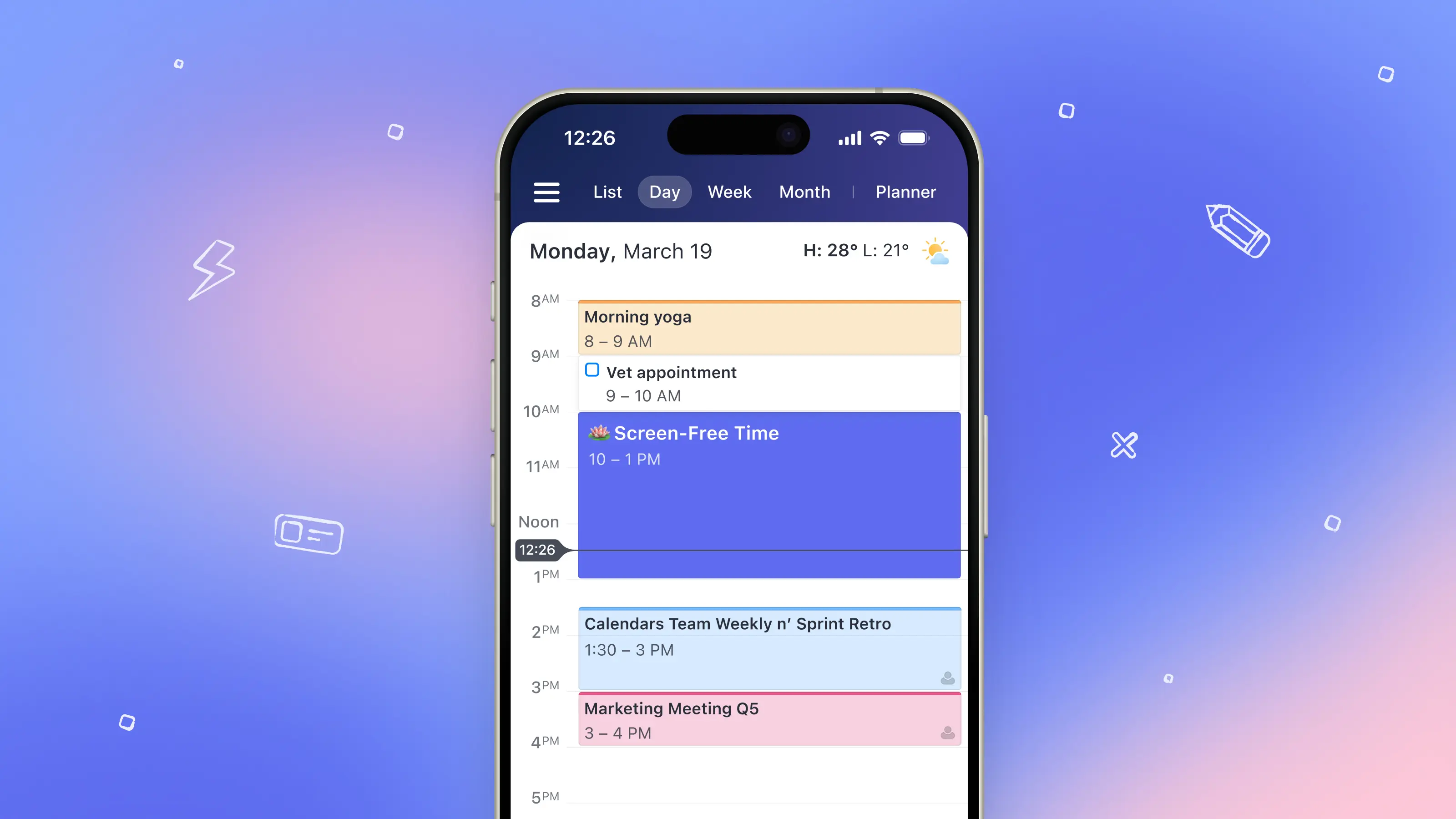
Once you have that awareness, you can begin protecting small pockets of offline time in your day. A short screen-free block after waking up, an offline lunch break, or a protected hour in the evening doesn’t sound dramatic, but these moments add up quickly. When your day is planned visually, it becomes easier to see that offline time doesn’t have to compete with everything else. It can exist alongside it.
Separate work life and home life in your calendar
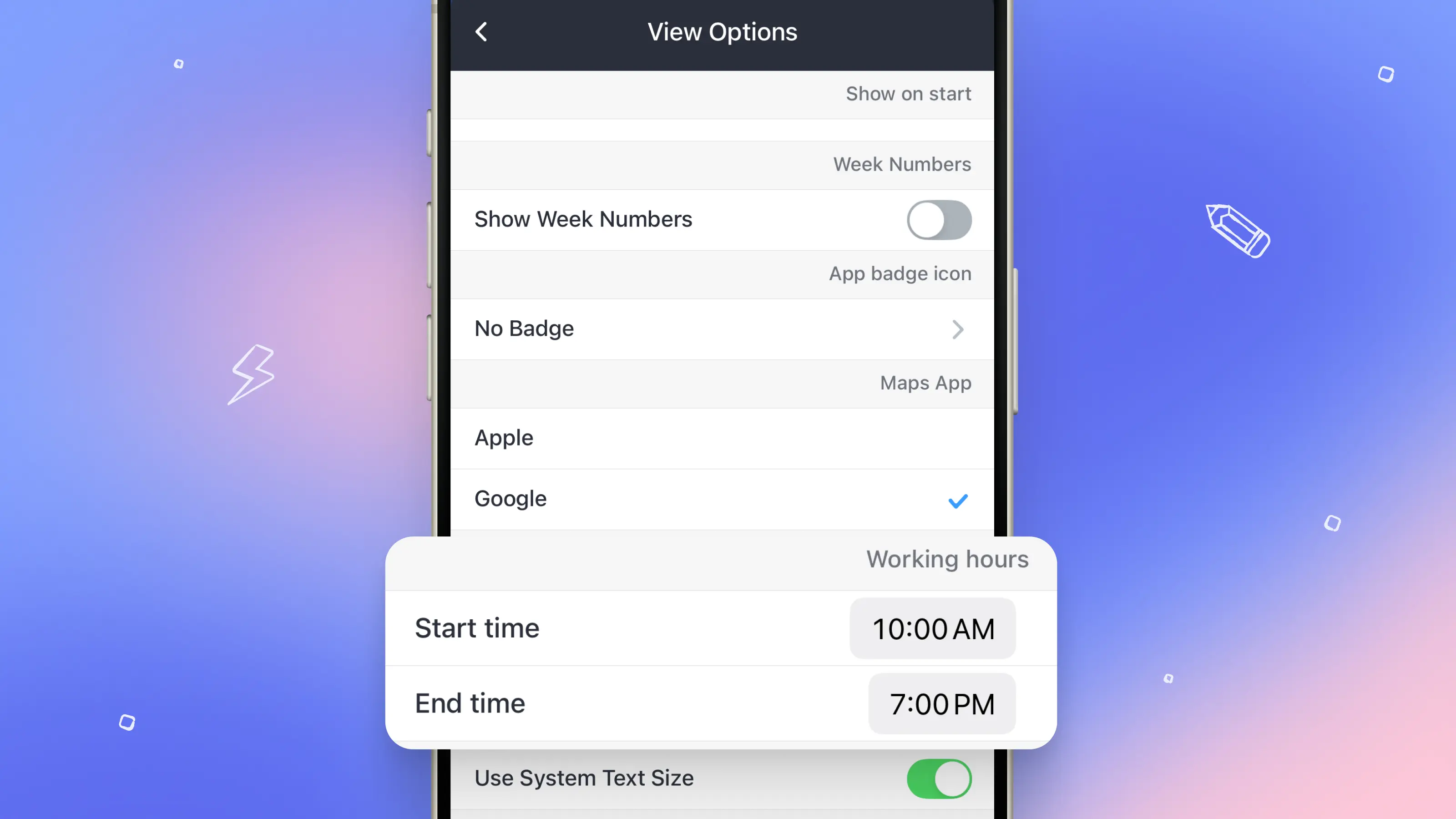
Another way to make a digital detox more sustainable is by clearly defining when your workday actually begins and ends.
When work hours are set in your calendar, they create a visible boundary between “available” time and personal time, which you can color-code in your calendar to differentiate. Instead of responding to messages whenever they appear, you decide in advance when work happens and when it doesn’t.
Once you’re offline, notifications don’t have to follow you into the rest of your day, which makes it easier to mentally disconnect even if your phone is still nearby. This kind of boundary is especially powerful for remote or flexible work, where the line between work and life can blur quickly. By letting your calendar hold those limits, you reduce the pressure to always be on and make it easier for screen-free time to actually feel like time off.
Make sure you try to do it mindfully
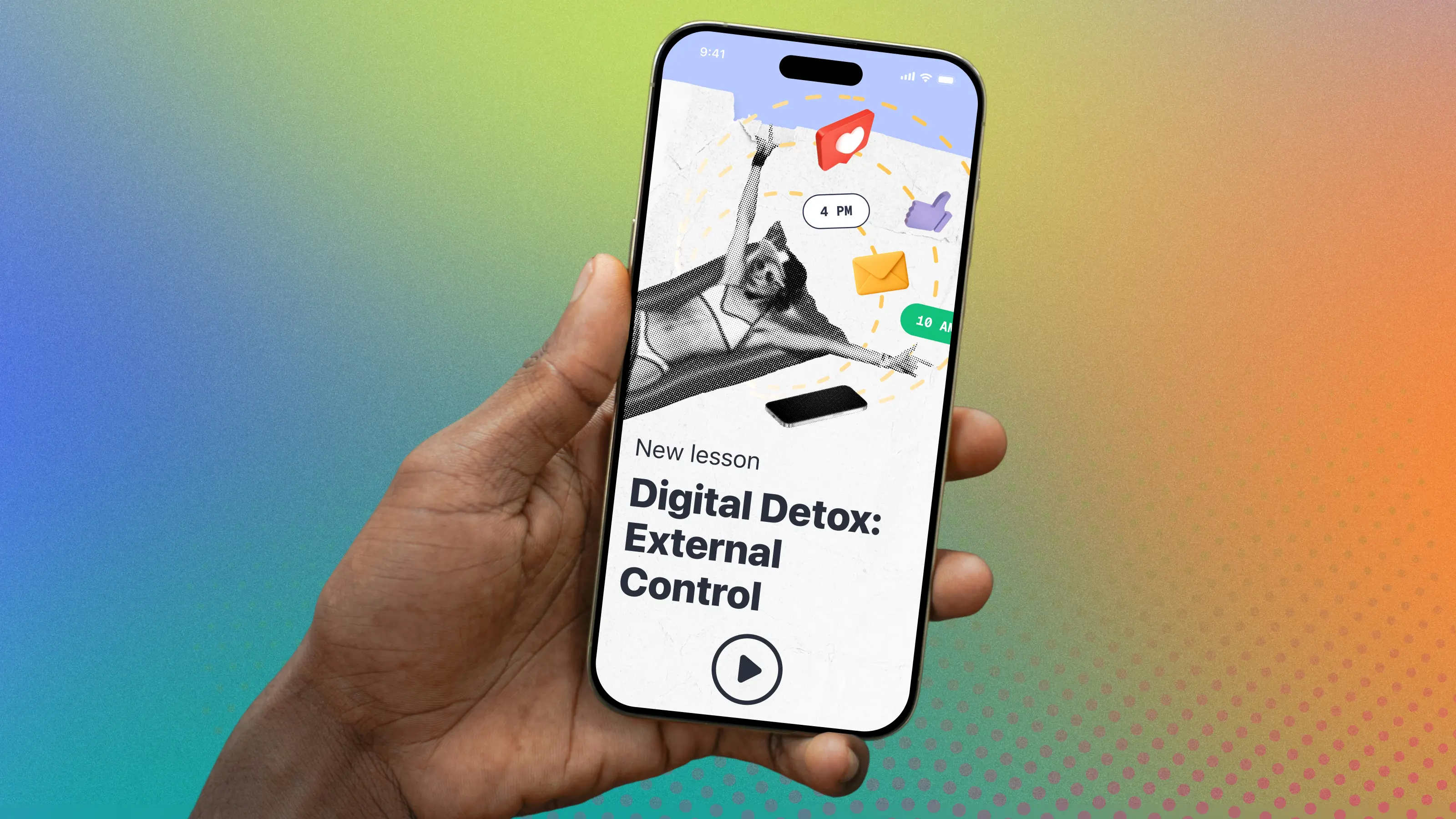
Lastly, inside the Mindful Productivity Masterclass (offered as a one time price of $19.99), you can go through our lesson on Digital Detox: External Control.
This focuses on building healthier boundaries using science-backed techniques and simple, actionable steps you can apply directly in your calendar. Each video is intentionally short, typically just two to five minutes, making it easy to fit into your day without adding another overwhelming commitment.
.webp)
When Digital Detox Becomes Part of Your Calendar
The most meaningful digital detox isn’t a reset you attempt once and forget, it’s a rhythm you return to again and again. Instead of starting from scratch each time, recurring events make offline time a built-in part of your schedule. Turn this into a weekly digital sabbath or a monthly reset day that can all be planned in advance, removing the need to constantly renegotiate boundaries with yourself.
Calendars’ habit tracking and Personal Reflections features support this long-term approach by helping you notice what’s working. Track your mood, energy, and stress levels tied to your calendar events and tasks. Over time, a digital detox stops feeling like a rule you’re trying to follow and starts feeling like a support system you’ve created for yourself.
If you want to explore this mindset more deeply, our Mindful Productivity Masterclass builds on these ideas, offering practical guidance for protecting attention and designing a healthier relationship with time and technology.
If you’re ready to try a more sustainable approach, download Calendars by Readdle and schedule your first screen-free block this week.