Most people scan a passport, a tax form, or a medical record at some point and never think about where that file actually ends up. It might sit in a temp folder on a library PC. It might upload to a cloud account with no encryption. It might just live, unprotected, in your phone's camera roll. None of that is obvious from the scanning screen itself.
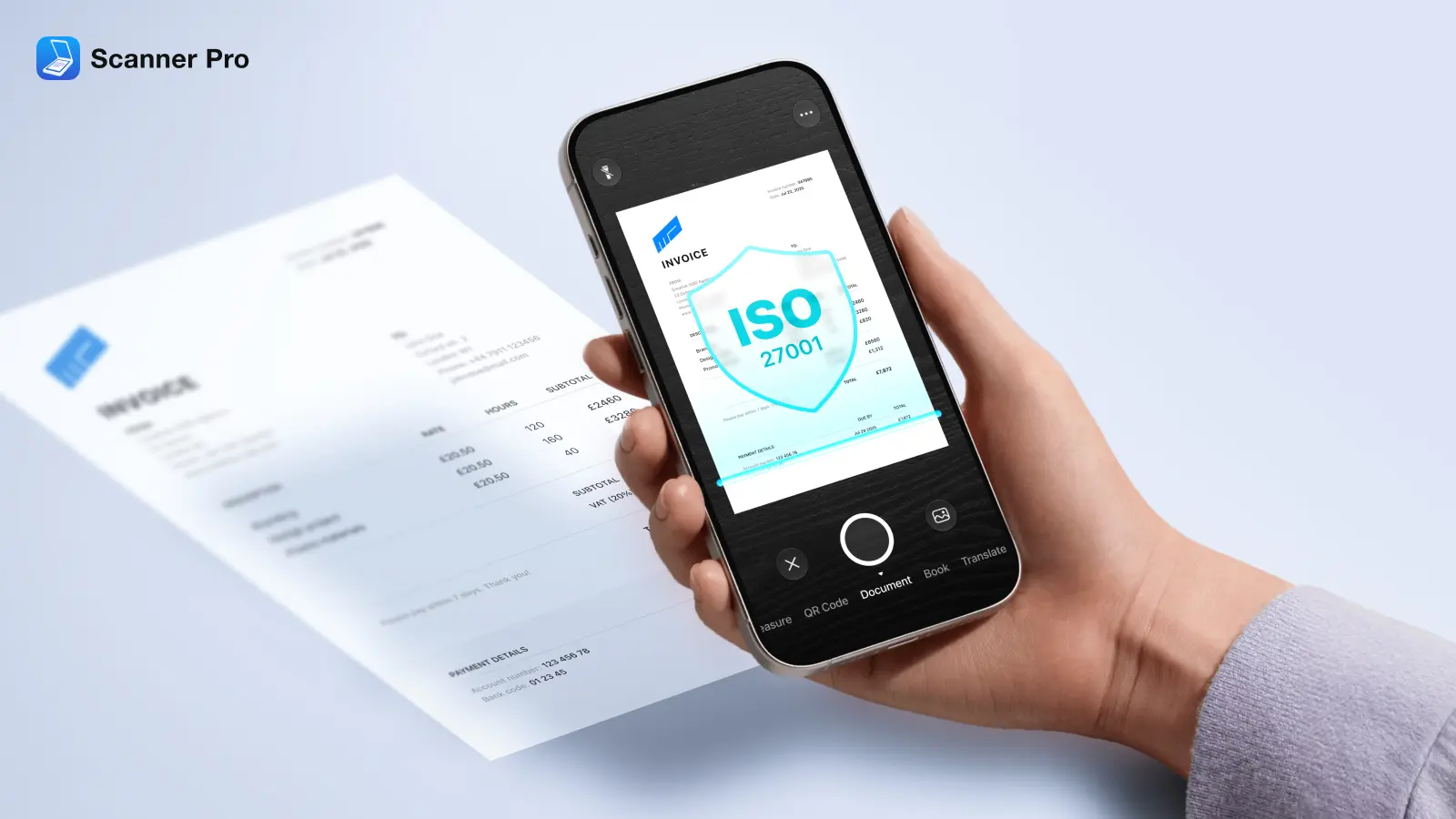
Scanner Pro has always taken security very seriously and is delighted to have achieved ISO/IEC 27001 certification in June 2026, so we wanted to dive into the topic of security when scanning your documents.
This guide covers four things worth knowing before your next scan: what "secure" actually means for a scanning method, how to tell a genuinely free app from one that monetizes your data, why public scanners carry different risks than your own phone, and exactly how to lock down scans on an iPhone.
What actually makes document scanning "secure"?
Four things matter more than anything else:
- Encryption in transit and at rest. Files should be encrypted both while they're being uploaded or synced and while they're sitting in storage.
- Where the file actually lives. A scan stored only on your device is a different risk profile than one uploaded to a company's own servers, which is different again from one synced to your personal iCloud or Google Drive account. Ask who else could access that copy.
- Independent verification, not just a claim. ISO/IEC 27001 is a widely used international standard for information security management — certification requires an accredited external auditor to examine the company's actual practices, not just take its word for it.
- Minimal data collection. A scanning app doesn't need to know much about you beyond basic usage statistics. If it's asking for more, or retaining more than that, that's worth noticing.
Readdle, the company behind Scanner Pro, holds ISO/IEC 27001:2022 certification covering its app lineup, alongside a stated commitment to GDPR compliance.
Which scanner app is actually free?
Free scanner apps generally fall into three buckets, and it's worth knowing which one you're dealing with:
- Ad-supported apps that are free to use but show ads and often collect more usage data to target them
- Freemium apps that let you scan for free but charge for OCR, cloud sync, or removing a watermark
- Apps that are free to download and scan with, where the paid tier adds convenience features rather than gating basic use
Before trusting a free label, check three things: does the free tier still encrypt your files, where does it store them, and what exactly triggers a paywall.
Scanner Pro is free to download, scan, and organize documents with. The free tier adds a watermark to exports; features like on-device OCR, password protection, and automatic cloud upload require the optional Scanner Pro Plus subscription.
Is it safe to scan documents at the library?
Public and shared scanners are a different kind of risk than app security. A few things to know:
- Shared computers can retain files in temp folders, print queues, or scan history — even after you think you've deleted them. If it's a passport, a lease, or a bank statement, that's not a small risk.
- If you have to use a public machine, scan to a USB drive rather than the library's local drive or a shared login, and clear the device's scan history before you leave.
- If you're uploading directly to cloud storage from a public computer, do it over the library's secured network rather than an open guest Wi-Fi network where traffic can be intercepted more easily.
The simplest fix, when it's an option: use your own phone for anything sensitive. You control the device, the storage, and who else has access to it.
How to securely scan documents on iPhone
The iPhone's built-in Notes app can scan documents, but it has no dedicated security layer of its own — scans save into whatever Notes storage you're using, with no separate lock, no built-in password protection, and no on-device text recognition. It's fine for a grocery list, less fine for a Social Security card.
A dedicated scanning app can add real protection on top of that baseline: an app-specific lock, on-device text recognition instead of cloud processing, and export options that don't rely on you remembering to protect the file yourself.
Here's how that looks in Scanner Pro:
Lock the app itself. Open Scanner Pro, go to Settings > Advanced Settings > Password Protection, set a passcode, and turn on Use Face ID or Touch ID. From then on, the app asks for that credential every time it opens — even if someone has your phone unlocked.
Password-protect individual PDFs. Beyond the app lock, you can add a separate password to a specific scan before sharing it — useful when you're sending a file to someone else and want it protected independently of your own device's lock screen.
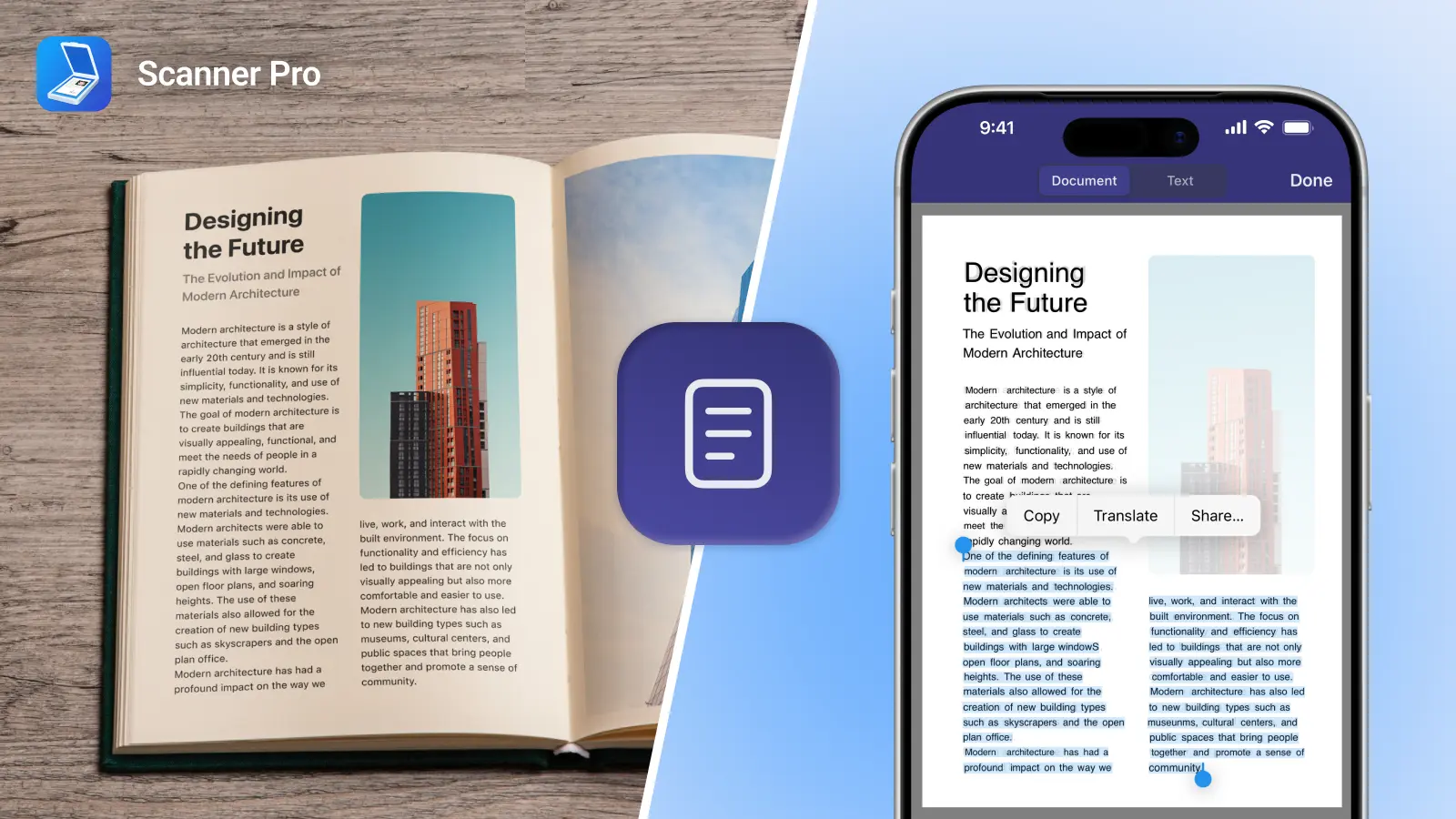
Keep OCR on-device. Scanner Pro's OCR processes recognized text locally on your phone across 26 languages. The text never gets uploaded to a cloud service to be read.
Know where your files actually go. Per Readdle's own privacy documentation, Scanner Pro doesn't transmit or store your scan data on Readdle's servers at all. Files stay on your device unless you turn on sync to your own iCloud, Google Drive, or Dropbox account — Readdle never holds a copy.
None of this makes Scanner Pro a substitute for HIPAA-compliant infrastructure — ISO 27001 and HIPAA are different frameworks covering different things, and healthcare, legal, or finance professionals handling regulated data should confirm their specific compliance requirements separately. For everyday personal and small-business scanning, though, these are the concrete protections worth knowing about.
Quick security checklist
- Confirm the app encrypts files in transit and at rest
- Check whether files sync to your own cloud account or the vendor's servers
- Look for independent certification (ISO 27001, SOC 2) rather than a bare claim
- Turn on an app-specific passcode or Face ID/Touch ID lock for anything sensitive
- Avoid scanning sensitive documents on shared or public computers
- Use your own device's cellular or trusted Wi-Fi, not open public networks, when uploading
FAQ
Is scanning documents on my iPhone safer than using a public scanner?
Generally yes. You control the device, and a dedicated app can add a passcode, on-device OCR, and password-protected exports, none of which a shared library machine offers by default.
Does Scanner Pro store my scans on its own servers?
No. Per Readdle's privacy documentation, files stay on your device unless you enable sync to your own iCloud, Google Drive, or Dropbox account.
Is a free scanner app actually secure?
It depends on the app. Check whether the free tier still encrypts files and where those files are stored before assuming "free" means "safe."
Is Scanner Pro HIPAA-compliant?
Scanner Pro's developer, Readdle, holds ISO/IEC 27001:2022 certification, which is a general information security standard — it is not the same as HIPAA compliance. Anyone handling regulated healthcare data should verify their specific requirements separately.