Not long ago, asking an AI assistant to draft an email felt impressive. Now they can help you build apps, summarize 200-page reports, organize your schedule, and answer questions faster than a Google search. With so many options available, choosing the right AI assistant can feel like opening Netflix and spending more time scrolling than watching anything.
That's where this guide comes in. We looked at the top AI assistant apps in 2026 and narrowed the list down to five standout tools, each with its own strengths, weaknesses, and ideal use cases.
Top 5 AI Assistant Apps
|
Rank |
AI Assistant |
Best For |
Free Plan |
Starting Price |
|
#1 |
Claude |
Power users, coding, and large documents |
Yes |
$20/month |
|
#2 |
ChatGPT |
Everyday productivity and versatility |
Yes |
$8/month |
|
#3 |
Perplexity |
Research and fact-checking |
Yes |
$20/month |
|
#4 |
Gemini |
Google Workspace users |
Yes |
$7.99/month |
|
#5 |
Microsoft Copilot |
Microsoft 365 users |
Yes |
$9.99/month |
1. Claude
Best for: Power users, coding, and working with large amounts of information.
If you've spent any time reading AI forums lately, you've probably noticed one name coming up again and again: Claude. Built by Anthropic, Claude has become a favorite among anyone who regularly works with complex projects. It excels at analyzing long documents, writing and debugging code, summarizing information, and tackling multi-step tasks that require context.
One of Claude's biggest strengths is how well it handles large amounts of information at once. Whether you're reviewing a lengthy report, organizing research, or building an app, Claude tends to stay on track and maintain context better than many competing tools. It's also increasingly moving beyond simple chatbot functionality. Features like Claude Code and computer-use capabilities allow it to interact with files, applications, and workflows in ways that feel closer to a true AI assistant.
Pros
- Excels at coding, debugging, and software development tasks.
- Handles large documents and long conversations without losing context.
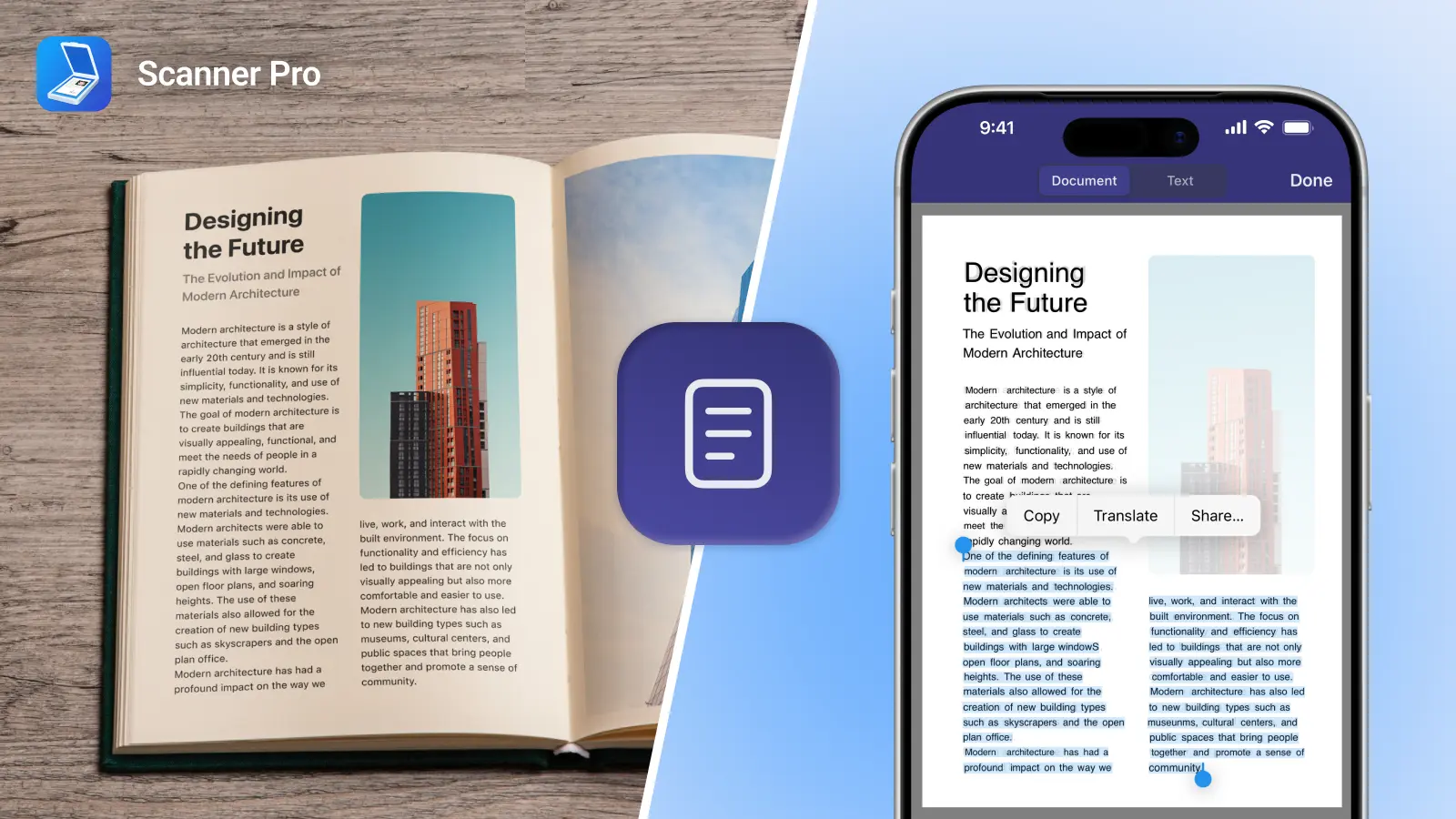
- Strong at summarizing reports, research, PDFs, and meeting notes.
- Produces natural-sounding writing with minimal editing.
Cons
- Fewer third-party integrations than some competitors.
- Less customization compared to platforms with marketplaces or custom assistants.
- Not as deeply integrated into workplace software suites as Gemini or Copilot.
- Some advanced capabilities are limited to paid plans.
Pricing: Free with paid plans starting at $20 a month.
2. ChatGPT
Best for: Everyday productivity and versatility.
If you're looking for an AI assistant that can do a little bit of everything, ChatGPT remains one of the strongest options available. Whether you're drafting emails, brainstorming ideas, creating content, planning a project, or learning something new, ChatGPT is designed to be a flexible assistant that adapts to a wide range of tasks. It's often the first AI tool people try because it's easy to use, and capable of helping with both personal and professional projects.
One of ChatGPT's biggest advantages is its ecosystem. Features like voice conversations, custom GPTs, file uploads, and integrations make it useful for everything from quick questions to larger workflows. While other AI assistants may outperform it in specific areas, ChatGPT remains one of the most well-rounded options for users who want a single tool that can handle almost anything.
Pros
- Highly versatile for writing, brainstorming, planning, research, and learning.
- Supports voice conversations for hands-free use.
- Offers custom GPTs tailored to specific tasks and workflows.
- Can analyze uploaded files, images, and documents.
- Large ecosystem of integrations and third-party tools.
Cons
- Quality can vary depending on the model being used.
- May occasionally provide incorrect or outdated information.
- Advanced features such as premium models and higher usage limits require a subscription.
- Can be less effective than Claude when working with very large documents or complex coding projects.
Pricing: Free with paid plans starting at $8 a month.
3. Perplexity
Best for: Research and finding reliable information.
Sometimes you don't need a creative writing partner or coding assistant, you just want a straight answer with sources. That's where Perplexity stands out. Unlike many AI assistants that generate answers without showing where the information came from, Perplexity is built around research. It combines AI-generated responses with web search and source citations, making it easier to verify information and explore topics in more depth.
Students, journalists, and analysts often prefer Perplexity because it feels more like an AI-powered research assistant than a traditional chatbot. If you frequently find yourself asking, "Where did that information come from?" Perplexity may be the best AI assistant for your workflow.
Pros
- Provides citations and sources alongside answers.
- Excellent for research, fact-checking, and information gathering.
- Fast access to current web information.
- Makes it easy to explore follow-up questions and related topics.
- Reduces the need to switch between search engines and AI tools.
Cons
- Less focused on creative writing and content generation.
- Fewer productivity and workflow features than other AI assistants.
- Not designed for complex automation or task management.
- Can sometimes overwhelm users with sources when a simple answer would do.
Pricing: Free with paid plans starting at $20 a month.
4. Gemini
Best for: Google Workspace users.
If your workday revolves around Gmail, Google Docs, Google Drive, and Google Calendar, Gemini may be the most useful AI assistant on this list. Gemini is deeply integrated with Google's ecosystem, making it easy to summarize emails, organize information, brainstorm content, and work across multiple Google products.
Rather than acting as a standalone chatbot, Gemini feels more like an extension of the tools many people already use every day. That makes it especially appealing for students, professionals, and small business owners who spend most of their time inside Google's productivity suite. Gemini also benefits from Google's search expertise, helping it stay current when answering questions about recent events and online information.
Pros
- Deep integration with Gmail, Google Docs, Drive, Sheets, and Calendar.
- Can help summarize emails and documents directly within Google's ecosystem.
- Strong web-connected responses for current events and recent information.
- Works seamlessly across Android devices and Google services.
- Helpful for organizing information across multiple Google apps.
Cons
- Best experience requires heavy use of Google Workspace.
- Performance can feel inconsistent depending on the task.
- Some advanced productivity features are limited to paid plans.
- Less popular among developers than Claude or ChatGPT.
Pricing: Free with paid plans starting at $7.99 a month.
5. Microsoft Copilot
Best for: Microsoft 365 users.
For people who spend their day in Word, Excel, Outlook, Teams, and PowerPoint, Microsoft Copilot can feel like a natural extension of the tools they already use. This tight integration makes Copilot particularly valuable for enterprise teams and organizations that have already invested heavily in Microsoft 365. It can help automate routine tasks and reduce the amount of manual work required to manage information across multiple applications. While it may not generate as much excitement as some newer AI assistants, it's still one of the most practical options for business users.
Pros
- Built directly into Word, Excel, Outlook, Teams, and PowerPoint.
- Can automate repetitive workplace tasks.
- Helpful for summarizing meetings and email threads.
- Strong spreadsheet analysis and data interpretation capabilities.
- Familiar interface for existing Microsoft users.
Cons
- Delivers the most value inside the Microsoft ecosystem.
- Advanced workplace features often require Microsoft 365 subscriptions.
- Less flexible for creative projects than Claude or ChatGPT.
- The learning curve may be higher for users unfamiliar with Microsoft's tools.
Pricing: Free with paid plans starting at $9.99 a month.
Frequently Asked Questions
Which is the best AI assistant app?
Ask five people this question and you'll probably get five different answers. If you're looking for the most capable AI assistant overall, Claude is hard to ignore. It's excellent at coding, analyzing long documents, and handling complex tasks that would overwhelm many other AI tools. That said, the "best" AI assistant really depends on what you need. ChatGPT is a great all-around option for writing, brainstorming, and everyday productivity. Gemini shines if you spend your day in Gmail and Google Docs. Microsoft Copilot makes sense for Microsoft 365 users, while Perplexity is one of the best tools for research.
Which AI app is best free?
The good news is you don't have to spend money to try most of the top AI assistants. Claude, ChatGPT, Gemini, Microsoft Copilot, and Perplexity all offer free plans. If you want the strongest all-around free experience, Claude and ChatGPT are usually the front-runners.
What is the best AI personal assistant for the elderly?
For most older adults, ease of use matters more than having the most advanced features. ChatGPT and Gemini are both good options because they let users ask questions in plain language, get quick answers, and even use voice conversations instead of typing. They can help with everyday questions, reminders, travel planning, recipes, and learning new topics without a steep learning curve.
Are AI assistant apps worth paying for?
If you only use AI occasionally, a free plan may be all you need. But if you rely on AI for work, paid plans can be worth the upgrade. They typically include access to more advanced models, higher usage limits, and additional features that can save a significant amount of time over the course of a week.
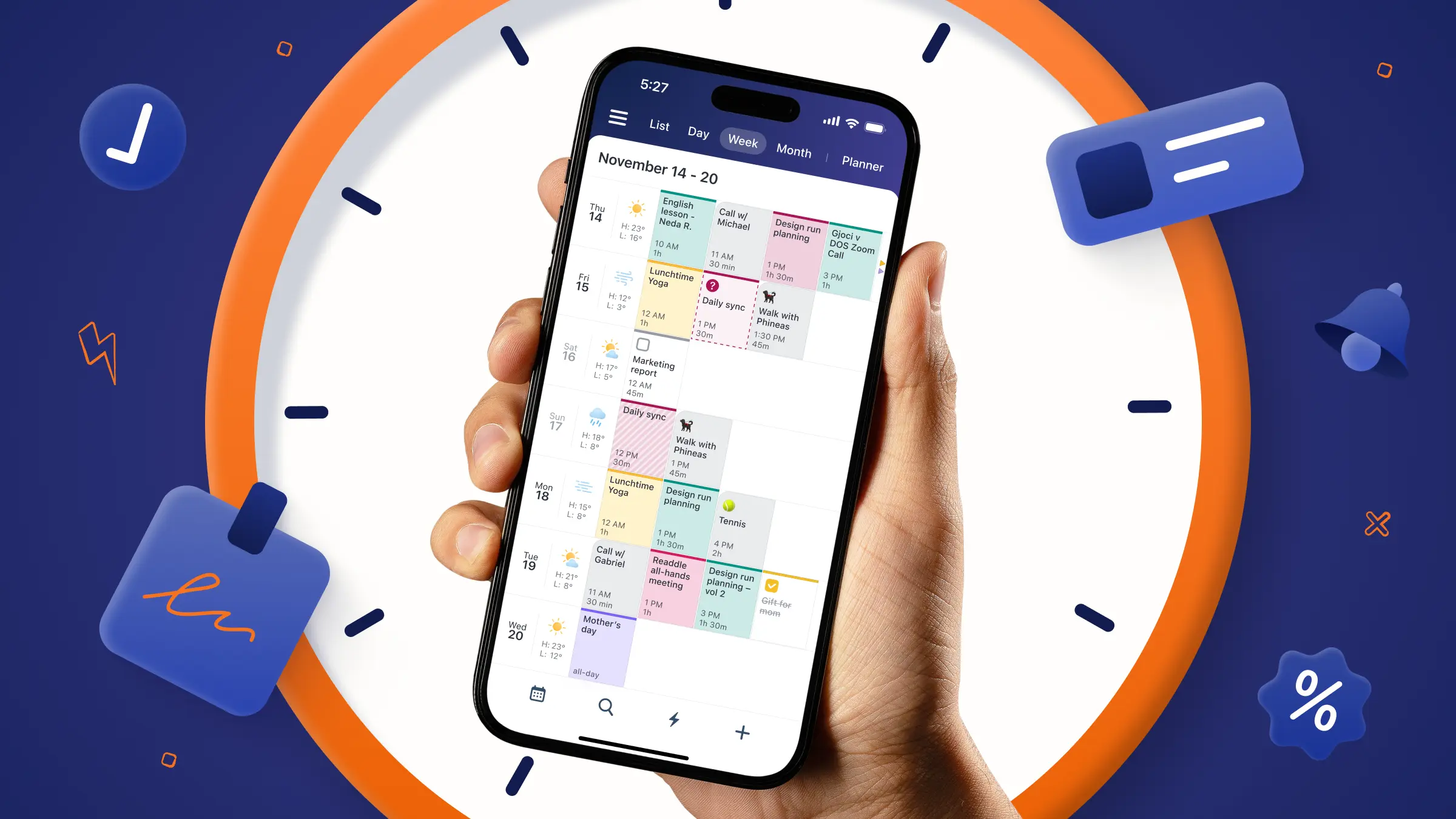
Can AI assistants manage my schedule and tasks?
Increasingly, yes. Many AI assistants can help you create schedules, organize to-do lists, prioritize tasks, and plan projects. Some tools go even further by helping automate workflows and manage your calendar. As AI assistants continue to evolve, task and schedule management are becoming some of their most useful features.
Disclaimer: This article is accurate as of the date of publication. Please refer to the products’ websites for the most up-to-date information on their features.