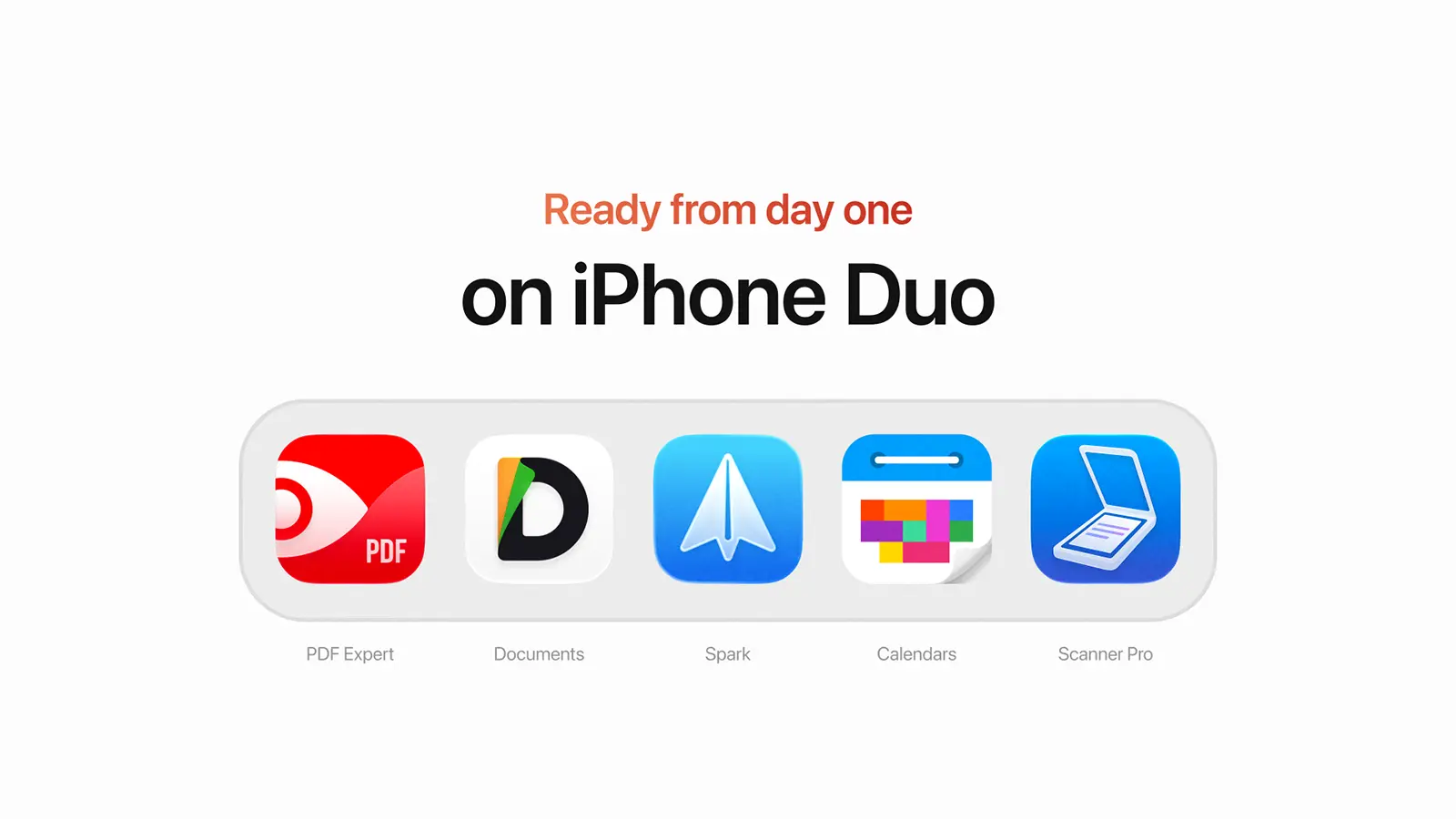
A new iPhone. New ways to get things done. All five Readdle apps are ready from day one.
The iPhone has always changed how we work, create, and stay organized. With the arrival of iPhone Duo, Apple is opening a new chapter, bringing a larger, more flexible display to the device we carry everywhere.
At Readdle, we see more than a new screen. We see a new canvas for productivity.
That's why all five of our apps are ready for iPhone Duo from day one, designed to make the most of its new form factor and help people get things done wherever they are.
Supporting Apple's innovations from day one
Being ready for what's next has always been part of Readdle's DNA.
In 2007, ReaddleDocs was already helping people work with documents on the original iPhone, before the App Store even existed. When the App Store launched in 2008, we were among the first developers to join it.
When the iPad arrived in 2010, PDF Expert was ready before the device shipped. Spark launched with Apple Watch support in 2015, PDF Expert embraced Apple Pencil, and Documents was among the first apps optimized for Macs with Apple silicon.
More recently, we brought PDF Expert to Apple Vision Pro from day one, with AI capabilities built in.
Every new device and platform has given us an opportunity to rethink what's possible. And with iPhone Duo, we're continuing that tradition.
A bigger screen. More possibilities.
iPhone Duo introduces a new way to interact with the apps we use every day. Folded, it's the familiar iPhone experience. Unfolded, it offers more space to read, organize, create, and multitask.
For our teams, the challenge wasn't simply making apps fit a larger screen. It was rethinking how each experience could adapt naturally as the device opens, closes, or changes position.
Here's what that looks like across Readdle apps.
Spark: Your inbox, with room to breathe
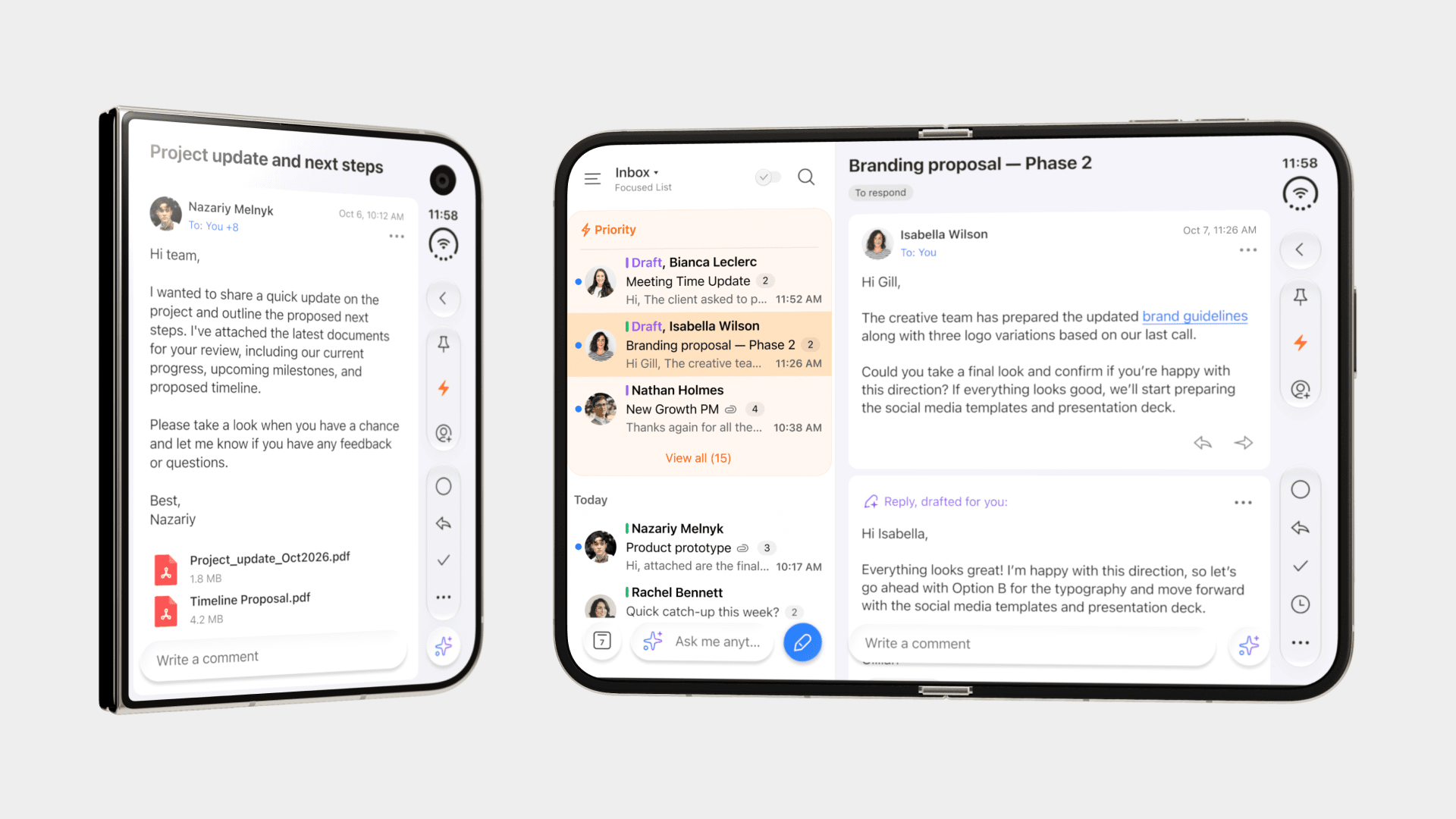
Email feels different when there's more room to work.
With Spark on iPhone Duo, you can open your device to see your inbox and the email you're reading side by side. Move through messages, write replies, and stay on top of conversations without constantly switching views. Fold the device closed, and Spark seamlessly returns to a focused, single-screen experience. From quickly checking your inbox to writing a longer reply or reviewing your calendar, Spark makes the most of iPhone Duo's flexible display, adapting seamlessly to every position.
Our team redesigned layouts, toolbars, and interactions for every position, building on the resizable experience introduced with iOS 27.
PDF Expert: Room for the whole page
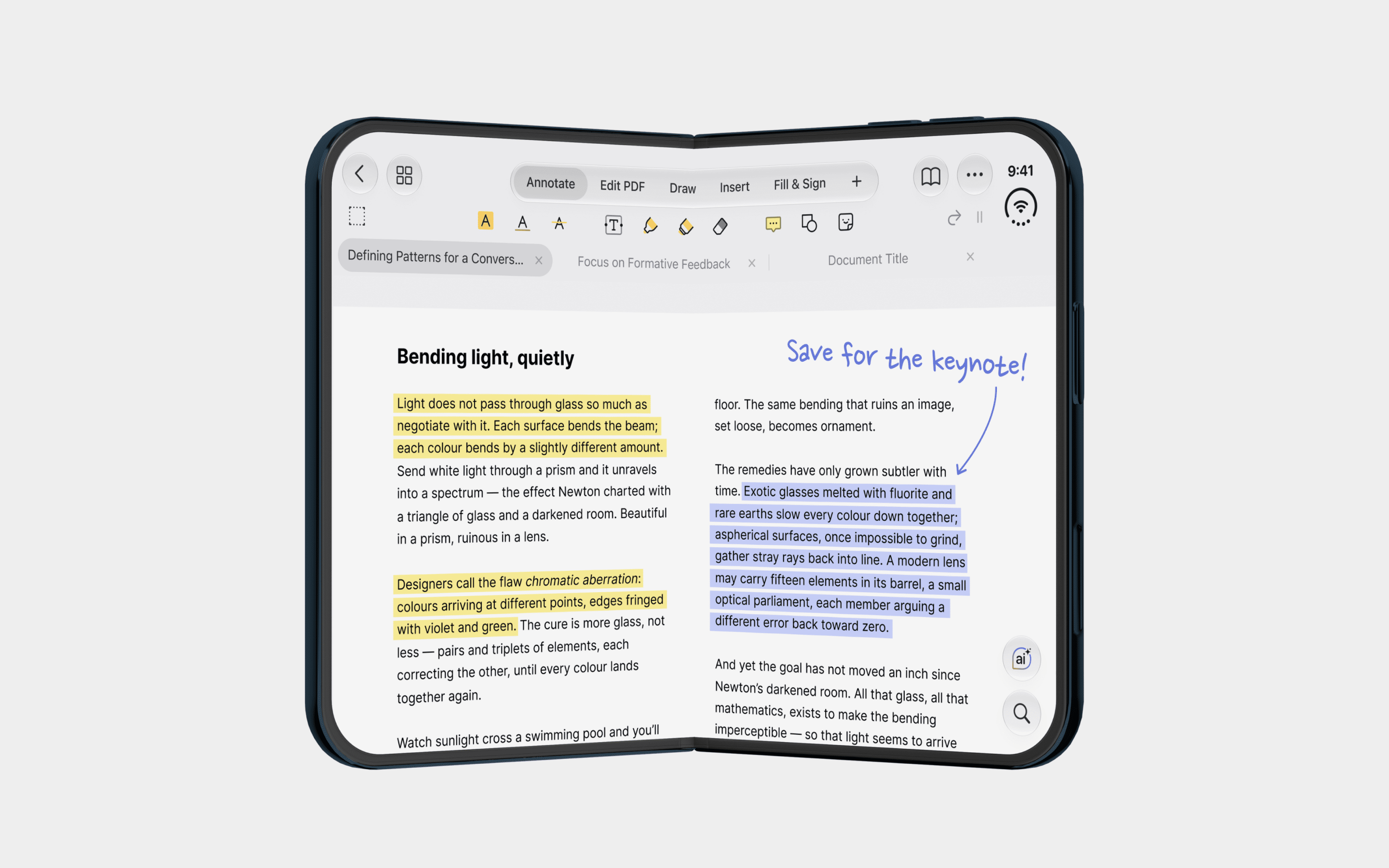
On iPhone Duo, PDF Expert adapts to every screen, so working with PDFs on your phone feels natural whether it’s folded or open.
Unfold the device and PDF Expert becomes a full PDF workspace. Easily switch between document tabs, and read, annotate, edit, and sign with the complete toolbar. You get more page and less pinching, even in the most detailed PDFs.
The larger display also makes multitasking easier. Open two PDFs side by side to compare documents, or keep PDF Expert next to another app. You can review a contract while reading feedback in Spark, without switching back and forth.
When you’re on the move, fold your iPhone Duo. PDF Expert switches to the compact app you already know for reading, signing, and sharing one-handed. It keeps your document, page, and tool exactly where you left them. Folded or open, you’re always on the same page.
Documents: A pocket-sized workstation
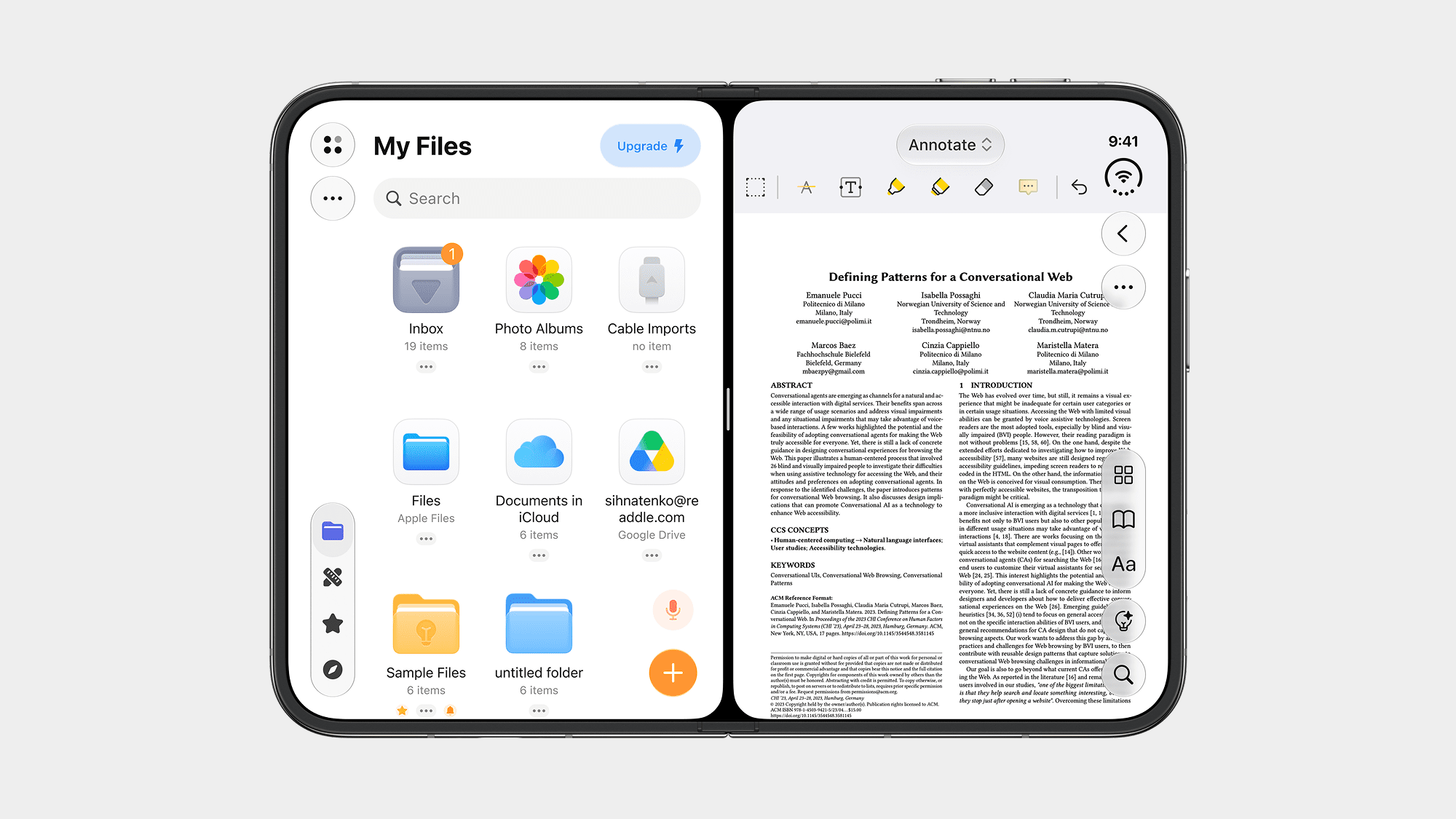
With iPhone Duo, managing files on your phone feels more spacious and flexible than ever.
Unfold the device to explore your files on a larger display, enjoy videos with an upgraded player, or settle into a more comfortable reading experience for PDFs and books.
The larger workspace also opens up new possibilities for multitasking. Imagine opening an email in Spark and dragging an attachment directly into Documents to convert, compress, edit, or share it. No complicated steps or switching back and forth between apps.
It's the kind of simple, fluid workflow that makes iPhone Duo a powerful tool for getting things done on the go.
Calendars: See the bigger picture
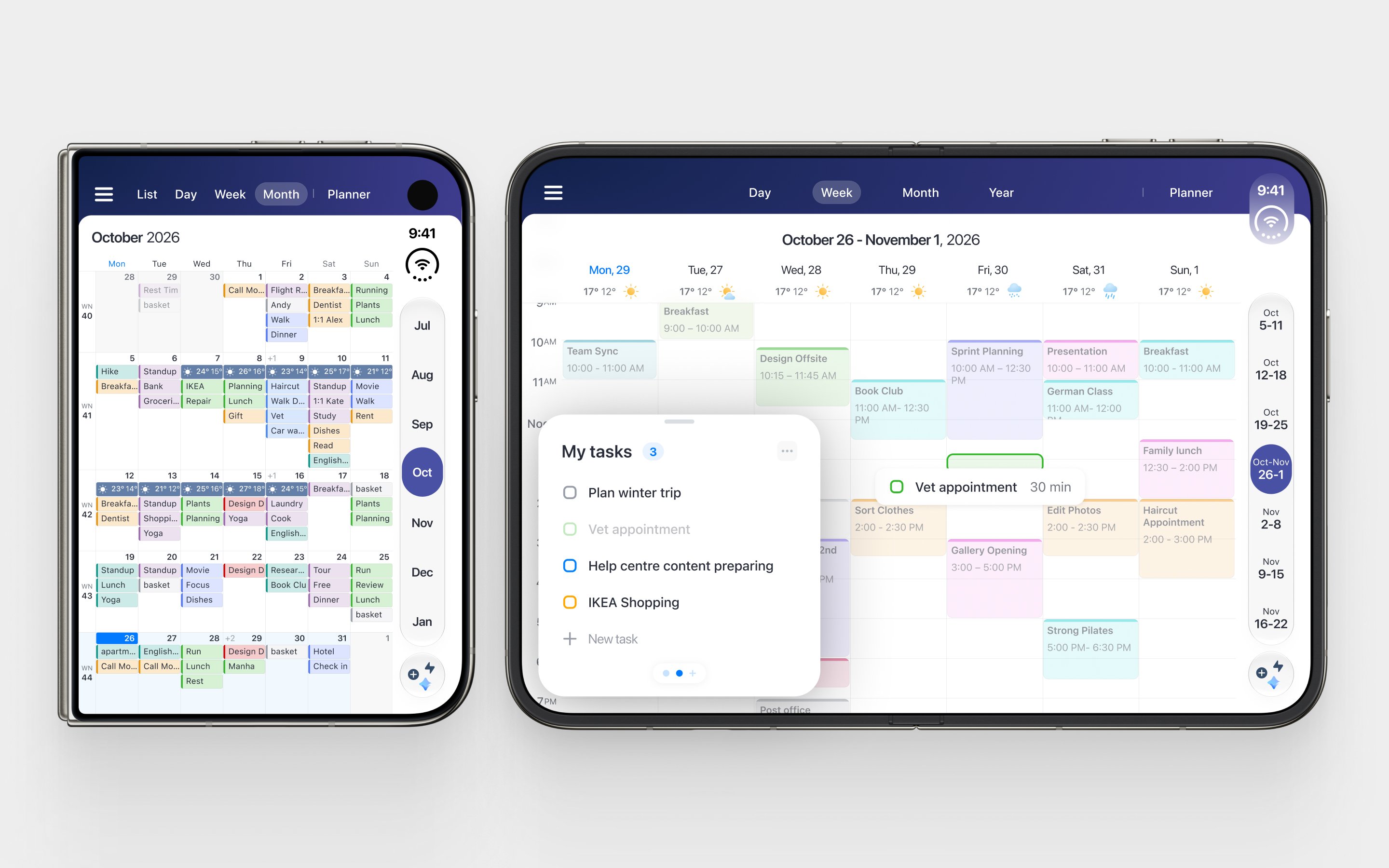
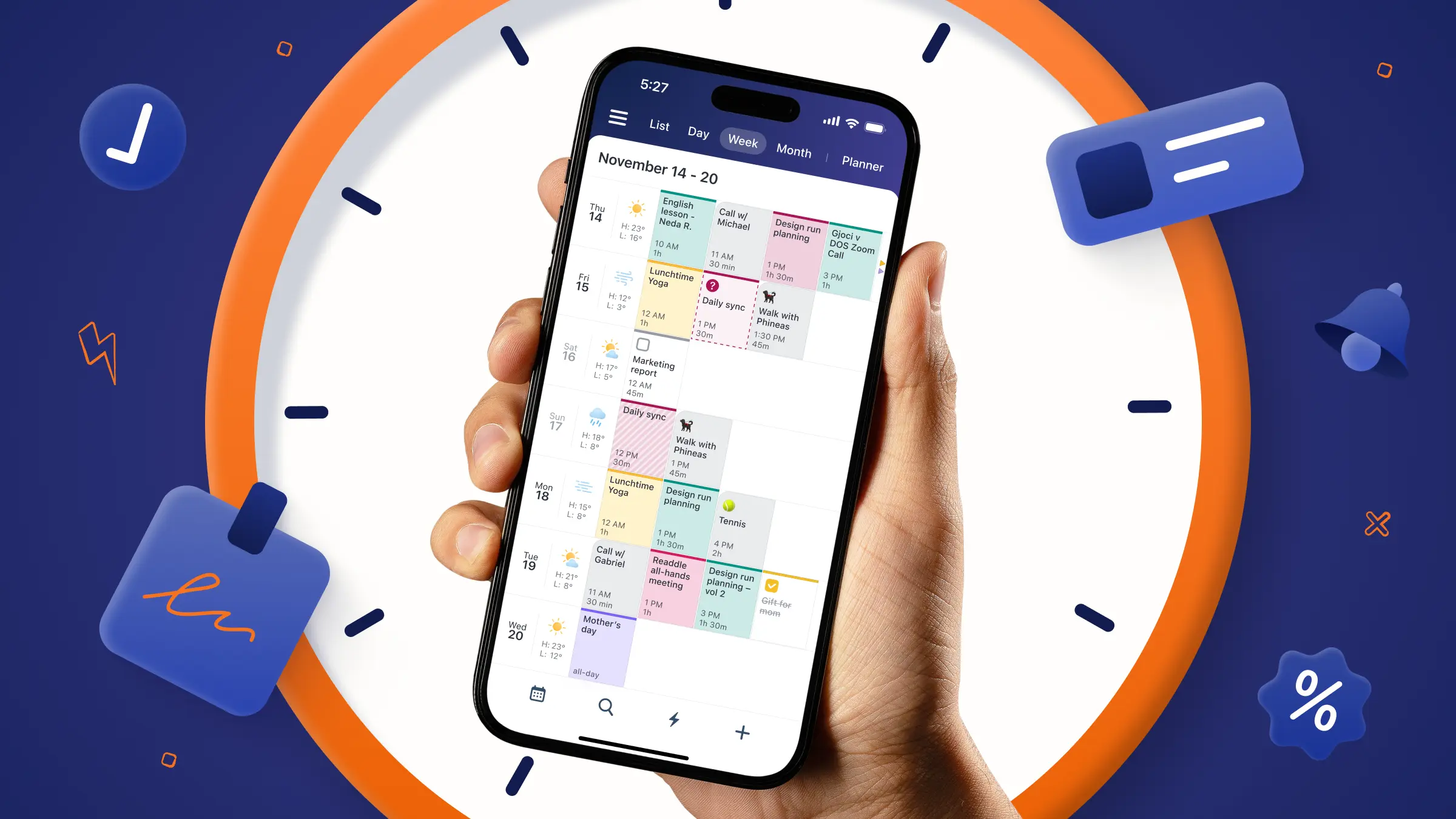
Your schedule gets more room to breathe on iPhone Duo. Unfold the screen to see your days side by side in Week View, get a broader overview of upcoming events in Month View, or bring your event list and calendar timeline together in Day & Week List.
With space for a sidebar alongside your calendar, navigating between views feels more convenient. Fold the device, and Calendars offers its familiar compact interface for checking your schedule on the go.
Scanner Pro: Your pocket scanner, reimagined
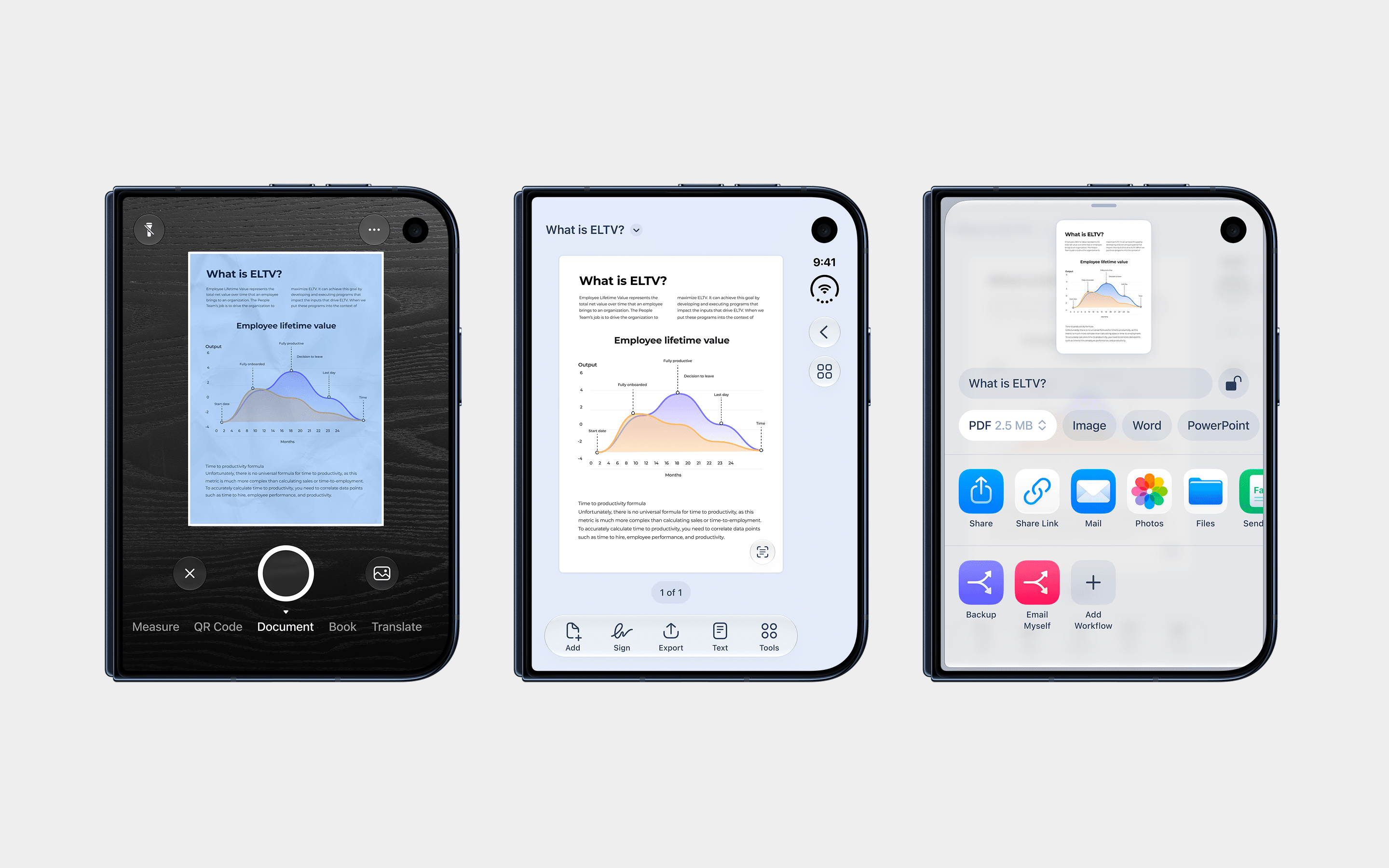
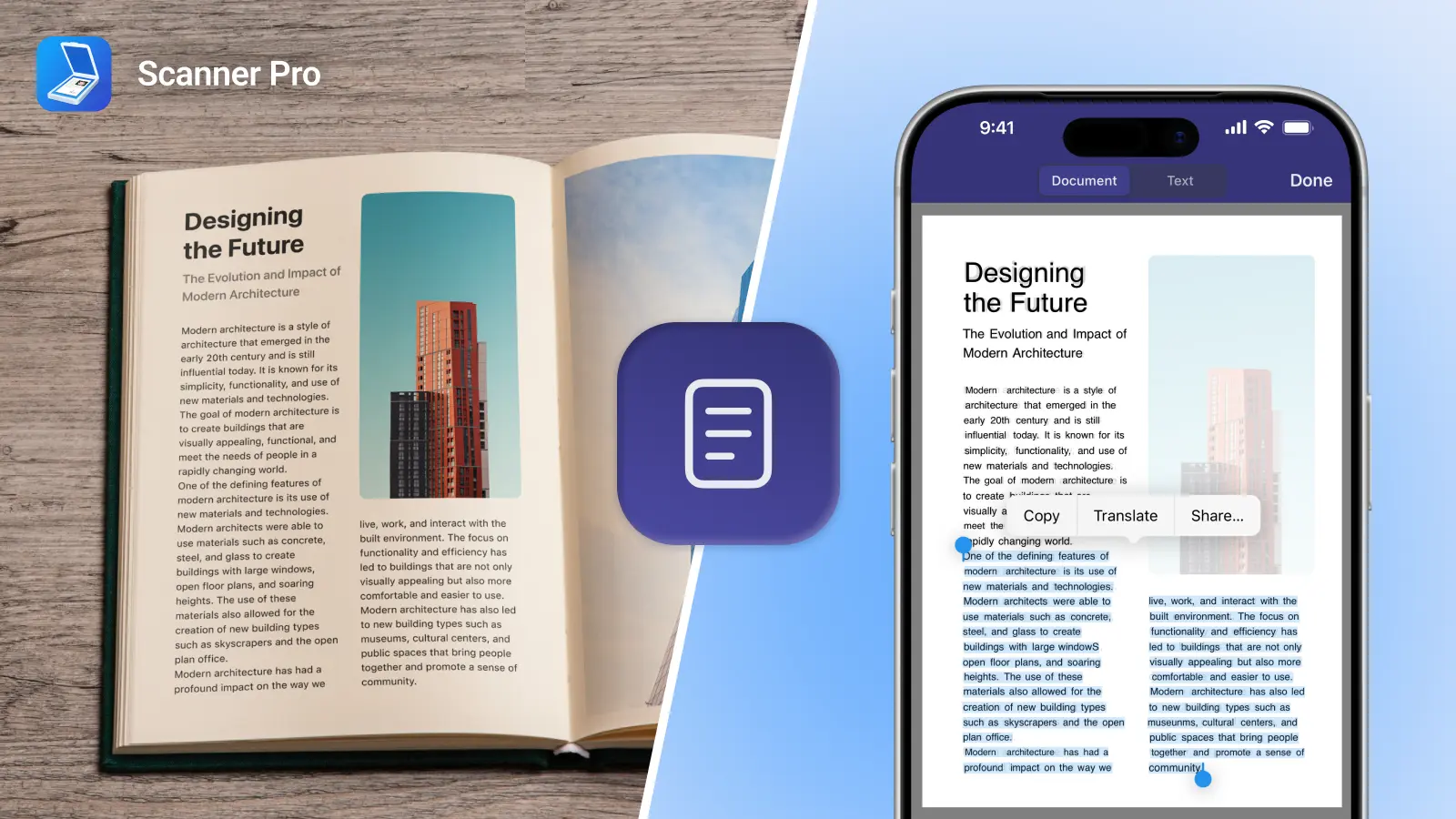
Your phone is already a powerful scanner. With iPhone Duo, it's even more versatile. The Scanner Pro team carefully refined the experience for the new device, from layouts and controls to animations and accessibility.
Capture documents with the camera, turn existing photos into high-quality scans, or switch between scanning modes for books, QR codes, text translation, and more. The expanded display gives you extra room to review, edit, and sign documents before exporting them as PDFs, Word files, or other formats. You can also digitize old photographs and enjoy your memories on the larger screen.
Need to scan a receipt, review a contract, or sign an important document? Scanner Pro makes it easy to handle paperwork wherever you are.
Built for what's next
The best technology doesn't just introduce new possibilities. It makes everyday tasks feel easier. That's what has driven us at Readdle since the original iPhone, and it's what continues to guide us today. From managing emails and files to planning your schedule and scanning documents, our goal is to make productivity feel effortless, whatever device you're using.
All five Readdle apps are ready for iPhone Duo from day one.
A new form factor. A new canvas for productivity. And a new chapter in helping people get things done.