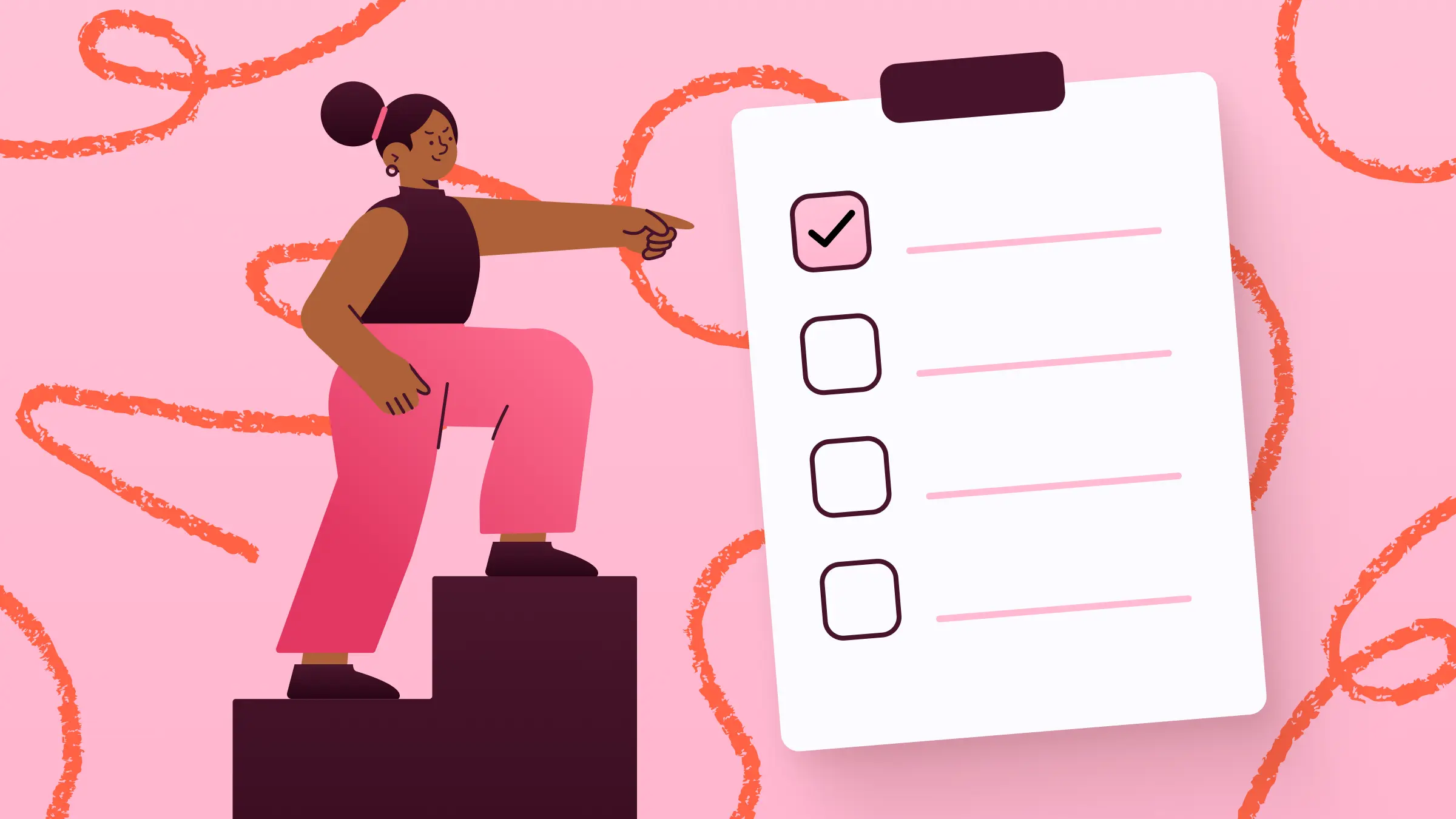
Ever start your day feeling like your brain’s already full before you even open your inbox? That’s where a good to-do list comes in. Done right, it doesn’t just list tasks. It gives you clarity. It helps you figure out what matters, what can wait, and actually makes you more productive.
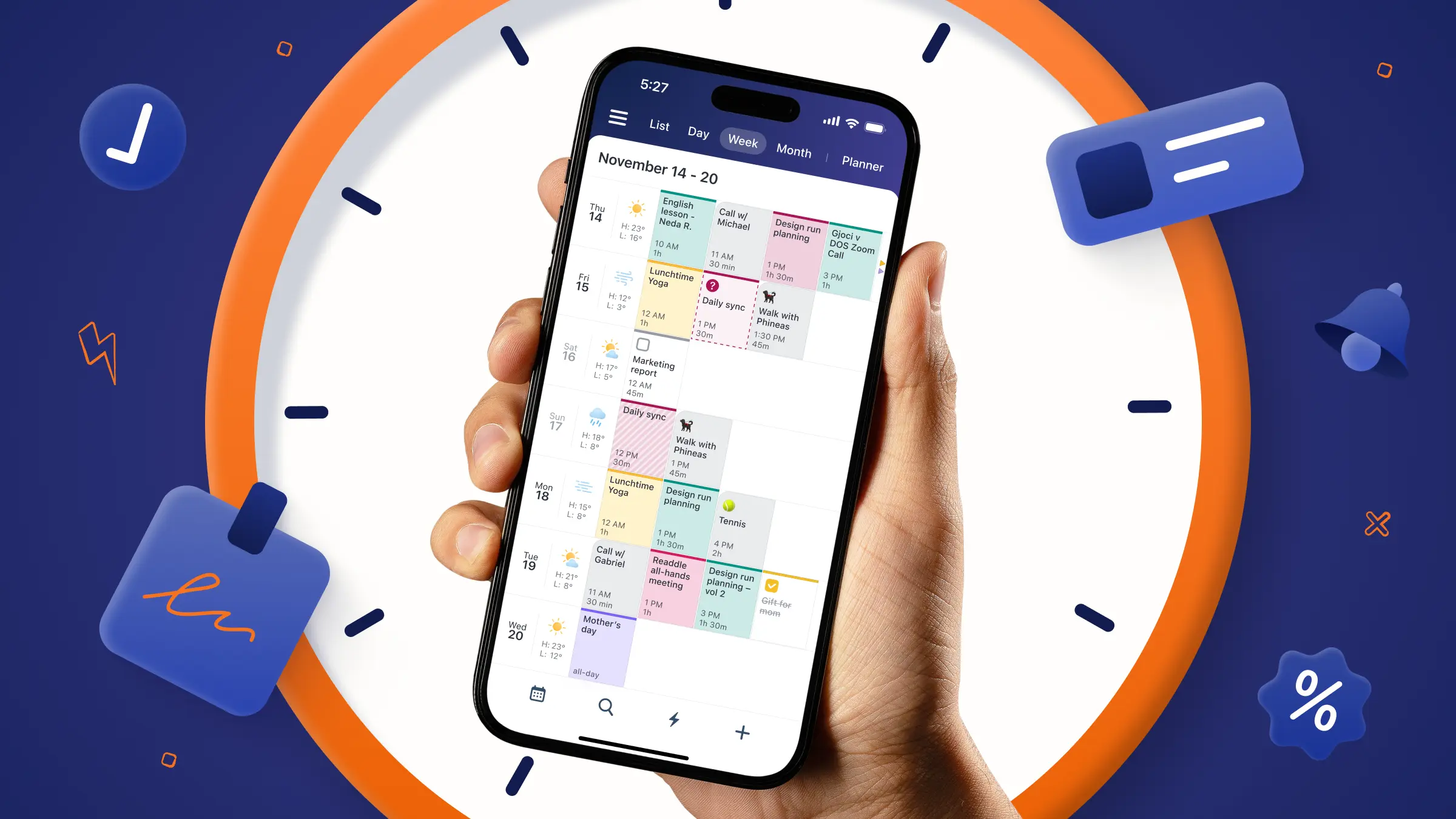
Let’s walk through how to build a to-do list that feels like a helpful friend, not a nagging to-do sheet. With Calendars by Readdle, you’ll have everything flowing effortlessly between your phone and laptop.
Why a Good To-Do List Matters
A to-do list is more than a collection of chores. It’s a productivity tool that:
- Helps you focus on high-priority tasks.
- Gives you a realistic overview of your day.
- Keeps long-term goals visible without being overwhelming.
Imagine Sarah, a marketing manager, juggling client projects, internal reports, and team meetings. She used to feel scattered all day, constantly switching between tasks. After creating a prioritized to-do list, she started her mornings knowing exactly what mattered most. The result? Less stress, more progress, and evenings with actual free time.
Without structure, a to-do list can do the opposite. It can stress you out and make your day feel impossible. That’s why taking the time to learn how to create a to-do list properly pays off.
Effective To-Do List Tips
Step 1: Brain Dump Everything First
The first step in building a functional list is to get all your tasks out of your head. Write down everything that’s on your mind, from work projects to errands to random reminders. This is called a brain dump, and it helps clear mental space so you can start prioritizing.
David Allen’s Getting Things Done (GTD) method calls this first step Capture and psychologists refer to the same concept as cognitive offloading. By transferring tasks and worries into an external system, you reduce mental load and improve memory.
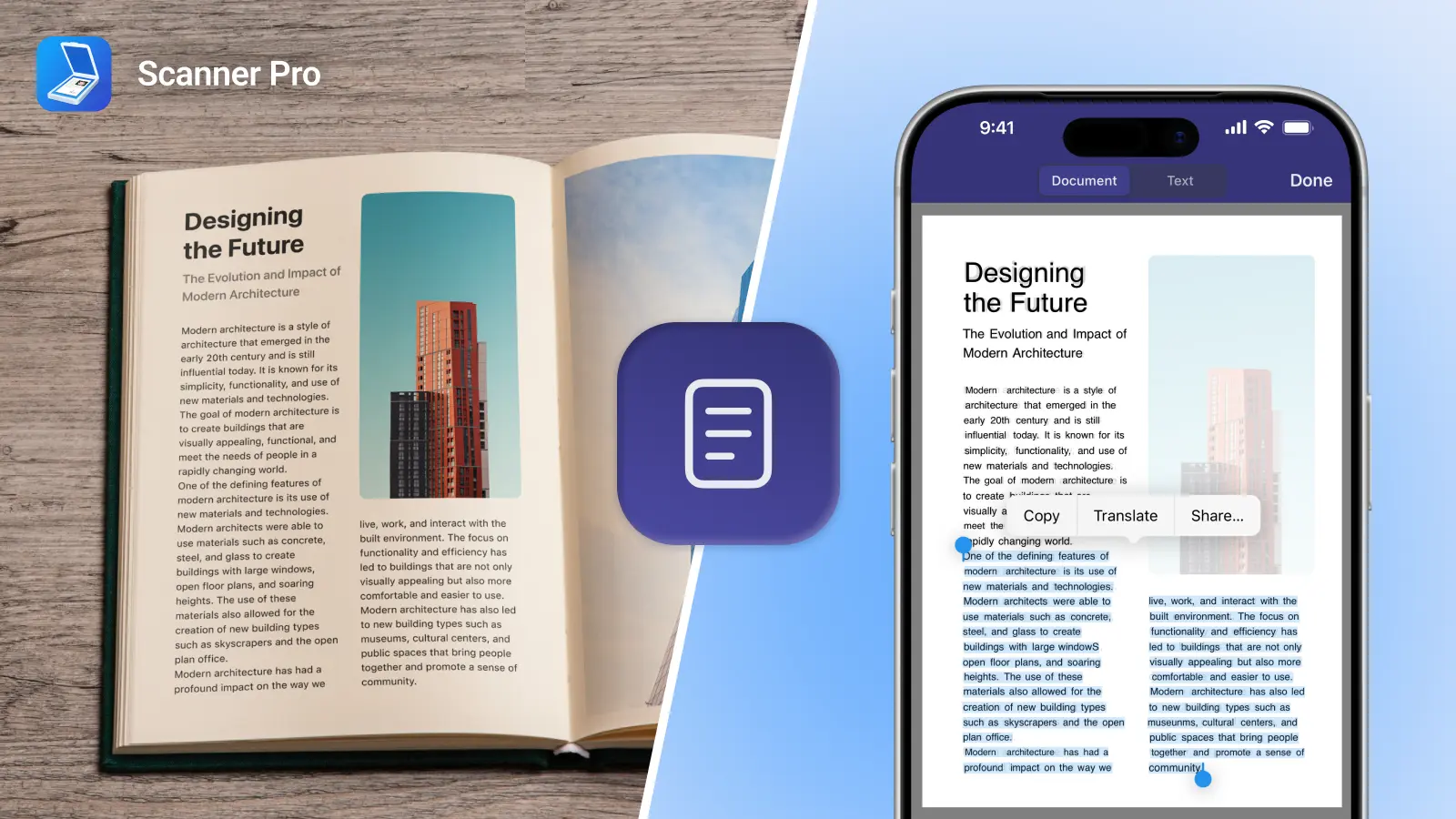
Digital tools like Calendars make this even easier. You can add tasks the moment they come to mind, anywhere (on your phone, tablet, or desktop) so nothing gets forgotten. Additionally, you can keep concrete tasks separate from vague ideas by moving tasks like “start a podcast” to a “Someday/Maybe/Ideas list.”
Step 2: Break Big Tasks Into Manageable Steps
Big projects can feel overwhelming. If you see a task labeled “Launch new marketing campaign,” it’s easy to freeze up or procrastinate. That reaction isn’t a personal failure, it’s a psychological one.
Research in organizational psychology shows that small, concrete wins are one of the most powerful drivers of motivation. Karl Weick’s “small wins” theory found that large, abstract goals often feel paralyzing. By breaking down these goals into specific and actionable steps, it makes progress feel psychologically easier and more sustainable.
Instead of treating a big goal as one intimidating task, break it into smaller actions you can realistically complete.
For example:
- Draft email copy for the launch.
- Create graphics for social media posts.
- Schedule a review meeting with the team.
You can easily break down tasks in Calendars by Readdle to make sure you keep on track:
- Instead of a one big task create a dedicated Task List for the project. You can call it “Launch new marketing campaign” or whatever feels appropriate for the larger project
- Add all the smaller actions as individual tasks on the list.
- Optional but recommended: You can also have "Launch Campaign" as a task in this list as a mark of the final milestone, which would be pleasing to cross-out once all project tasks are completed. Action - Task list creation and drag-n-drop a task between the lists.
- Assign each step an estimated duration (30 minutes, 1 hour, etc.) so your day stays balanced.
- Optional but recommended - block time for each task with Easy Planner feature.
Step 3: Prioritize Your Tasks
It’s easy to fall into the trap of treating every task on your list as equally important. But in reality, some tasks move the needle far more than others. Without clear priorities, your day can fill up with busywork while the work that actually matters keeps getting pushed aside.
One simple approach is to identify your Most Important Tasks (MITs) each day, usually just one to three items that, if completed, would make the day feel truly successful. These become your anchors. Everything else fits around them.
For example:
- If your list includes answering emails, updating a document, and preparing for an important presentation, your presentation becomes your MIT because it directly impacts your results.
- If you’re juggling organizing files, responding to clients, and finishing a draft, the draft is your MIT because it’s tied to delivery and income.
- If you’re job searching and your list includes researching roles, scrolling listings, and submitting one tailored application, that application is your MIT for the day.
You can make your MITs even more actionable by linking them to a tool like Calendars.
For example, inside you could assign different colors to MITs so they stand out visually or timeblock dedicated slots for these tasks.
Step 4: Always Add a Due Date
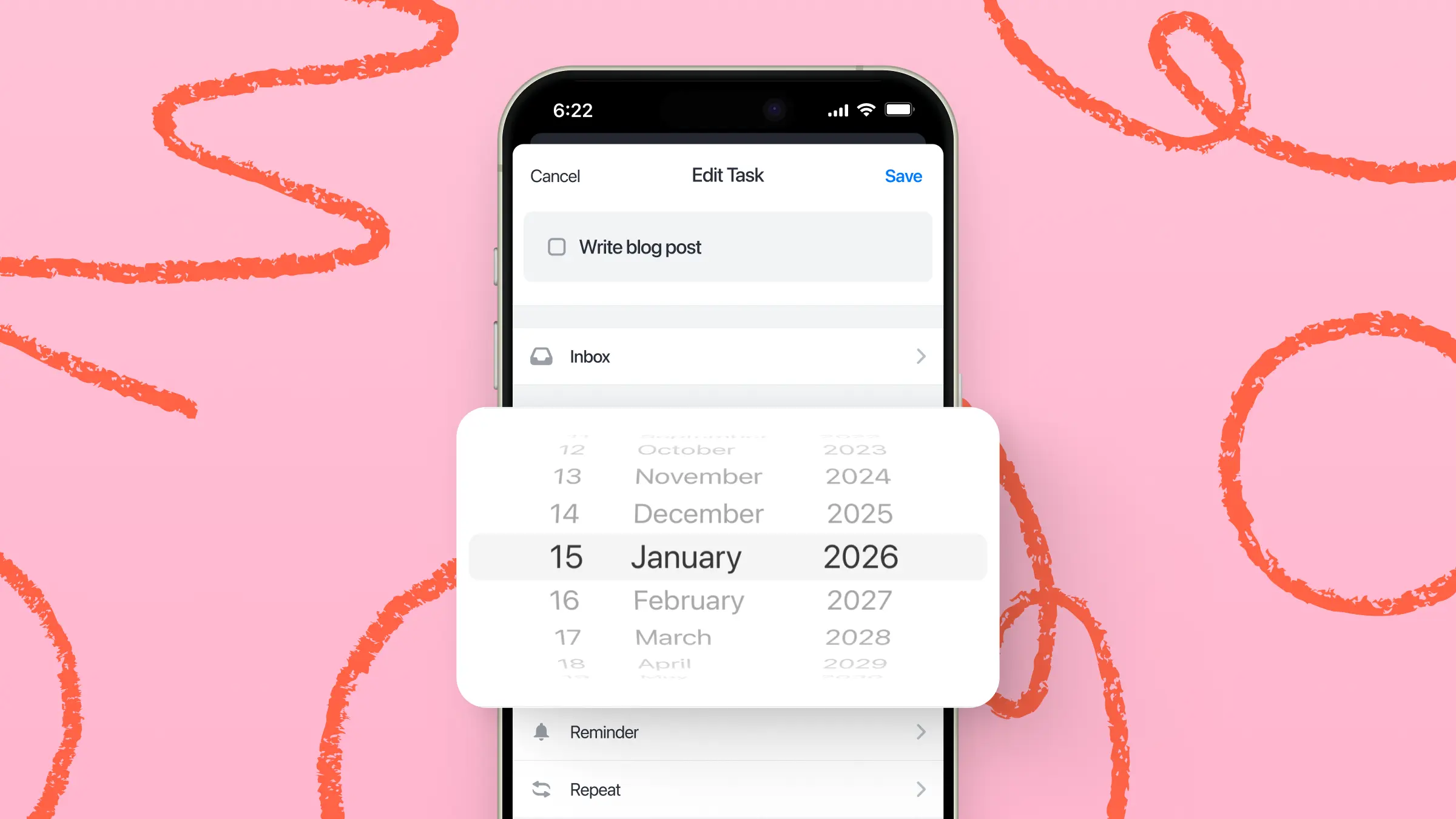
Knowing what to do isn’t enough, you also need to know when it needs to get done. Adding a due date turns vague intentions into actionable commitments.
Even if you don’t have a strict deadline, giving yourself a target helps prevent tasks from lingering indefinitely. For example, instead of “Write blog post,” try “Write blog post by Friday at 3 PM.” It creates accountability and helps you plan your day realistically.
Step 5: Use Repeating To-Dos for Recurring Tasks
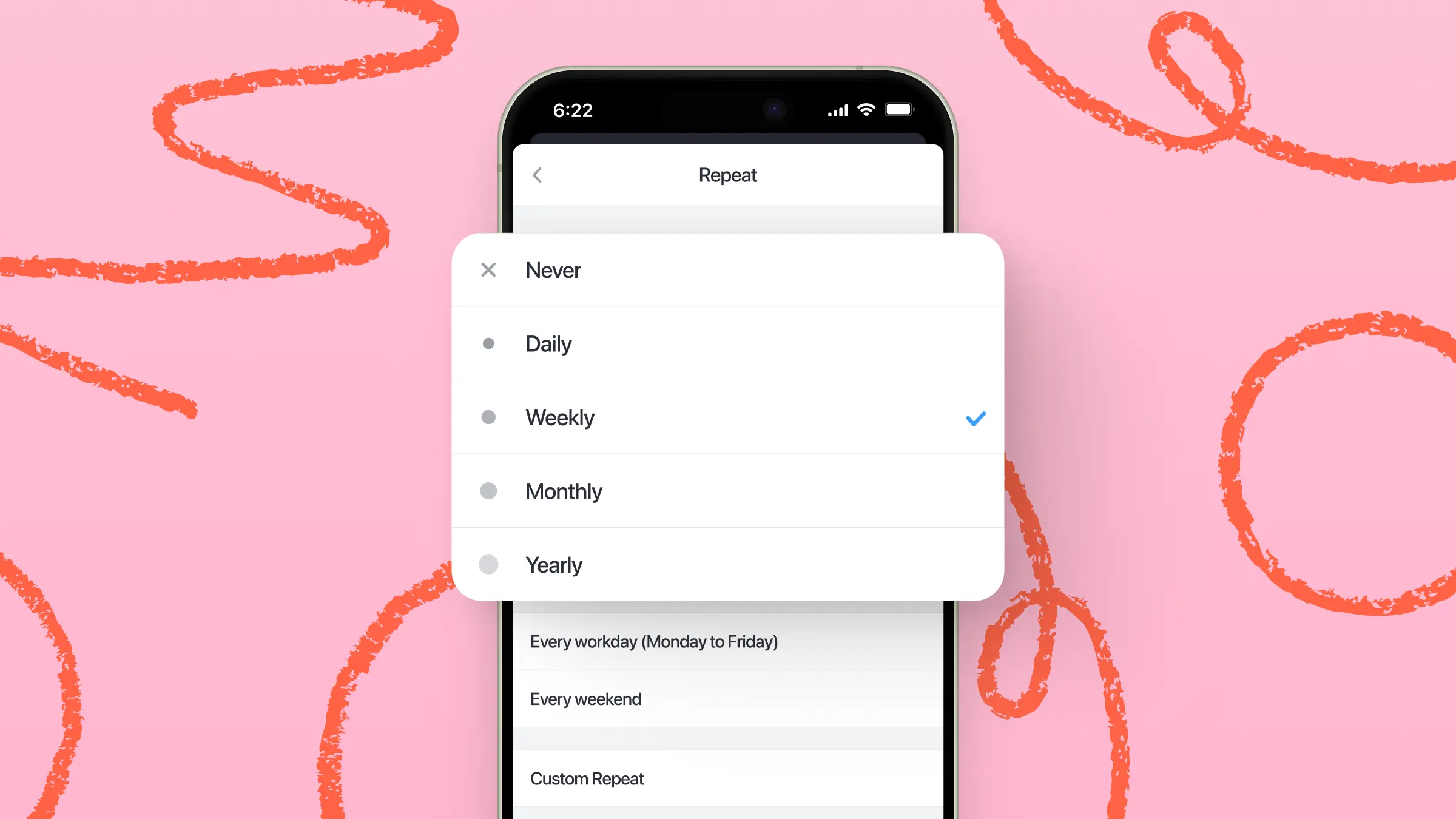
Some tasks aren’t one-and-done. They happen daily, weekly, or monthly. Things like “Weekly team meeting prep,” “Pay rent,” or “Send Monday report” can clutter your list if you keep re-adding them manually.
Repeating to-dos solve this problem. Set them once, and they automatically appear on your schedule whenever they’re due. This saves mental energy and ensures consistency.
Should You Include Time Estimates or Energy Levels?
Yes! Assigning a rough duration to tasks prevents overbooking your day and keeps your schedule realistic. It’s easy to underestimate how long things take, and before you know it, your carefully planned day is derailed by a few small tasks that ballooned into hours.
Matching tasks to your energy levels is just as important. Some work requires focus and creativity, while other tasks can be done on autopilot. By aligning your tasks with your natural energy rhythms, you can get more done with less stress.
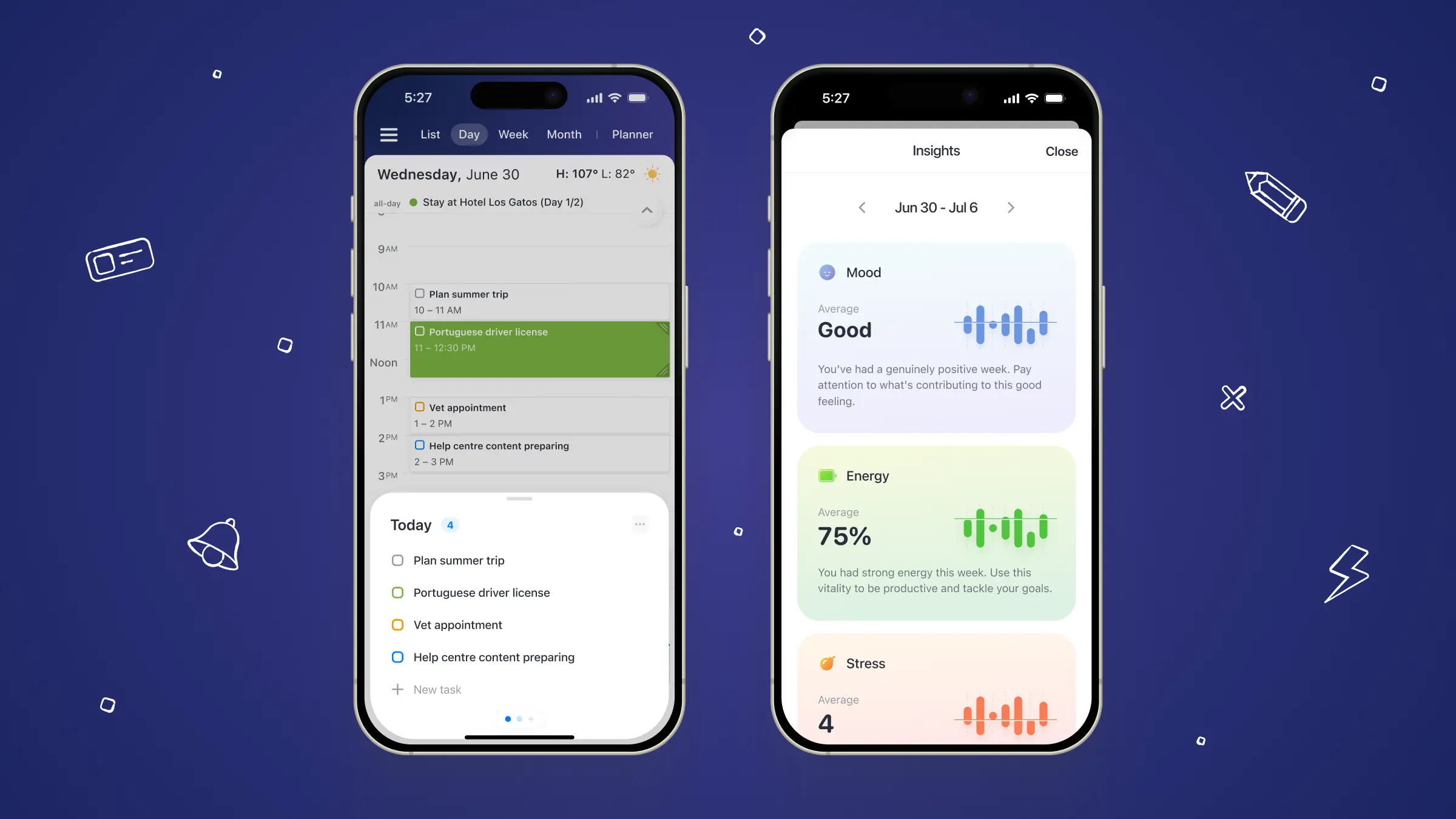
Practical tip: try scheduling a “power hour” for your most demanding work during your peak focus time, then place easier or repetitive tasks around it. Over time, you’ll notice patterns in your productivity and be able to plan your days more strategically, instead of just reacting to what feels urgent in the moment.
Calendars makes it easy to add estimated time directions for each task, so you can see exactly how much of your day each item will take.
Use Calendars by Readdle to Create Your To-Do List
Calendars is more than a digital calendar, it’s a productivity hub. With it, you can:
- Capture tasks quickly using natural language input.
- Turn tasks into scheduled calendar blocks.
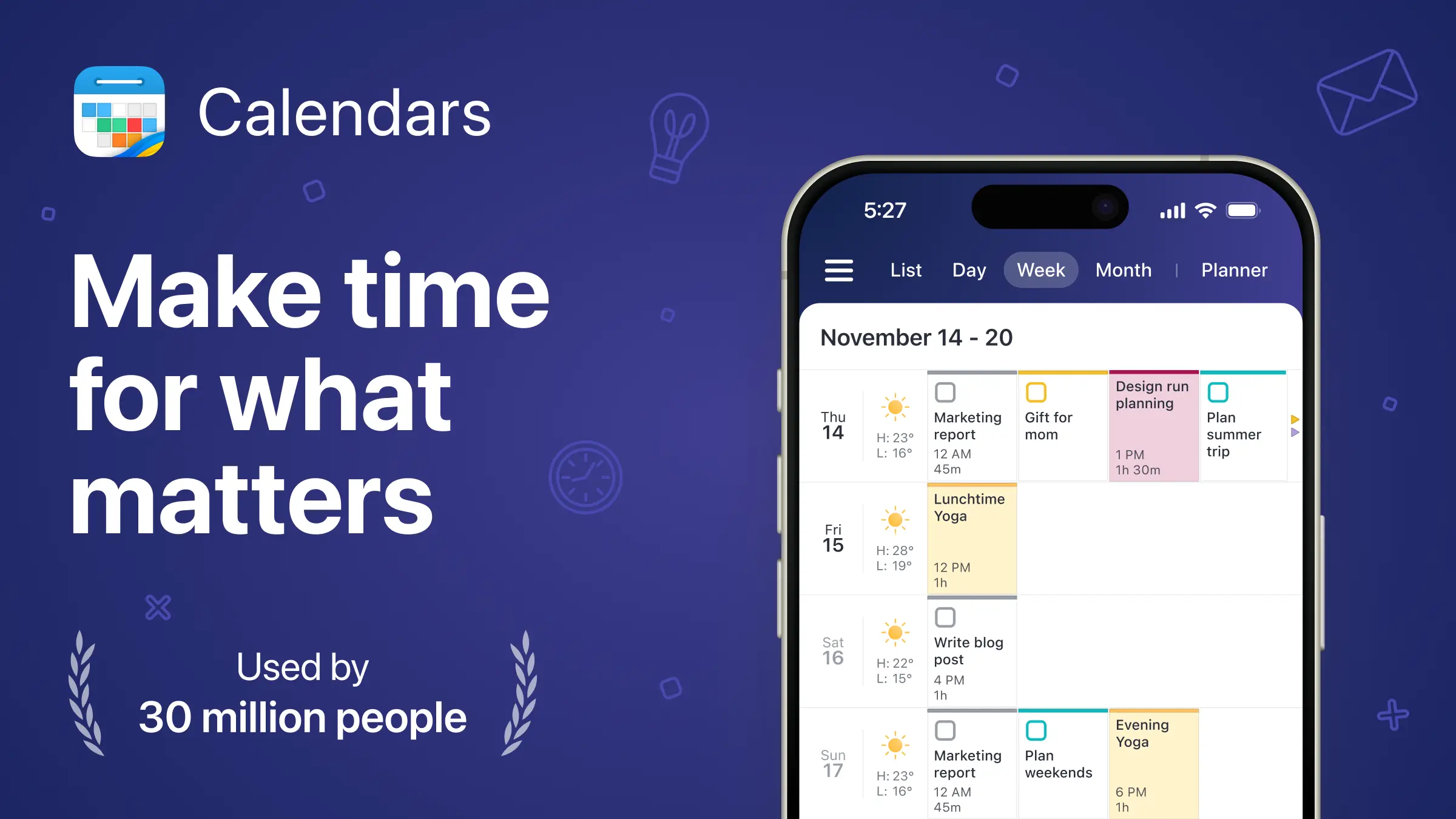
- Combine events and to-dos in one view.
- Set reminders and track durations.
This integration eliminates the “lost sticky notes” problem and ensures your to-do list is not just written down, but actionable.
Final Thoughts
A to-do list is a tool, not a test of willpower. Focus on clarity, prioritization, and realistic planning. With the right approach, and a tool like Calendars, you’ll turn your task list from a source of stress into a system that actually works.
Ever start your day feeling like your brain’s already full before you even open your inbox? That’s where a good to-do list comes in. Done right, it doesn’t just list tasks. It gives you clarity. It helps you figure out what matters, what can wait, and actually makes you more productive.
Let’s walk through how to build a to-do list that feels like a helpful friend, not a nagging to-do sheet. With Calendars by Readdle, you’ll have everything flowing effortlessly between your phone and laptop.