This year marked an important chapter in the evolution of Documents. Throughout 2025, the app grew through thoughtful updates that made it more capable, more intuitive, and more enjoyable to use in everyday situations. Some improvements were small quality refinements, others opened completely new ways to work with your files, and together they created a year that felt active and full of momentum.
Throughout these months, our focus stayed the same: to make managing your documents, media, and everyday tasks feel simple and enjoyable. Every new feature, shortcut, and improvement came from real situations our users shared with us and from the moments where we saw an opportunity to remove friction.
Before we start preparing everything that is coming next, we wanted to take a moment to look back at what arrived this year. We have collected the highlights below, along with a small winter gift waiting for you in the latest version of the app.
Highlights from 2025
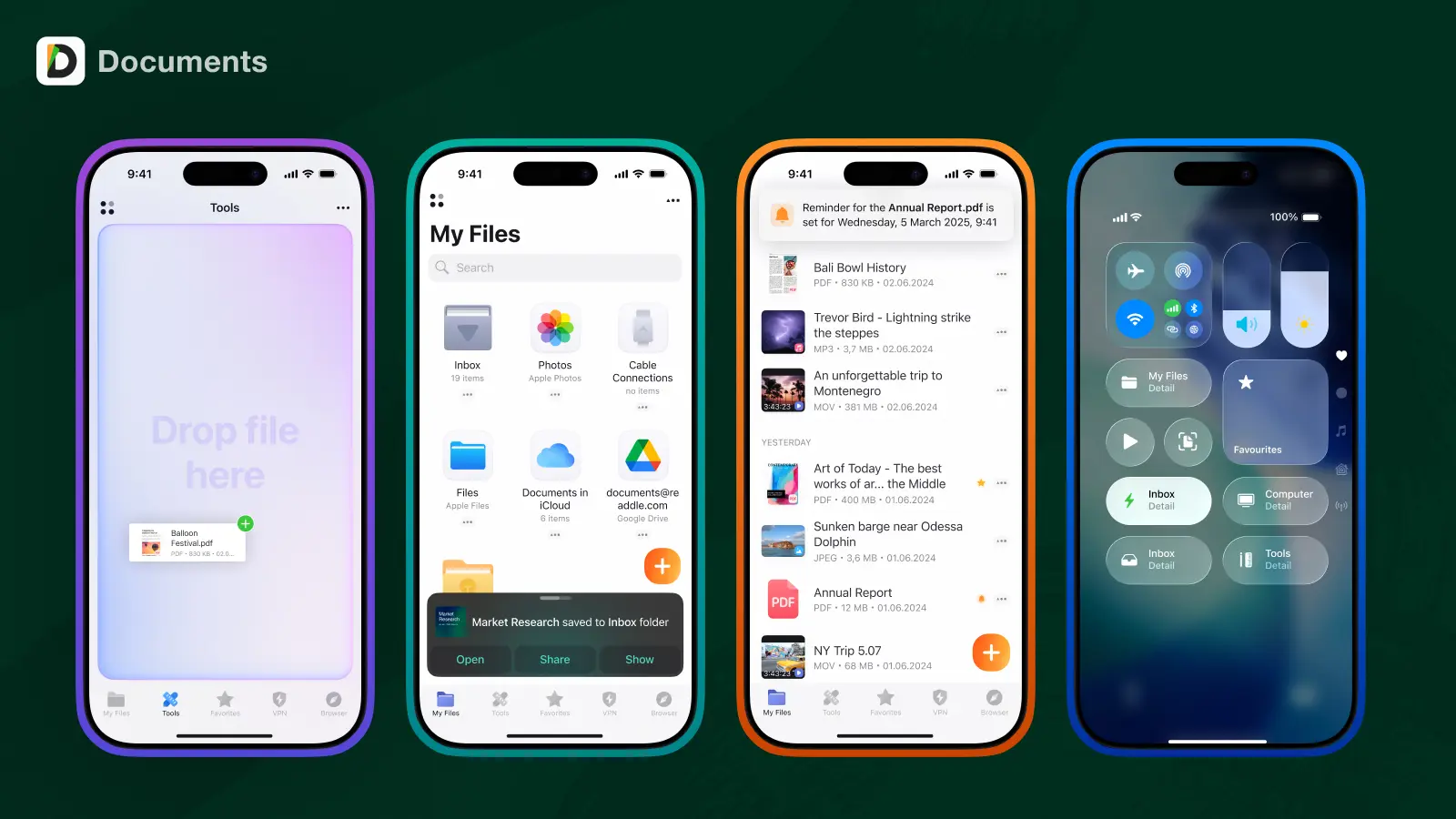
Drag & Drop got a major upgrade
We redesigned Drag and Drop across the app. Moving content, reorganizing folders, and sending files between apps now feels smoother, clearer, and more responsive. It is one of those updates that quietly improves your workflow every single day.
File Reminders: the right file at the right moment
Another key addition this year was File Reminders. Not every task belongs in a calendar. Sometimes you simply need to come back to a document at the right time. Now you can set a reminder on any file, and Documents will bring it back when you need it.
Links became truly useful
We also introduced an entirely new link experience. Links inside your files now open previews and helpful actions directly in Documents. This makes reading, referencing, and collecting information much more natural, especially in long documents.
A proud design milestone
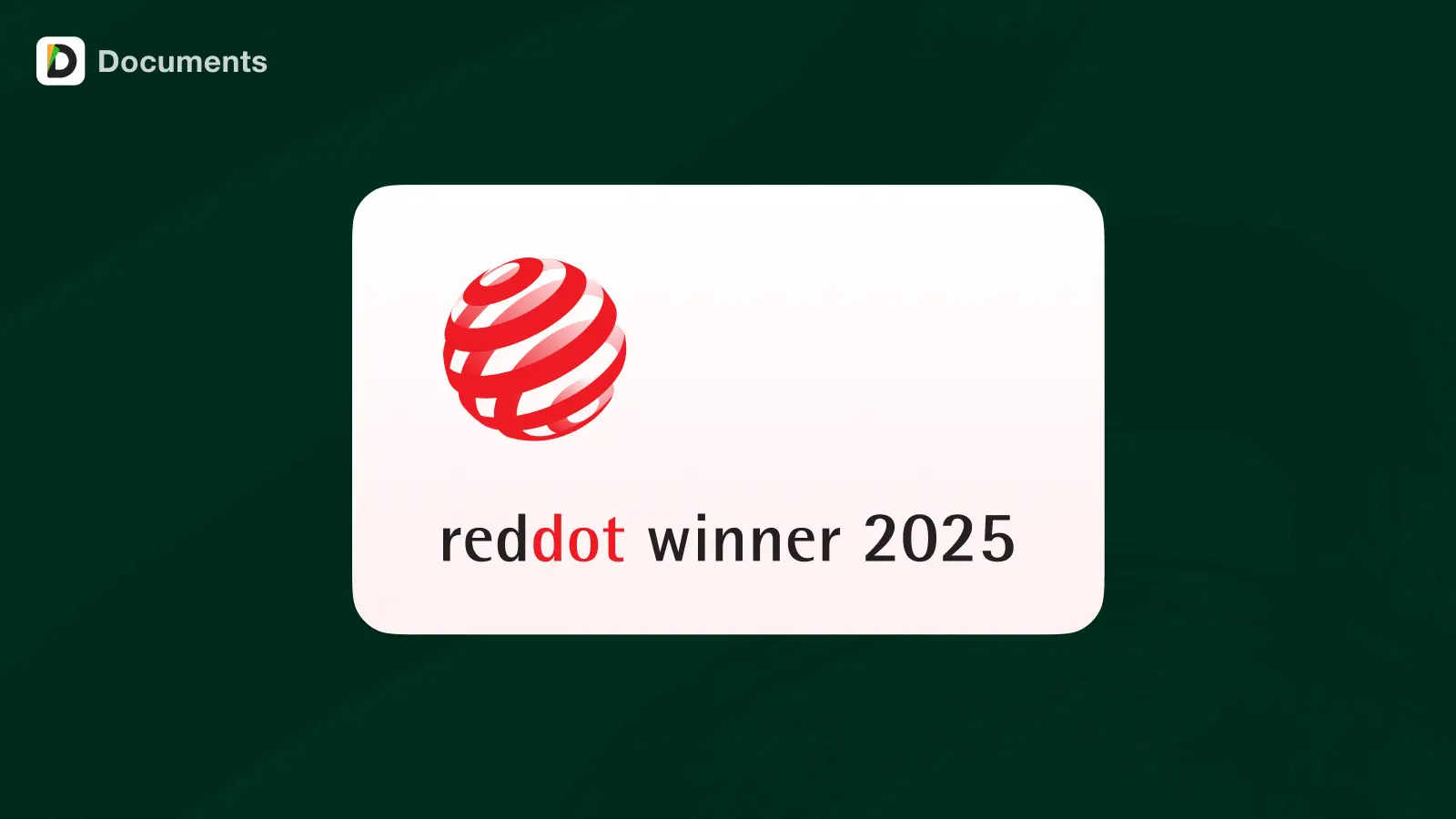
Documents received a Red Dot Design Award this year. This recognition reflects our commitment to clarity, usability, and thoughtful design. Your feedback played a major role in shaping the work that earned this distinction.
A smoother experience with iOS 26
2025 also brought full support for iOS 26. Documents now integrates more deeply with the system, offers refreshed widgets, and feels faster throughout the interface. From opening a file to switching tasks, everything is a little more fluid and intuitive than before.
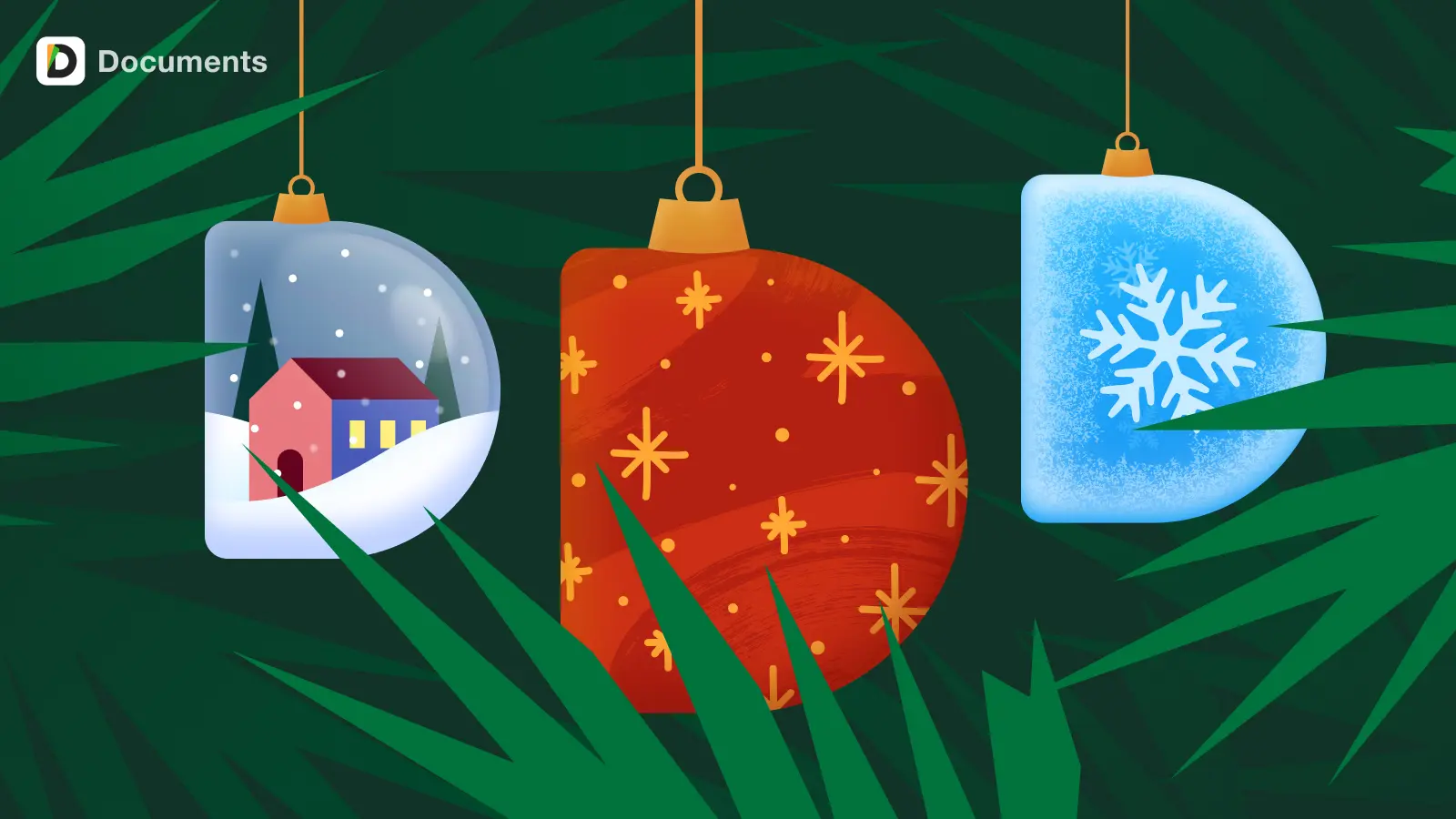
A seasonal treat: new winter app icons
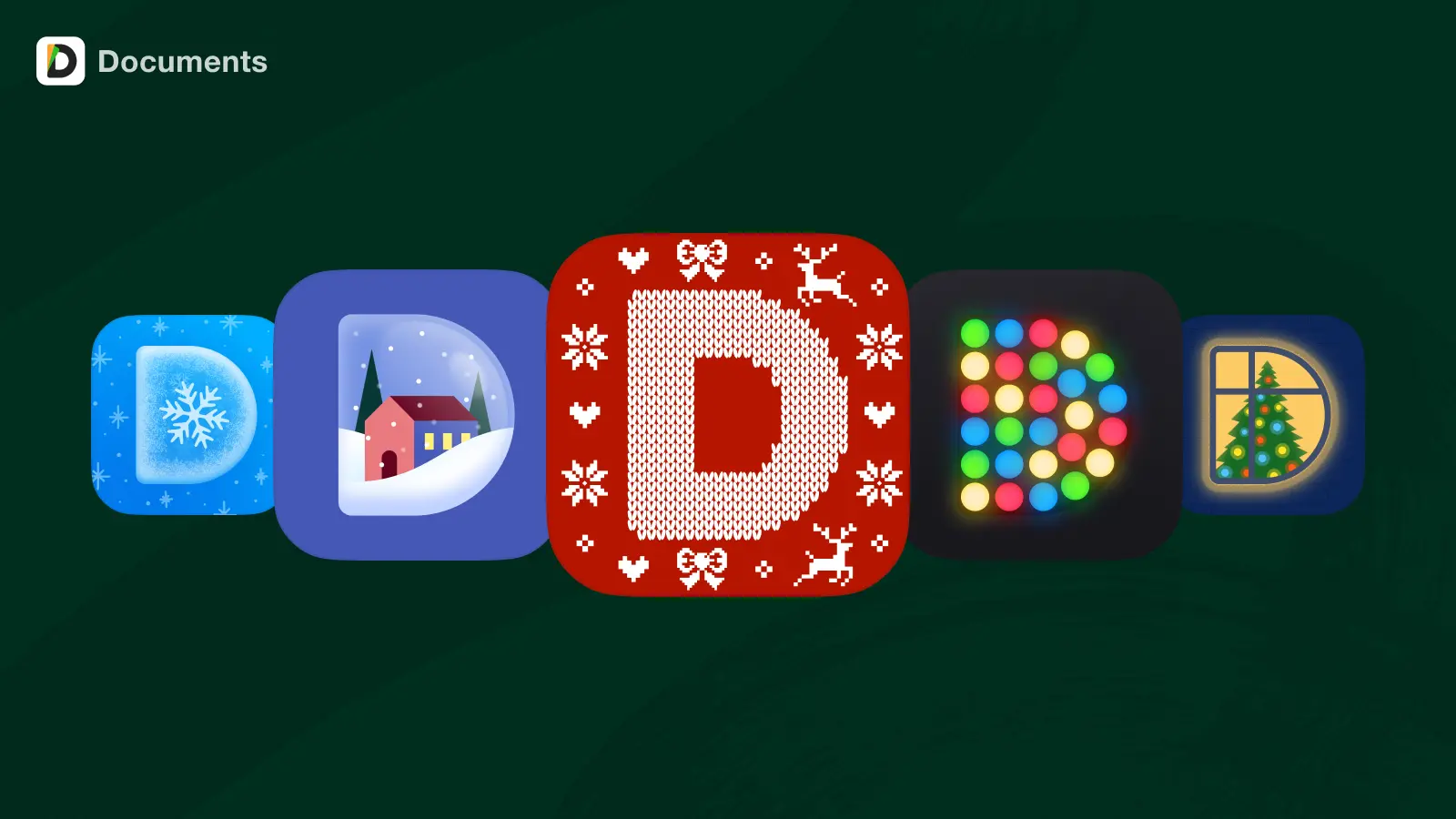
To celebrate the season, we created a collection of winter themed app icons.
They are simple, cozy, and perfect for giving your Home Screen a fresh look. You can find them in the app settings after updating to the latest version.
Looking ahead to 2026
We have exciting work ahead of us.
Next year we will continue introducing our new web platform.
It will offer essential file tools directly in your browser and make it easier to work with your files on any device. This marks a significant step toward making Documents more accessible everywhere.
Thank you for being with us
2025 was full of ideas, improvements, and new features. Most of them began as conversations with you.
Thank you for the trust, the suggestions, and the energy you bring to the app.
Our whole team wishes you a peaceful winter break and a great start to 2026.