iScanner is a popular scanning app from BP Mobile, and it packs in a lot: OCR, PDF editing, math and counting modes, and its own cloud. But a lot isn't always what you want. In user reviews, the common complaints are a limited free tier with frequent ads and a subscription some people find confusing or pricey.
If you mostly need fast, sharp scans that stay private and fit neatly into your Apple devices, Scanner Pro is the better fit. Here's how the two apps compare, and how to switch in a few minutes.
Scanner Pro vs iScanner at a glance
|
Criteria |
Scanner Pro |
iScanner |
|
Platforms |
iPhone, iPad |
iPhone, iPad, Android |
|
Ads |
No ads |
Ads in the free version; a subscription removes them |
|
Sharing |
Unlimited on both free and paid plans (free exports carry a watermark) |
5 files per day in the free version; unlimited with a subscription |
|
AI model training |
Your documents are never used to train AI models |
User-submitted photos can be used for ML training when the "Improve AI Tools" setting is on (off by default) |
|
Storage of scanned documents |
Stored locally on your device; scans and their content aren't stored on Readdle servers |
Stored locally without a cloud account; stored on AWS when cloud sync is used |
|
Integrations |
Dropbox, Google Drive, OneNote, OneDrive, Box, Evernote, WebDAV |
iScanner cloud storage (requires an account) |
|
Automations |
Yes, build custom workflows |
No |
|
iCloud Sync |
Yes |
No; sync only through an iScanner account |
|
Account required |
No |
Optional; needed for cloud storage |
|
Security |
ISO 27001 certified; password protection and Face ID for the app and password protection for PDFs |
PIN or Face ID Safe Folder |
|
Expense reports |
Yes, automated expense reporting is available |
No dedicated feature |
|
Auto-naming |
Yes, based on document content |
Yes, based on document content |
|
Auto-categorization and filtering |
Yes, auto-categorisation and search filters |
Search filters only. |
|
Paper size options |
Yes: custom, A4, A5, letter and legal paper formats. |
Yes: original size, A4, A5, Business Card, Letter, and Legal paper formats. |
|
OCR |
Yes, automatic |
Yes |
|
Translate scans |
20+ languages, on-device |
Can translate scanned PDFs into 108 languages |
|
Convert to Word, PDF |
Yes |
Yes |
|
Fax from the app |
Yes |
Yes |
|
iPhone Duo support |
Yes |
TBC |
Why Scanner Pro is the best iScanner alternative
1. Your scans stay on your device
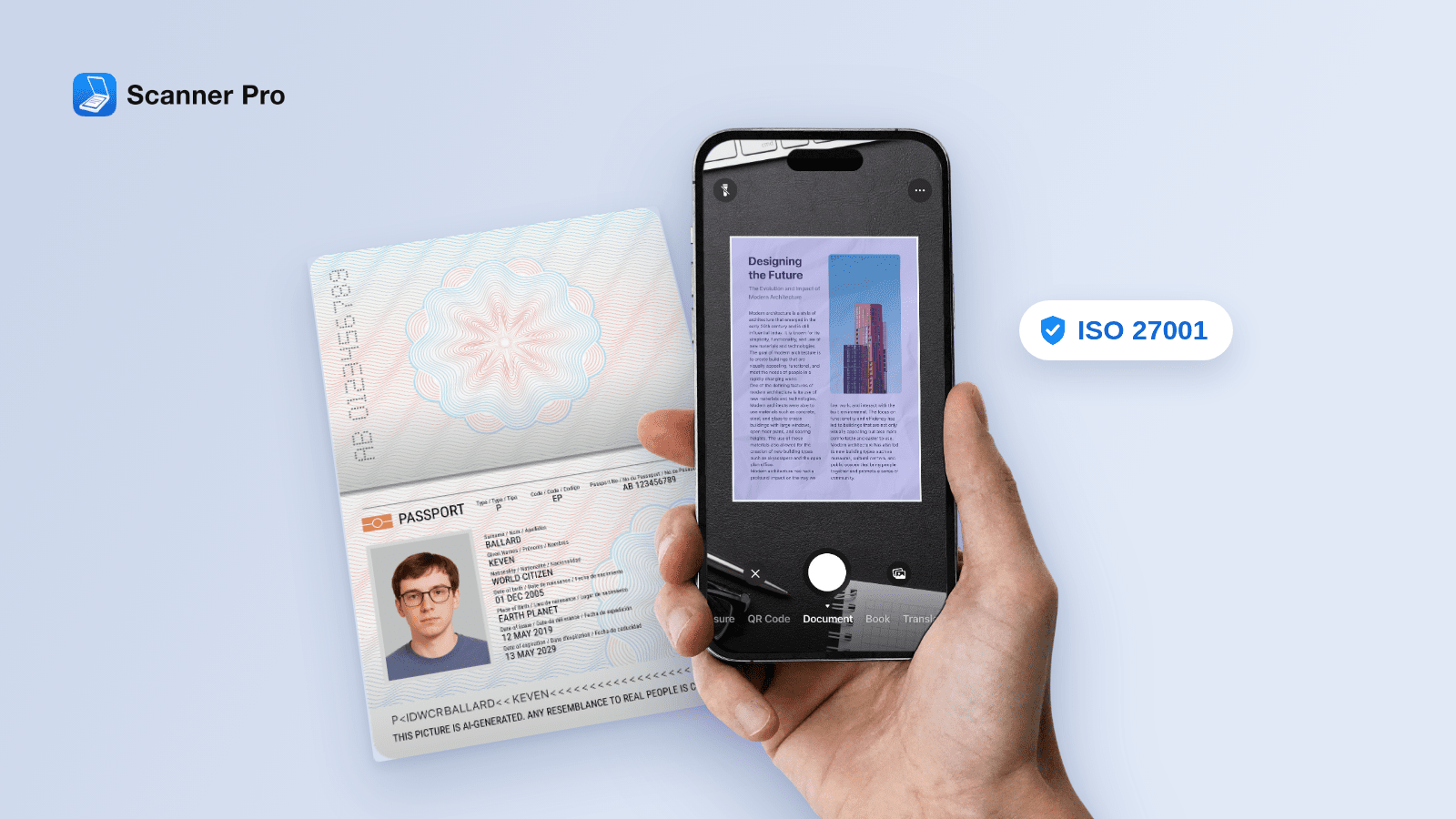
Scanner Pro's whole enhancement pipeline, from shadow removal to color correction, runs on your iPhone or iPad. No image data goes to Readdle's servers. For IDs, contracts, and medical forms, that matters. Your documents are never used to train AI models, you don't need to create an account, and the app is ISO 27001 certified.
2. Scan quality that stands out
Every scan is automatically cleaned up: shadows from your hand or phone removed, colors corrected, text sharpened. You don't need to toggle anything. That's a big reason it holds a 4.9 rating from over 328,000 App Store reviews and an Editors' Choice badge from Apple.
3. Built for Apple devices
Scanner Pro syncs between iPhone and iPad through iCloud, with no extra account to set up. It also connects to the cloud services you already use, including Dropbox, Google Drive, OneDrive, OneNote, Box, Evernote, and WebDAV servers. iScanner has no iCloud Sync and only syncs through its own cloud account.
4. Tools for real paperwork
Beyond scanning, you get OCR that makes every PDF searchable, e-signatures, Magic Eraser (Plus) to clean up marks, Merge to combine files, and the ability to fax, print, or share straight from the app. Plus subscribers can translate scans into 20+ languages, password-protect PDFs, and generate expense reports.
5. No ads, no daily sharing limit
Scanner Pro's free version has no ads and no cap on how many files you share, while iScanner's free version shows ads and limits sharing to 5 files a day. Free Scanner Pro exports do carry a watermark. Scanner Pro Plus removes the watermark and adds password protection, Magic Eraser, and auto-upload to cloud storage.
Where iScanner still wins: if you use Android, or switch between Android and iPhone, iScanner's cross-platform subscription is the more practical choice.
How to switch from iScanner to Scanner Pro
- In iScanner, export the documents you want to keep as PDFs to the Files app or your cloud storage.
- Download Scanner Pro from the App Store.
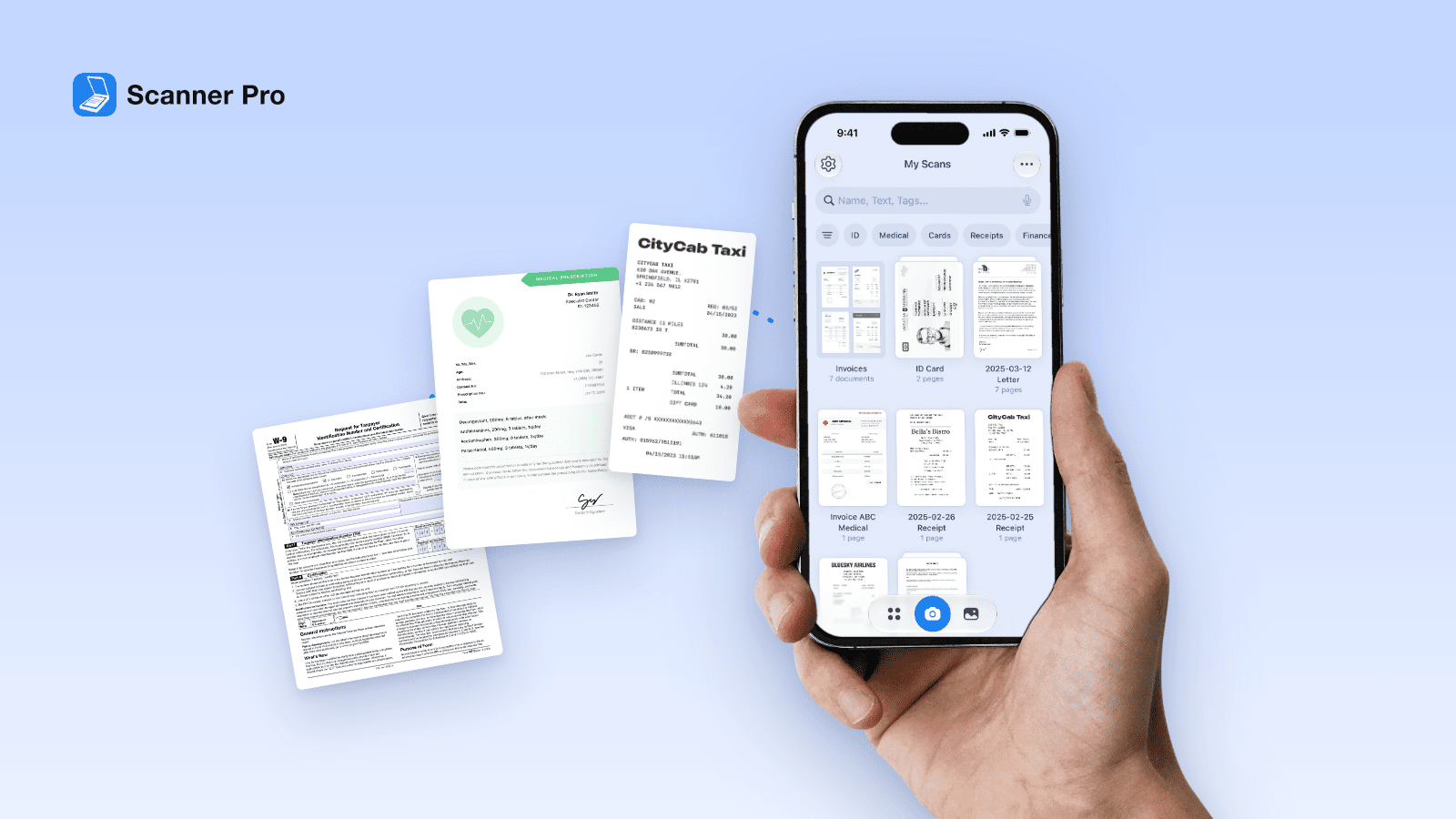
- Import into Scanner Pro. On the My Scans screen, open the More menu in the top-right corner and tap Import Files. Select the files you just saved. Scanner Pro imports PDFs and most image formats, and you can pick several files at once. Each one arrives as a separate document with its original name.
- Organize into folders. Tap the three-dots icon on the My Scans screen and choose New Folder, then move your imported files in.
- Connect your cloud storage (optional). Tap the Settings icon at the top left, go to Services, and choose Google Drive, Dropbox, OneDrive, Box, or another service. Sign in, then tap Enable to turn on Auto Upload for new scans. Auto Upload requires Scanner Pro Plus.
- Cancel your iScanner subscription.
For more detail, see Import Files to Scanner Pro and auto-uploading scans to cloud storage.
FAQ
Is Scanner Pro free? Yes. Basic scanning, organizing, and sharing are free, though free exports carry a watermark. Scanner Pro Plus removes the watermark and adds features like translation, PDF conversion, merging, and password protection.
Is Scanner Pro better than iScanner? For iPhone and iPad users who care about scan quality and privacy, we think so. If you need Android support, iScanner is the better fit.
Can Scanner Pro scan IDs and passports? Yes. It's built to capture IDs, passports, and driver's licences clearly and save them as PDFs or images. See our guide to scanning and storing ID documents with Scanner Pro.
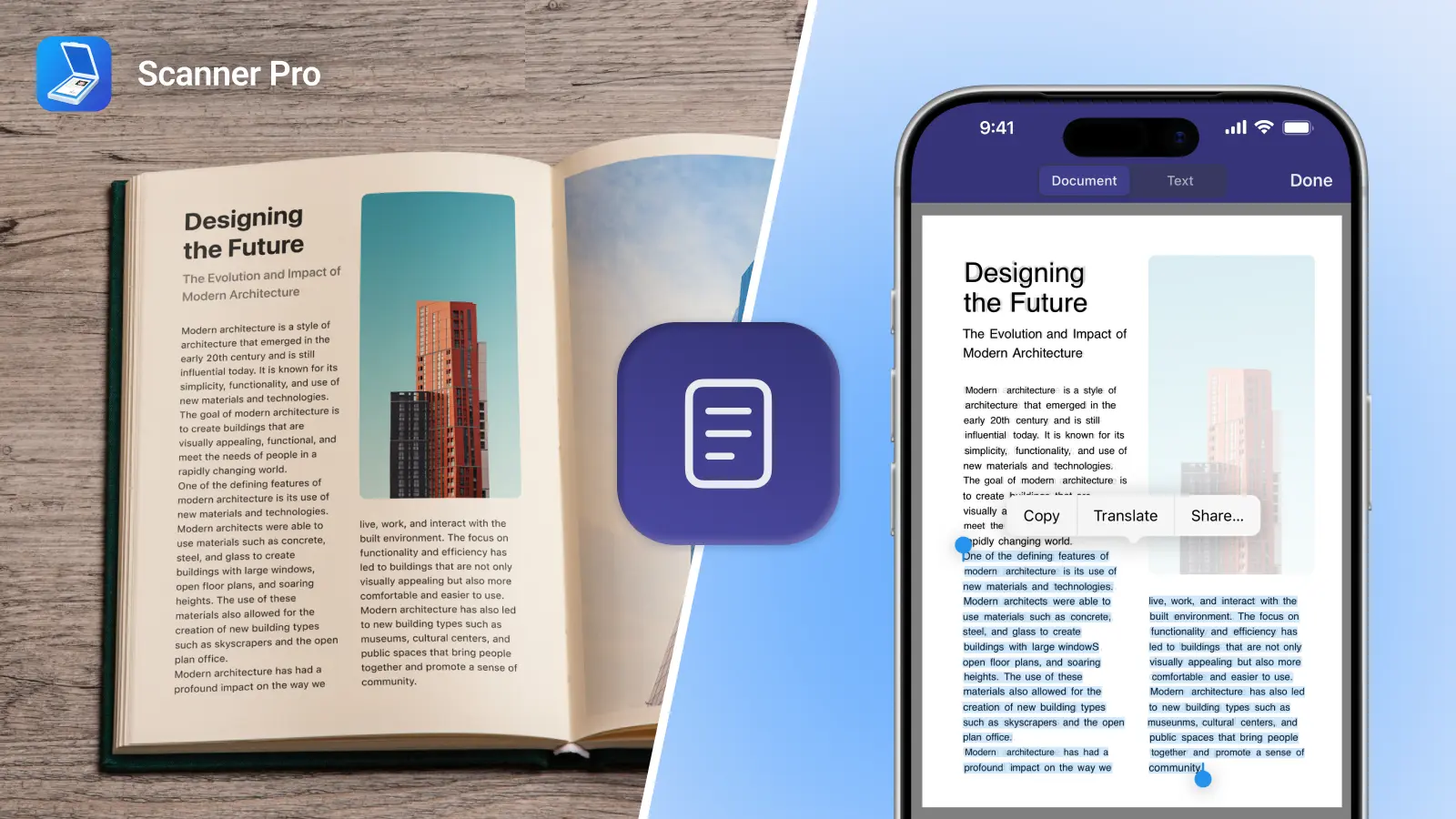
Does Scanner Pro have OCR? Yes. It automatically recognises text and adds a searchable layer, so you can find, select, and copy text from any scan.
Try the iScanner alternative trusted by 10M+ users
Scanner Pro gives you sharp, private scans and the tools you actually need to finish your paperwork, all on the Apple devices you already use.