You might think a to-do list is a simple thing. Just write down what you need to do, right? But anyone who’s tried a dozen apps knows it’s not that easy. Task management is weirdly personal. One person loves color-coded boards, another thrives on minimal lists. If an app doesn’t feel right, it won’t stick, no matter how powerful it is.
To help you find the best to-do list app for your life, here’s a roundup of some of the top apps that might suit the way you work.
What Makes a Great To-Do List App?
Before diving into specific apps, it’s important to know what to look for. Here’s what makes a great to-do list app:
- Intuitive Design: A good to-do list app should feel simple and natural to use from the very first time you open it. A clean, uncluttered interface helps you focus on getting things done instead of figuring out how the app works.
- Cross-Device Syncing: Your tasks should always be up to date no matter what device you’re using. Whether you’re on your phone, tablet, or computer, seamless syncing ensures you can check your list on the go and pick up where you left off.
- Task Management Features: Look for support for priorities, tags, due dates, reminders, and recurring tasks so you can structure your workload in a way that matches your workflow.
- Collaboration Options: If you work with a team or manage shared responsibilities at home, the ability to share tasks or lists can be a huge bonus.
Customizability: The best to-do list apps adapt to how you think. List views, calendar layouts, and board style views allow you to switch perspectives depending on whether you’re planning your day, week, or a longer-term project.
Best 5 To-Do List Apps
Calendars by Readdle
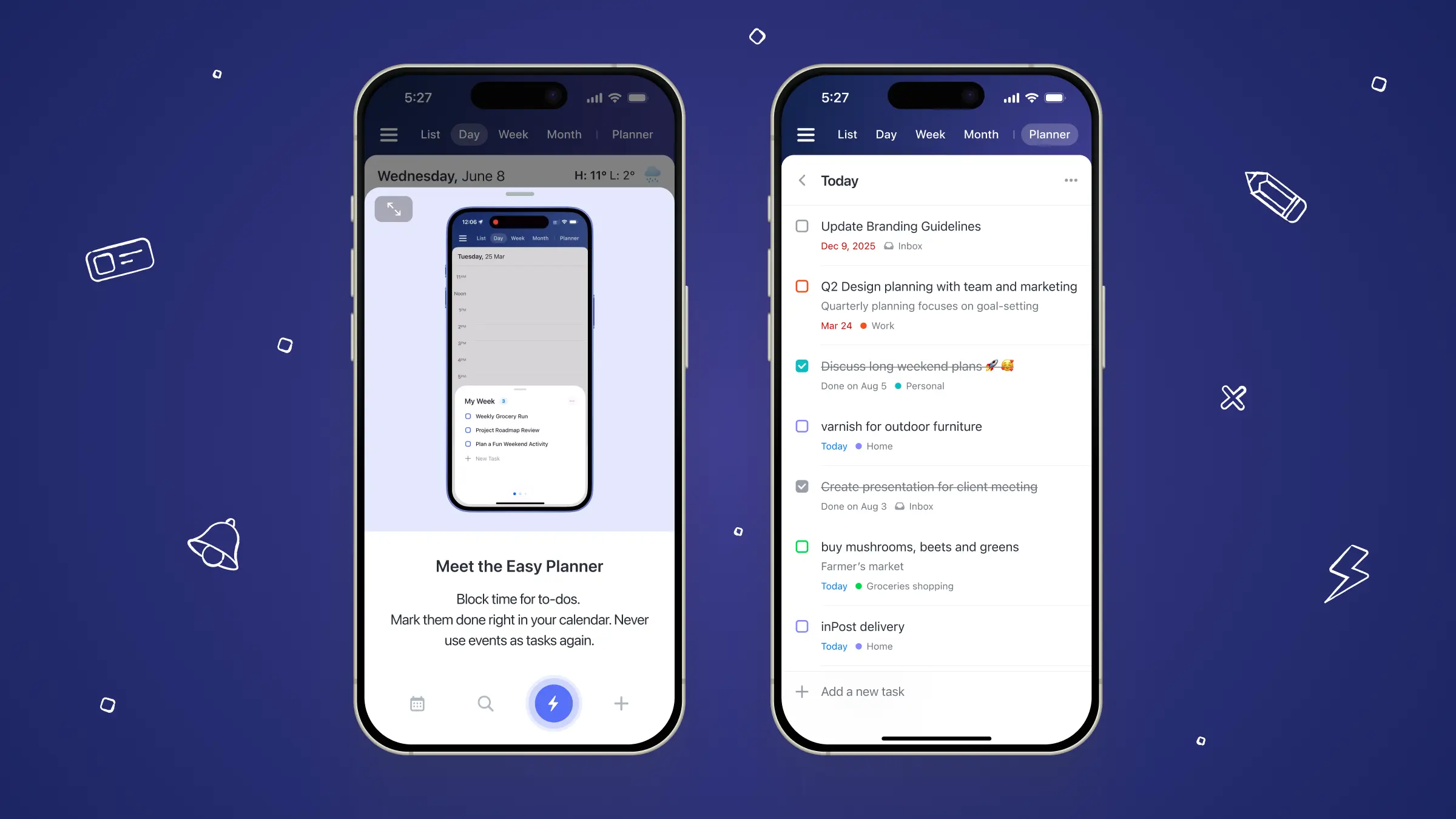
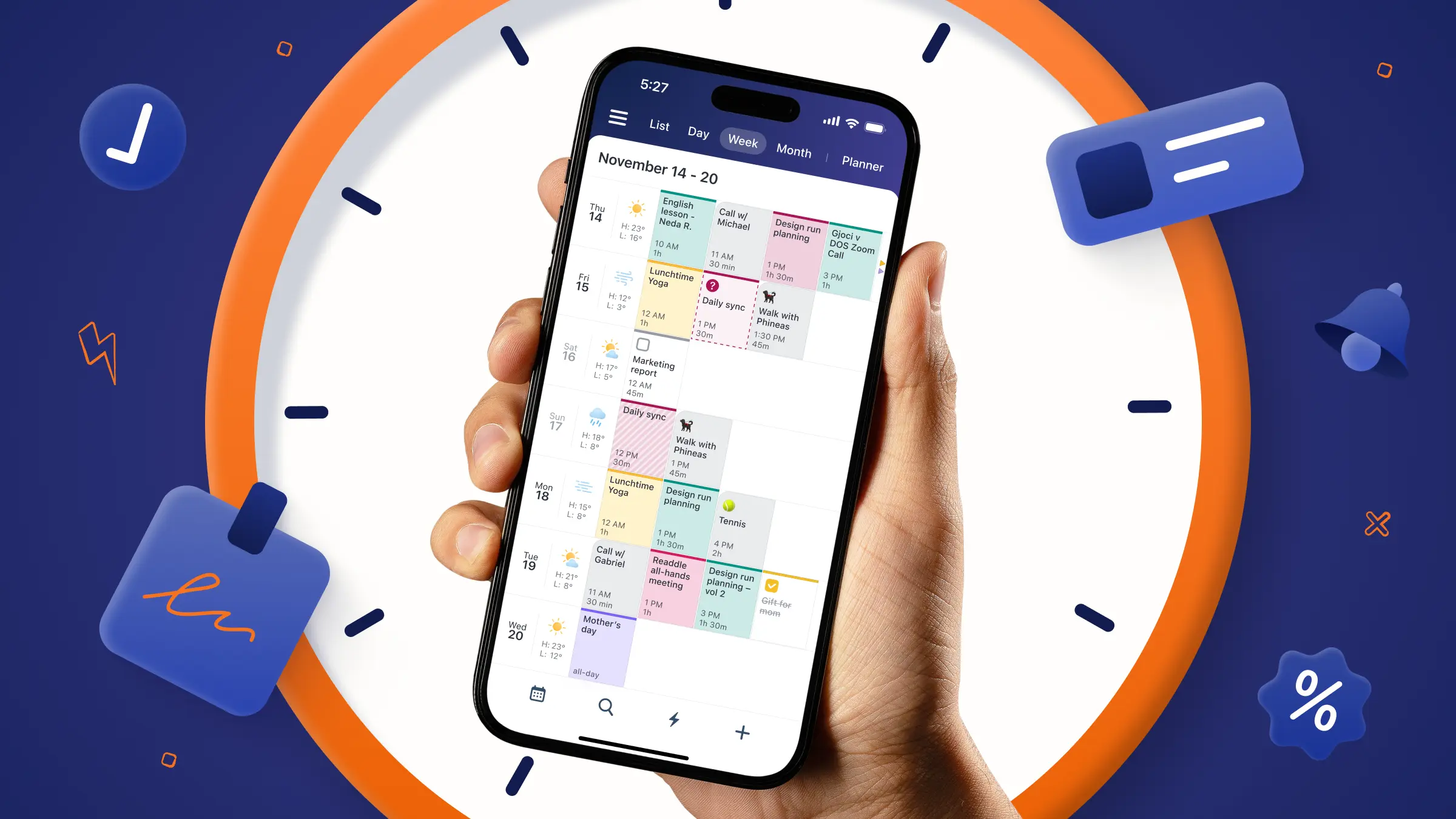
Calendars by Readdle is more than just a to-do list app, it’s a complete time and task management hub that combines your schedule and your tasks in one seamless interface. Instead of juggling separate apps for your calendar and tasks, you can plan events, manage to-dos, and set reminders all in one place.
Beyond productivity, Calendars also supports mindful routines. You can build and track habits, track your mood, energy and stress levels, and upgrade to go the the Mindful Productivity Masterclass, which has over 20 bite-size lessons to stay focused and uplevel your time management skills.
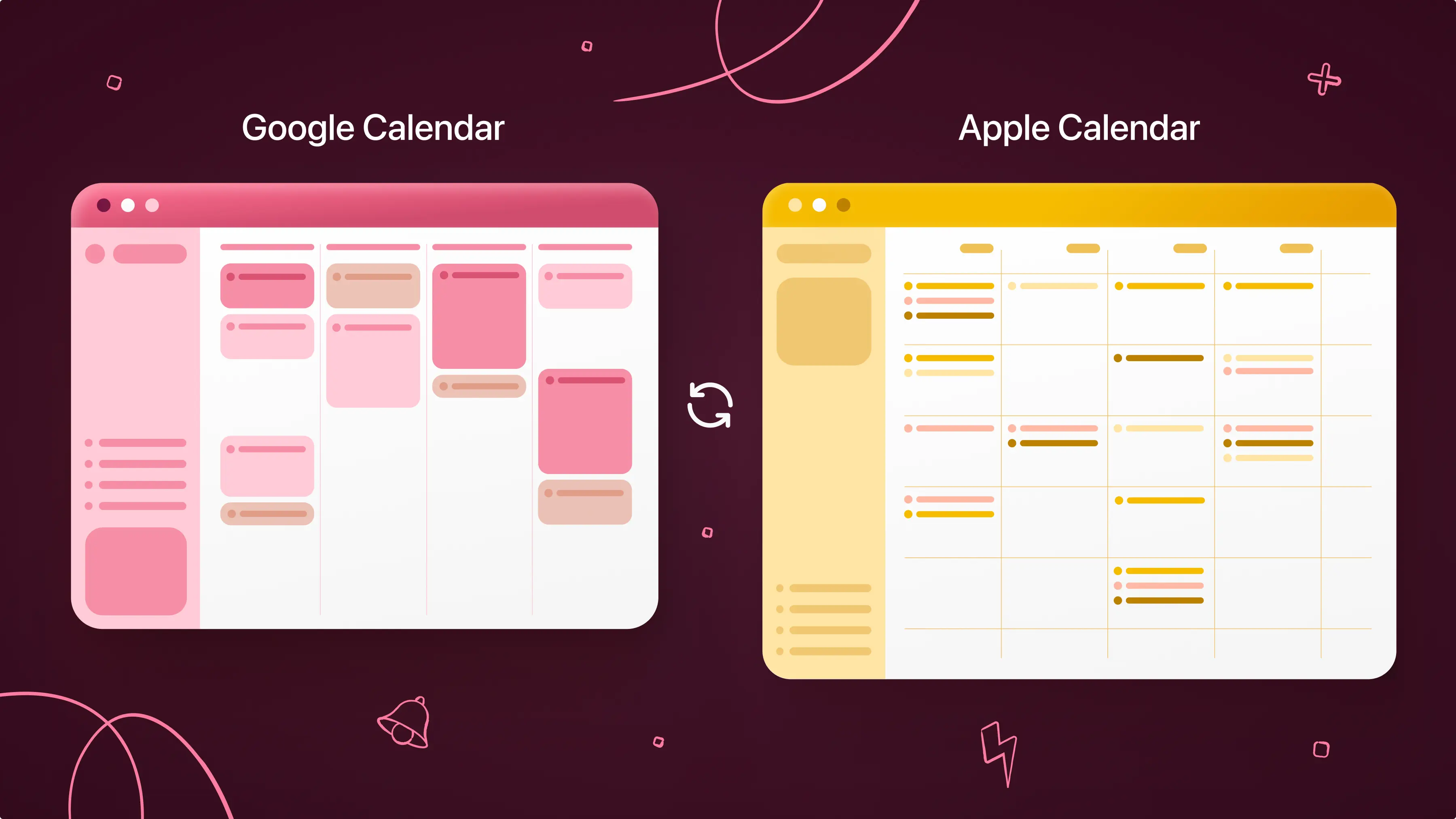
Calendars by Readdle supports cross-device syncing between iOS devices. While it doesn’t cover Android or other platforms, it keeps your tasks and events perfectly in sync on the devices where most users operate. You can also integrate your Google, Outlook, and iCloud calendars to see everything in one unified view.
Cons:
- Some features take time to explore.
- Apple and desktop only (no Windows or Android).
Who it’s best for: Anyone who primarily uses Apple products and wants a single app for both scheduling, task management, and mindful productivity with cross-device syncing.
Todoist
Todoist is a powerful to-do list app built for people who need more than just a simple checklist. It lets you organize tasks into projects, set priorities, add labels, and break work into smaller subtasks.
Beyond basic task tracking, Todoist offers location-based reminders (so you’re reminded when you arrive somewhere), daily digest emails that give you a clear snapshot of what to focus on each day, and deep integrations with tools like Google Calendar, Slack, time-tracking apps, and automation platforms. This makes it easy to connect Todoist to the rest of your workflow.
Todoist is also one of the most widely available apps on the market. It works on iOS, Android, desktop, web, wearables, browser extensions, and even email add-ons, so your tasks follow you everywhere.
Cons:
Some of the most useful features require a paid subscription.
The number of options and settings can feel overwhelming for users who just want a basic to-do list.
Who it’s best for: People managing busy schedules, multiple projects, or complex workflows who want advanced organization, automation, and cross-platform access.
Microsoft To Do
Microsoft To Do keeps things simple. You can create lists, set reminders, and check off completed tasks. It works across Windows, iOS, Android, and the web, so your lists are always up to date.
It’s especially convenient if you already use Outlook or other Microsoft tools. While it doesn’t have all the advanced features of Todoist, its clean interface makes it easy to jump in without a learning curve.
Cons:
- Fewer advanced features, like labels, filters, or complex subtasks.
- Basic design may feel too simple for power users.
Who it’s best for: People who want a free, straightforward to-do list, especially if they already use Microsoft apps.
Any.do
Any.do is a daily planning app designed to help you stay on top of tasks without making things feel complicated. You can also add tasks using voice commands, which makes it easy to capture ideas on the go.
What sets Any.do apart are its collaboration and messaging features. You can create tasks directly from WhatsApp, receive reminders inside your chats, and even discuss tasks with others in context so conversations and action items stay connected. For teams, Any.do also offers a completed tasks report, which shows who finished what and when, helpful for accountability without micromanaging.
If you’re switching from another tool, Any.do makes it easy to get started with automatic imports from other task managers, so you don’t have to rebuild your system from scratch. Overall, it blends simple daily planning with light teamwork and communication tools.
Cons:
- Some reminders, WhatsApp integration, and team features require a paid plan.
- Not ideal for managing large, complex projects with many dependencies.
Who it’s best for: People who want a personal-assistant–style to-do app that helps manage daily tasks, reminders, and conversations in one place.
Things 3
Things 3 is a premium task manager built exclusively for Apple users, and it’s best known for its clean design and smooth, thoughtful user experience. Everything syncs seamlessly across Mac, iPhone, and iPad, so your tasks stay updated no matter which device you’re using.
On macOS, Things 3 really shines with its multiple window support. You can open different projects in their own windows, drag tasks between them, use split view, or even spread lists across multiple displays. This gives you a highly flexible workspace if you like to visually organize your tasks while you work.
To help you stay motivated, Things 3 offers progress pies, a visual way to track how close you are to completing a project. At a glance, you can see what’s done and what still needs your attention.
While Things 3 doesn’t offer advanced automation, integrations, or team collaboration like some other apps, it excels at delivering a focused, distraction-free task management experience that feels polished and intentional.
Cons:
- Apple-only (no Windows, Android, or web apps).
- Paid app with a one-time purchase for each device platform.
Who it’s best for: Apple users who want a visually appealing, simple, and elegant app to organize both personal and professional tasks.
What Is the Best To-Do List App to Use?
If you’re asking, “Which app should I actually use?” The answer depends on your lifestyle, but there’s one app that stands out for people who want both function and design: Calendars by Readdle.
Calendars is built for users who care about how their tools look and feel just as much as how they work. Everything stays perfectly in sync across your iPhone, iPad, and computer.
It’s also an ideal option for people who are tired of juggling multiple productivity apps. If you already plan your life in a calendar, adding task management directly inside simply makes sense. Instead of bounding between a calendar app and separate to-do list (a common source of app fatigue), you get one streamlined system that simplifies your daily workflow.
With Calendars, you get clarity without complexity: fewer apps, fewer distractions, and a smarter way to manage both your time and your tasks.
o while there are many great to-do list apps, Calendars is the one we’d recommend if you want a single, reliable, and beautifully designed tool that simplifies your life instead of complicating it.
Disclaimer: This article is accurate as of the date of publication. Please refer to the products’ websites for the most up-to-date information on their features.