ADHD affects an estimated 8% of adults worldwide, and one of the most common challenges is difficulty with executive function. That includes things like planning, prioritizing, remembering, and following through. Unfortunately, most productivity apps expect you to already have this down.
That mismatch is why so many people with ADHD end up abandoning new apps. Because the tools themselves require too much setup, too many decisions, or too much consistency to maintain.
Research on ADHD and executive function shows that externalizing tasks (getting things out of your head and into a system) can significantly improve follow-through. But that only works if the system is actually easy to use.
So, are there apps that work for ADHD? Yes, but not as a single, all-in-one solution. ADHD doesn’t show up in just one area of life. It impacts how you:
- perceive and manage time (often called time blindness)
- start and complete tasks
- regulate focus and attention
- manage daily responsibilities and routines
Because of that, the most effective approach isn’t finding one “perfect” app. It’s using a small set of tools that each support a specific function and work together to reduce friction across your day.
Four ADHD productivity apps to download
Here are 4 ADHD productivity apps that will help you stay on track, get things done, and feel more in control of your day.
1. Daily planning: Calendars by Readdle
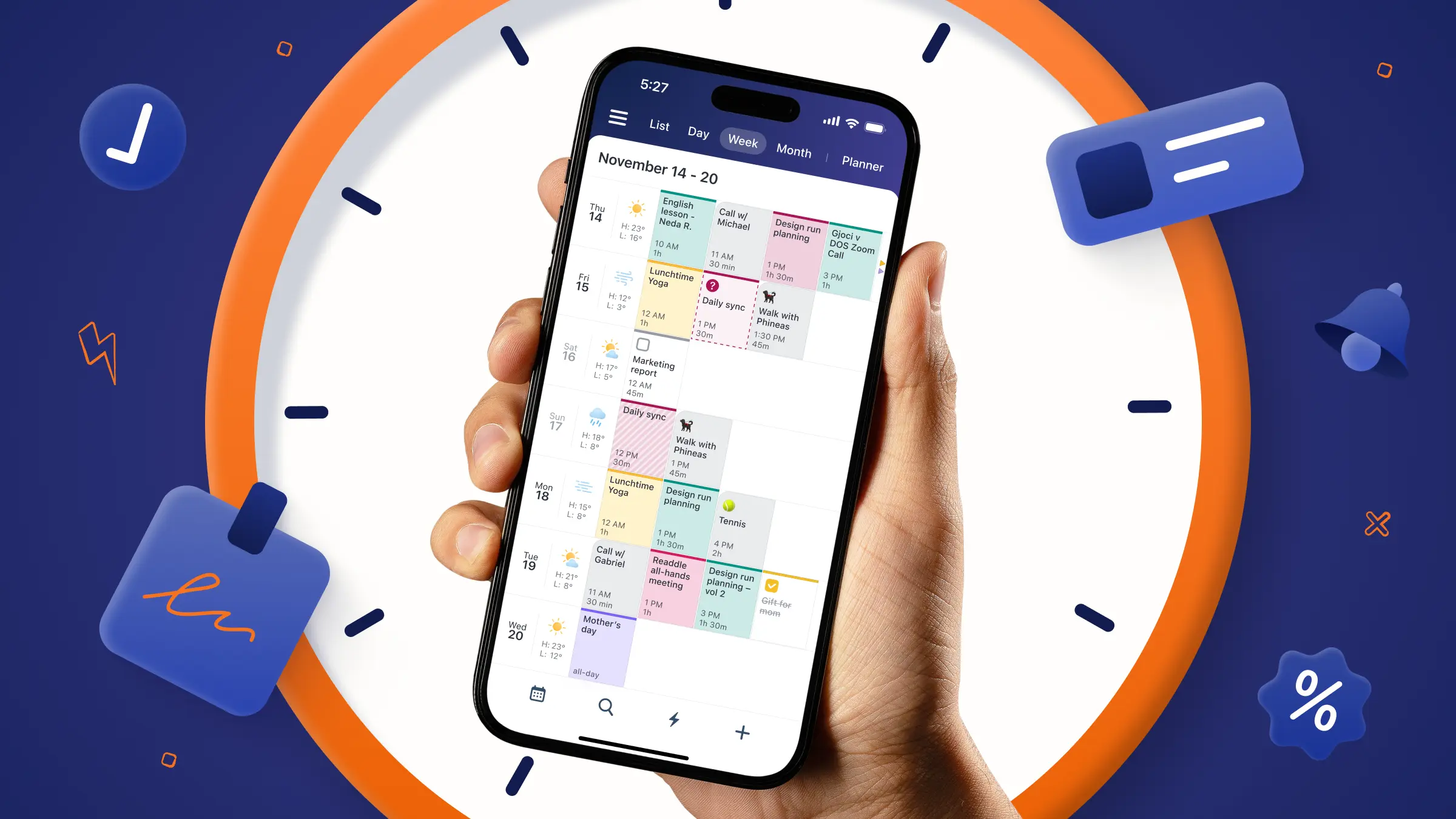
If you struggle with time awareness, overbooking yourself, or not knowing where your day went, a visual planning tool can make a noticeable difference. Calendars by Readdle stands out as a top choice because it helps you visually understand and interact with your time.
Why it works for ADHD
- Visual colour-coding reduces mental load: Instead of scanning a long list of tasks, you can quickly see your day at a glance using colour-coded events and categories. This kind of visual organization makes it easier to separate work, personal time, and priorities without overthinking it.
- Natural language input removes friction: One of the biggest barriers with ADHD is simply starting. Calendars lets you type something like “Lunch with Sarah tomorrow at 1” and automatically creates the event with no extra fields or steps required. That small shift reduces decision fatigue and makes it far more likely you’ll actually use the app consistently.
- Tasks and calendar in one place: Instead of juggling multiple tools, Calendars integrates both your schedule and your to-do list into a single view. This helps you connect what you need to do with when you’ll actually do it, a key gap for many people with ADHD.
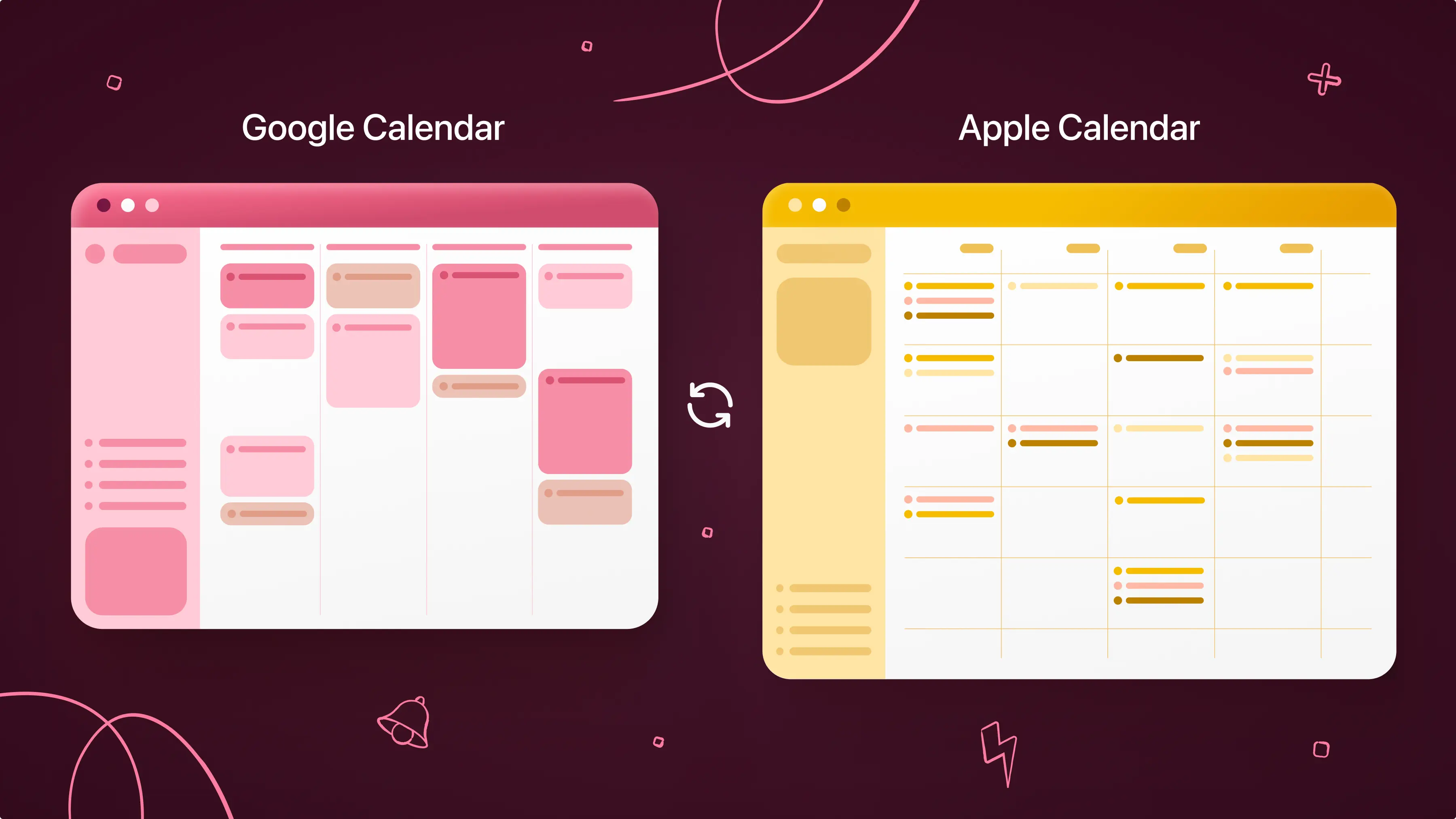
- Cross-device simplicity within the Apple ecosystem: Calendars works seamlessly across iPhone, iPad, Mac, and Apple Watch, so your schedule is always accessible which reduces the chances of things slipping through the cracks.
2. Sleep: Alarmy
Sleep is one of the most overlooked parts of ADHD productivity, but it’s also one of the most foundational. ADHD is strongly linked to delayed sleep cycles, difficulty waking up, and inconsistent routines, which can make mornings feel chaotic before the day even starts. And when you’re already dealing with sleep inertia or low morning activation, a standard alarm that’s easy to snooze often isn’t enough.
That’s where Alarmy stands out. Instead of relying on willpower, it’s designed to force full wake-up activation through action, helping you break out of that half-asleep state more consistently.
Why it works for ADHD
- “Missions” force you to wake up fully: Alarmy requires you to complete a task like solving a math problem, taking a photo, or scanning a barcode to turn off the alarm. This creates an immediate shift from passive waking to active engagement, which helps reduce sleep inertia (that groggy, half-asleep state where it’s easy to hit snooze).
- Sleep insights help you understand patterns: Beyond waking you up, Alarmy also provides sleep reports and tracking insights, helping you see patterns in your sleep duration and consistency over time. For ADHD users, this kind of external feedback can be useful for spotting trends like inconsistent sleep timing, short sleep duration during busy weeks, and how sleep affects morning difficulty.
- Supports both night and morning routines: Alarmy also includes sleep sounds and wind-down tools, which can help create a more consistent pre-sleep routine. Because with ADHD, improving mornings often starts the night before.
3. Focus: Forest
Staying focused with ADHD requires more than eliminating distractions. You need to create enough structure to stay with one thing long enough to actually make progress. Because for many people with ADHD, focus breaks down when attention gets pulled away by notifications, tabs, ideas, or the constant urge to switch tasks.
Forest takes a different approach than traditional “block everything” productivity tools. Instead of adding more complexity, it turns focus into a simple, visual commitment loop.
Why it works for ADHD
- Focus becomes a time-based reward system: When you start a focus session in Forest, you plant a virtual tree that grows while you stay off your phone. If you leave the app, the tree dies. That simple mechanic creates a visible representation of attention over time, which can be especially helpful for ADHD brains that struggle with time perception. Instead of “I worked for 30 minutes,” you see 30 minutes of growth.
- Momentum shows through visual progress: Over time, your forest becomes a record of your focus sessions. For ADHD users, this externalized progress can be motivating because it replaces abstract productivity (“I should be working more”) with something tangible and cumulative.
- It creates a soft boundary between focus and distraction: Instead of aggressively blocking apps or locking you out, Forest creates a gentle containment system. You can still choose to leave, but you’re reminded of the tradeoff. That balance tends to work better for ADHD brains than rigid restriction systems, which often get bypassed or abandoned.
4. Decision making: Tiny Decisions
One of the most exhausting parts of ADHD is decision fatigue. From small choices like “what should I eat?” to bigger ones like “what should I start working on first?”, everyday decisions can pile up quickly. And when too many decisions stack up, it often leads to procrastination or getting stuck in analysis paralysis.
Tiny Decisions is designed specifically to remove that pressure by outsourcing low-stakes decisions to a simple randomizer system.
Why it works for ADHD
- Eliminates choices: Unlike task or calendar apps that help you structure decisions, Tiny Decisions bypasses structure altogether. You input options, spin a wheel, and accept the result. This is important because ADHD overwhelm often comes not from lack of tools, but from too many valid choices competing at once.
- It targets micro-decisions, not planning systems: This is what makes it fundamentally different from tools like calendars or task managers. It’s not helping you organize your day, it’s helping you escape decision bottlenecks inside the day itself. That includes what to start next, what task to do first, and what to focus on when everything feels equally important.
- Reduces cognitive fatigue: ADHD burnout often comes from the accumulation of small decisions, not just big ones. By outsourcing even low-stakes choices, you preserve mental energy for tasks that actually require focus and follow-through.
Final thoughts
No single app solves ADHD because no single problem exists in isolation. Each one plays a different role in your day, and together they help reduce the friction that ADHD often creates across time, focus, sleep, and decisions. Start by downloading one or two of these apps and building a simple system that supports how your ADHD actually works.
Disclaimer: This article is accurate as of the date of publication. Please refer to the products’ websites for the most up-to-date information on their features.