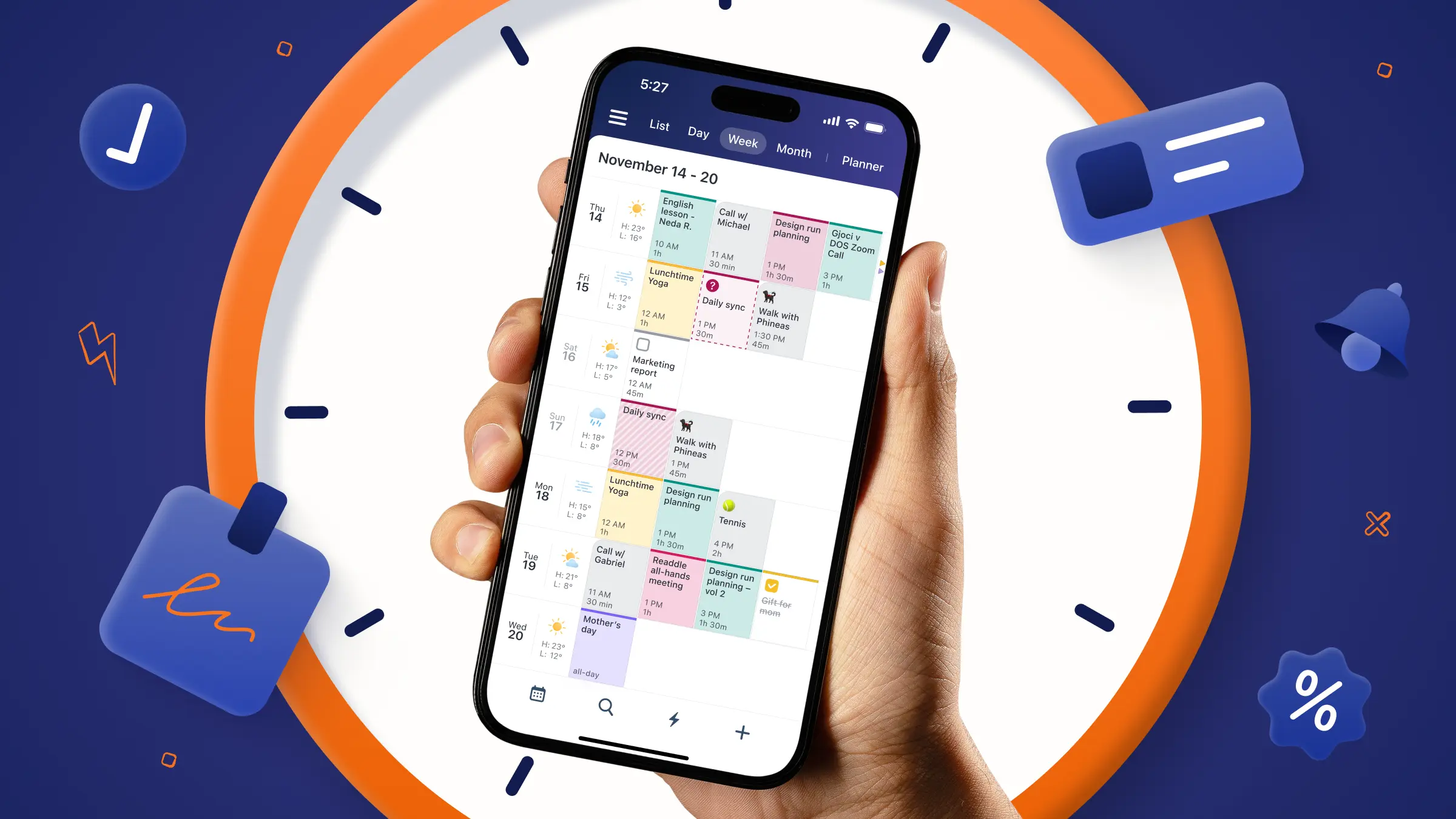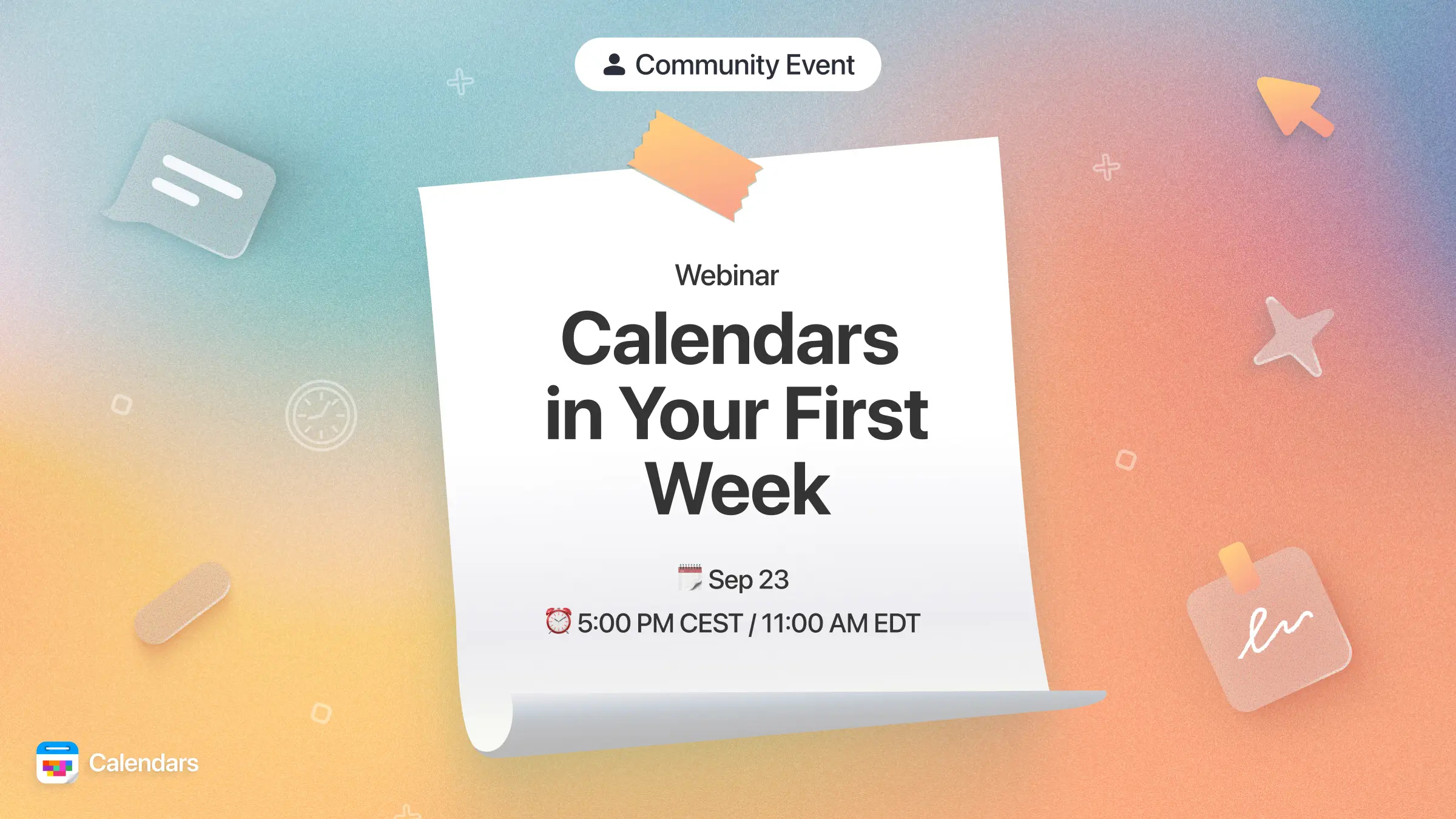
Getting a new app to fit into your daily routine can take some trial and error, and Calendars is no exception. That's why we're hosting a free, live walkthrough on the 23rd of September at 17:00 CEST / 11:00 am EDT, designed to help you go from "just downloaded it" to "this runs my whole day" in just 25 minutes.
Hosted by our Senior Support team, this session is built specifically for people in their first week with Calendars. We'll skip the fluff and focus on exactly what you need to get set up right the first time.
What we'll cover:
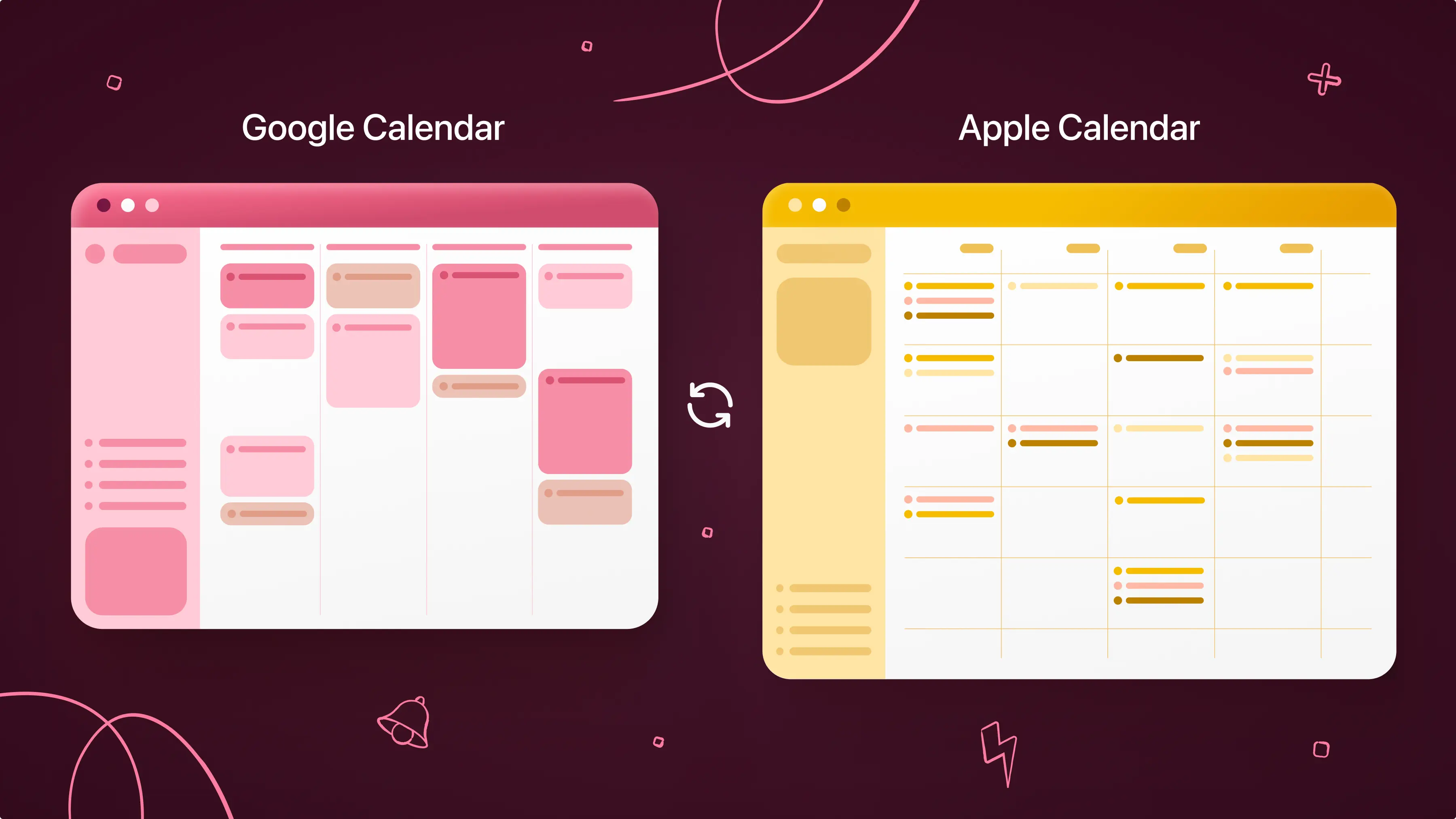
We'll start with the basics: connecting your accounts and calendars so everything syncs the way it should from day one, whether that's Google Calendar, Apple Calendar, or Outlook.
From there, we'll show you how to add events and tasks faster, with fewer taps and less friction, drawing on ideas like building an effective to-do list and time blocking so your calendar stays up to date without becoming a chore.
Finally, we'll walk through building a daily routine using widgets and reminders, including how to make the most of the habit tracker and simple tricks like habit stacking and color-coding your calendar, turning Calendars into a tool that works quietly in the background instead of one more app you have to think about.
Details:
The walkthrough runs for 25 minutes, followed by a live Q&A where our team will answer your specific questions in real time. It's completely free to attend.
Date and time: 23rd of September at 17:00 CEST / 11:00 am EDT
Can't make it live?
No problem. Register anyway, and we'll send you the full recording afterwards so you can watch whenever it's convenient.
This is the same team that answers your support questions every day, so come with your real questions about your setup, your workflow, or anything in between. There's a good chance we've heard it before, and we're glad to walk through it together.
In the meantime, if you want a head start, our blog has more on building morning rituals that stick and choosing the right calendar app for your workflow.
Ready to get the most out of Calendars from day one? Save your spot below.